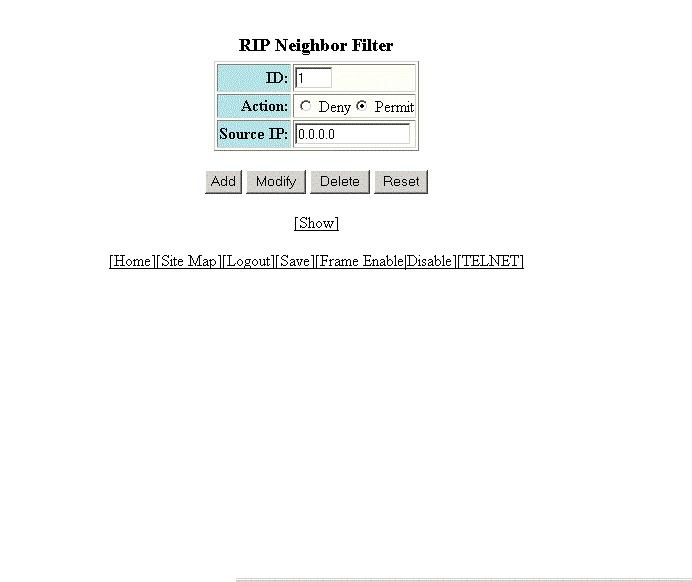
Configuring a RIP neighbor filter
By default, a RUCKUS Layer 3 switch learns RIP routes from all its RIP neighbors. Neighbor filters allow you to specify the neighbor Layer 3 switches from which the RUCKUS device can receive RIP routes. Neighbor filters apply globally to all ports.
To configure a RIP neighbor filter, perform the following steps.
- Click Configure on the left pane and select RIP .
- Click Neighbor Filter .
- Type a filter number in the ID field.
- Click Deny or Permit for Action .
- Type a source IP address in the Source IP field.
- Click
Add .
The message The change has been made is displayed. To display the configured RIP neighbor filter, click Show .
To modify the configured RIP neighbor filter, click Modify . To reset the data entered in the configuration pane, click Reset . You can also delete the configured RIP neighbor filter by clicking Delete .