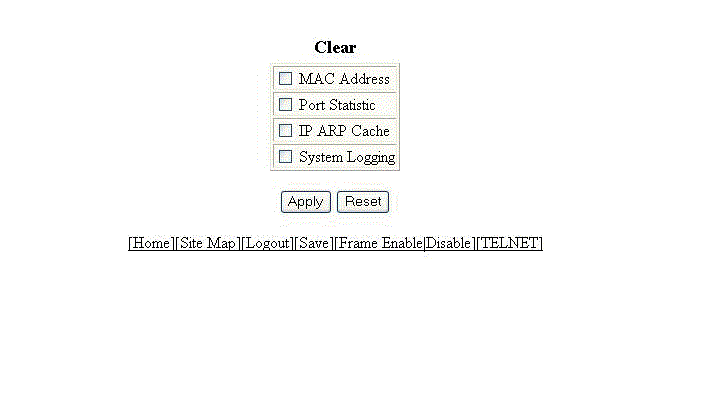
Clearing information for a Layer 2 switch To clear specific data related to a Layer 2 switch, perform the following steps. Click Command on the left pane and select Clear. The Clear window is displayed as shown in the figure below. Clear window Select the following check boxes to clear information: MAC Address Port Statistic IP ARP Cache System Logging Click Apply . All the current entries will be deleted. Parent topic: Basic Device Commands