To configure the maximum system parameter value, perform the following steps.
Click
Configure on the left pane and select
System .
Click
Max-Parameter .
The
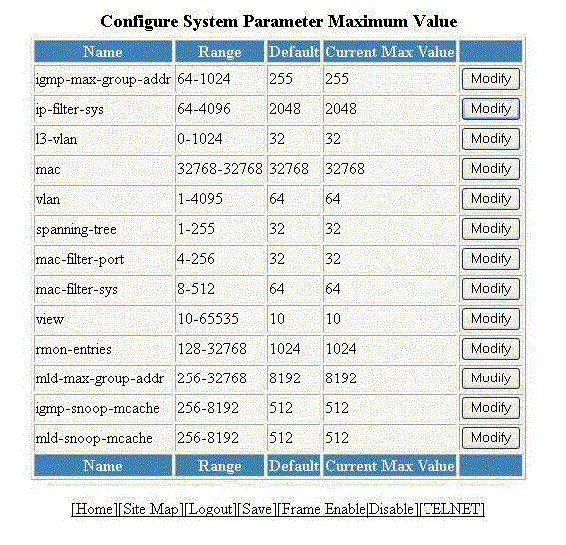
Configure System Parameter Maximum Value window is displayed as shown in the figure below.
Configuring the maximum system parameter
To change the values for each system parameter, click
Modify .
The
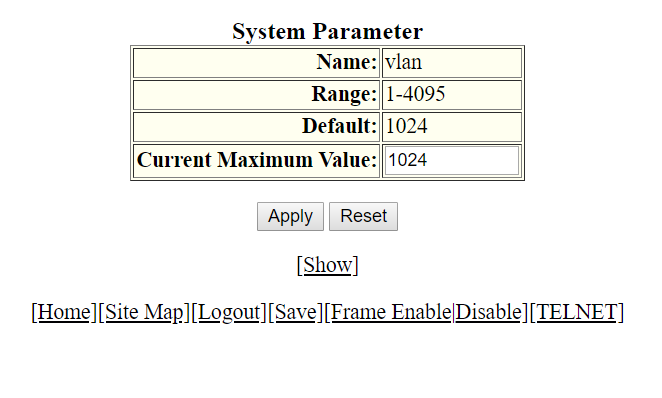
System Parameter window is displayed as shown in the figure below.
Modifying the maximum parameter value
Type the maximum value in the
Current Maximum Value field.
Click
Apply .
The message
The change has been made is displayed. To display the configured maximum system value, click
Show . To reset the data entered in the configuration pane, click
Reset .