Configuring a management port
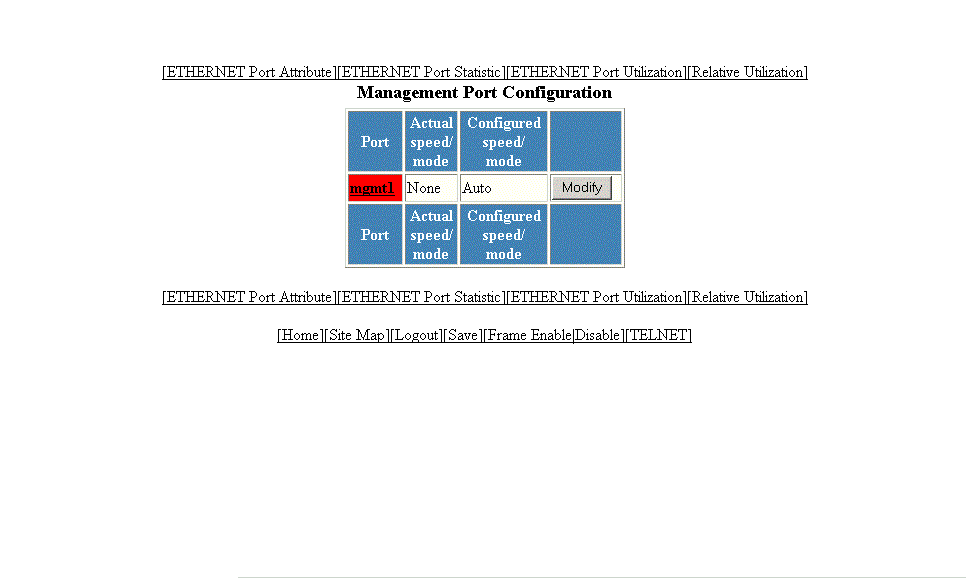
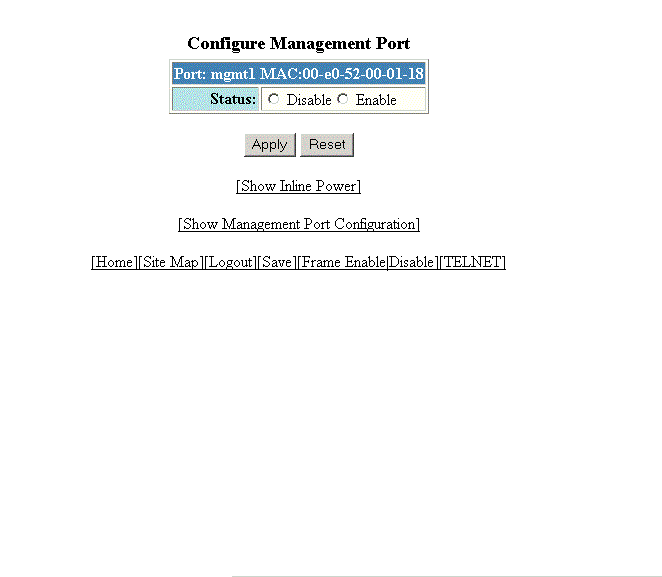
To configure a management port, perform the following steps.
- Click Configure on the left pane and select Port .
- Click Management .
- Click Modify .
- Click Disable or Enable for Status .
- Click
Apply .
The message The change has been made is displayed. To reset the data entered in the configuration pane, click Reset .
To display the configured management port information, click Show Management Port Configuration .
To display the inline power statistics and details, click Show Inline Power . For more information, refer to Displaying port inline power for Brocade ICX devices.