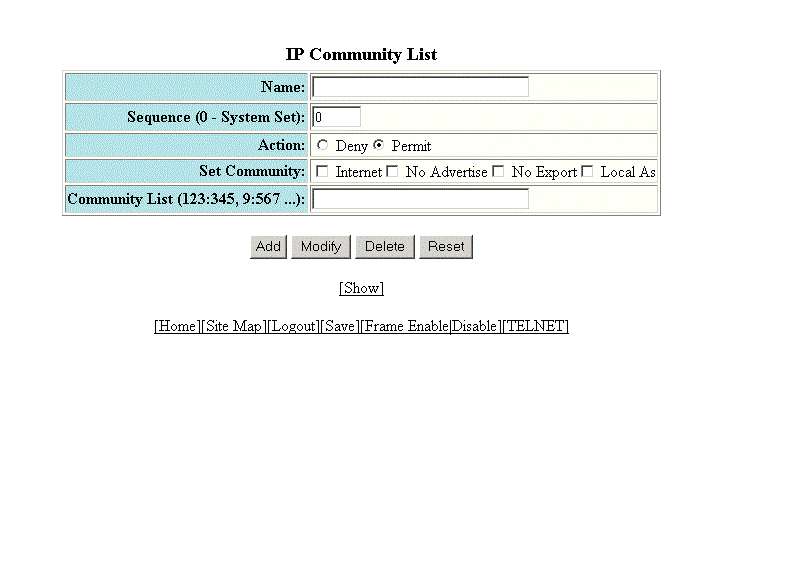
Configuring an IP community list
To configure an IP community list, perform the following steps.
- Click Configure on the left pane and select IP .
- Click Community Access List .
- Type the ACL name in the Name field.
- Type the community list sequence number in the Sequence (0 - System Set) field. You can configure up to 199 entries in a community list.
- Click Deny or Permit for Action .
- Select one of the following options for
Set Community :
-
- Internet --The Internet community.
- No Advertise --Routes with this community cannot be advertised to any other BGP Layer 3 switches.
- No Export --The community of sub-Autonomous Systems within a confederation. Routes with this community can be exported to other sub-Autonomous Systems within the same confederation but cannot be exported outside the confederation to other Autonomous Systems or otherwise sent to EBGP neighbors.
- Local Autonomous System --The local sub-Autonomous System within the confederation. Routes with this community can be advertised only within the local sub-Autonomous System.
-
- Type the community number in num :num format in the Community List field.
- Click Add .