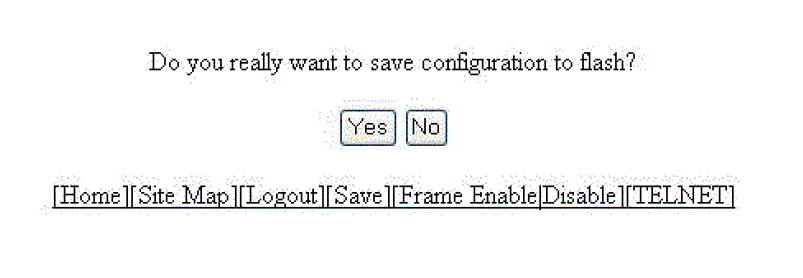
Saving the configuration to flash To save the configuration changes to flash, perform the following tasks. Click Command on the left pane and select Save To Flash . The save configuration window is displayed as shown in the figure below. Saving the configuration to flash Click Yes to confirm saving the configuration. Note: To apply the changes to memory allocation, reload the software after you save the changes to the startup-configuration file. Parent topic: Basic Device Commands