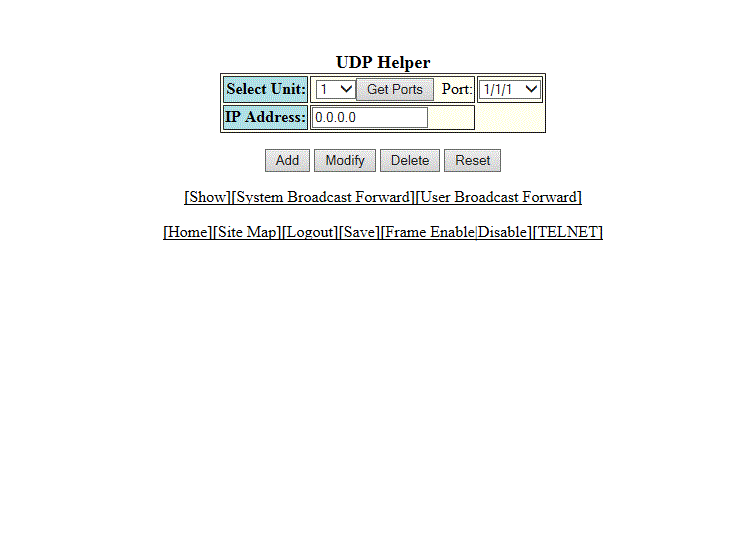
Configuring a UDP helper
To configure a helper address on the interface connected to the clients, perform the following steps.
- Click Configure on the left pane and select IP .
- Click UDP Helper .
- Select a Unit ID from the
Select Unit list and click
Get Ports to retrieve the list of ports corresponding to the selected Unit ID.
A message is displayed to indicate that the operation does not change the running configuration.
- Select an Ethernet port in the Port list.
- Type the server IP address or the subnet directed broadcast address of the IP subnet the server belongs to in the IP Address field.
- Click Add .