You are viewing a cached version of this page.
You are currently offline. This page was loaded from cache.
To display the front panel, click Monitor on the left panel and select Front Panel.
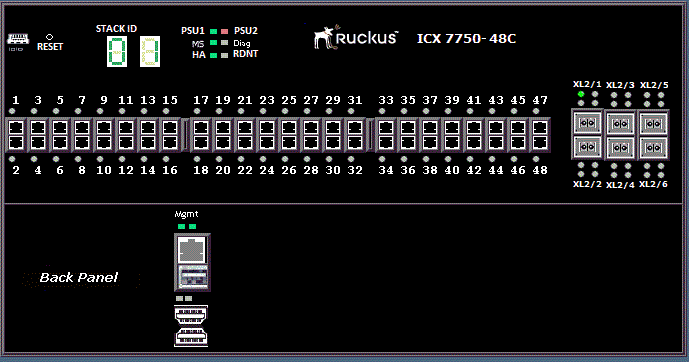
The figure below shows the front panel of the RUCKUS ICX 7750 device.
Did you find what you were looking for?