Configuring a stack module
Note: You cannot modify the stack ports for the ICX devices.
To configure a stack module, perform the following steps.
- Click Configure on the left pane and select Stack .
- Click Module .
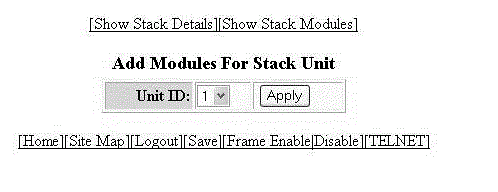
- Select a stack unit identifier in the Unit ID list.
- Click Apply .
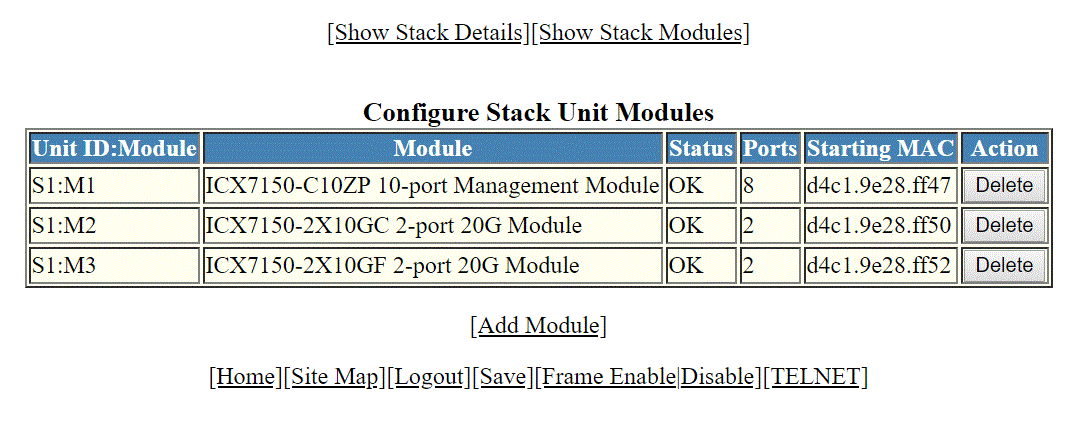
- Select a stack module in the list on the
Module column and then click
Add .
To display current stack details, stack port status, and stack neighbors information, click Show Stack Details . For more information, refer to Displaying the stack details. Click Delete to delete a stack unit module. You cannot delete the active modules.
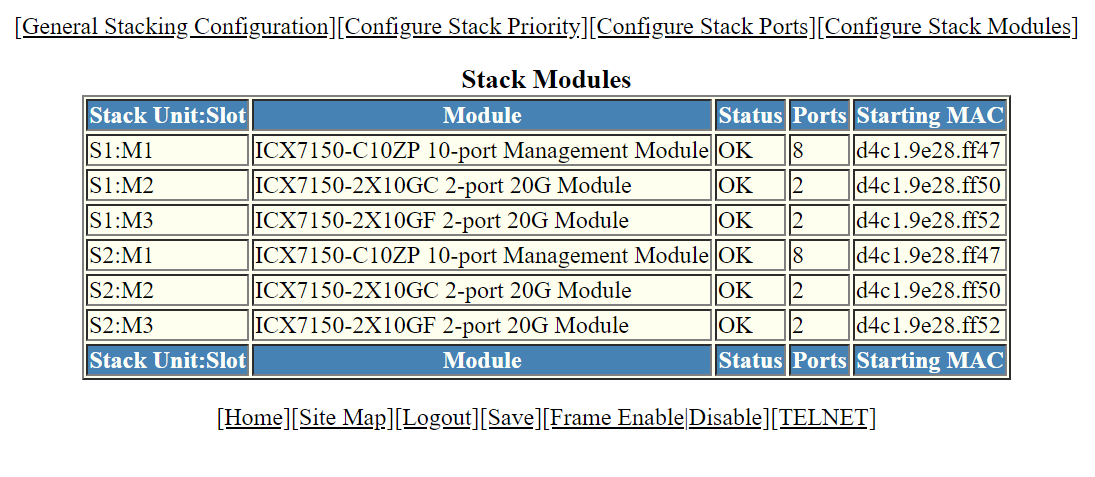
To display the stack unit modules, click Show Stack Modules . For more information, refer to Displaying a stack module.
The following figure shows the module page of ICX 7850.