Changing polling interval
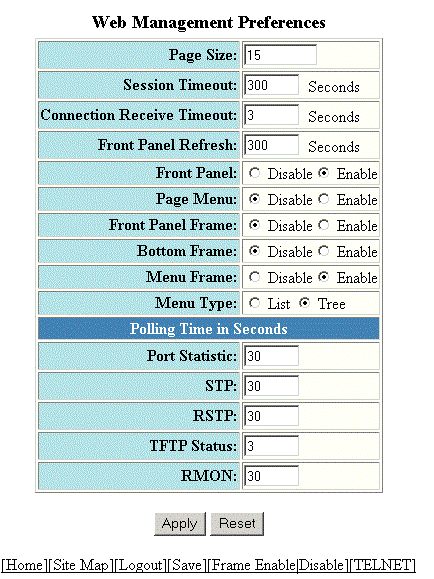
To change the number of seconds between reporting the RMON Ethernet statistics, perform the following steps.
- Click Change Polling interval on the RMON Ethernet Statistics window.
- Specify the RMON polling interval in the RMON field.
- Click
Apply .
The message The change has been made is displayed at the top of the window. To undo the changes, click Reset . For more information on web management preferences, refer to Configuring the web management preference.