Displaying the management port information
To display the current management port configuration information, perform the following steps.
- Click Monitor on the left pane and select Port.
- Click
Management.
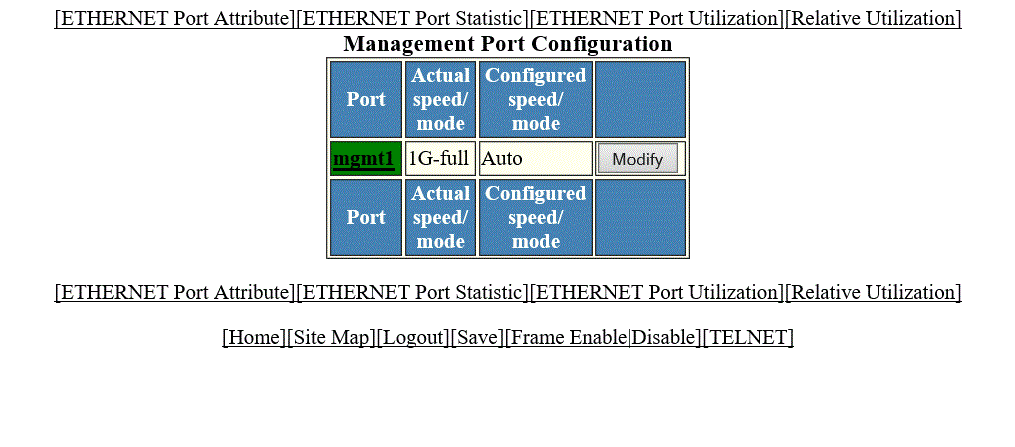
The Management Port Configuration window is displayed as shown in the figure below.
Description of the fields in the Management Port Configuration window
To configure a management port or change the configuration of a current management port, click Modify. For more information, refer to the “Configuring a management port” section.
The Management Port Configuration window provides links to configure the port parameters:
- To monitor the Ethernet port attributes, click ETHERNET Port Attribute. For more information, refer to the “Displaying Ethernet port attributes” section.
- To monitor the Ethernet port statistics, click ETHERNET Port Statistic. For more information, refer to the “Displaying Ethernet port statistics” section.
- To monitor the Ethernet port utilization, click ETHERNET Port Utilization. For more information, refer to the “Displaying Ethernet port utilization” section.
- To configure the port uplink utilization list, click Relative Utilization. For more information, refer to the “Configuring the port uplink relative utilization” section.