Configuring the QoS profile bind
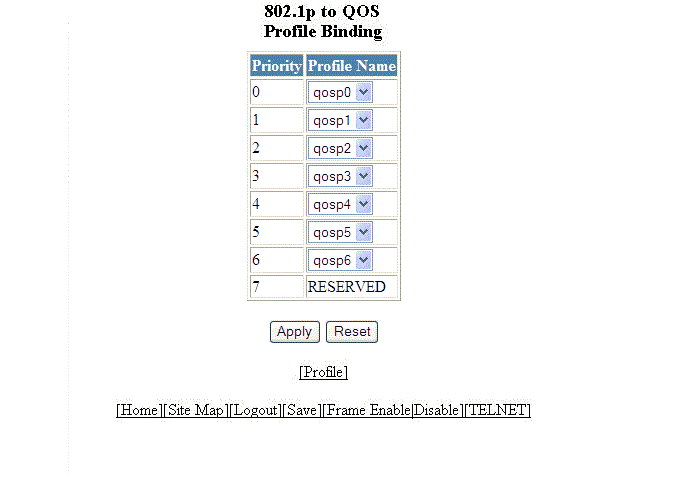
To bind an 802.1p priority to a hardware forwarding queue, perform the following steps.
- Click Configure on the left pane and select QOS .
- Click Bind .
- Select a hardware forwarding queue to which you are reassigning the priority in the Profile Name lists.
- Click
Apply .
The message The change has been made is displayed. To reset the data entered in the configuration pane, click Reset .
To configure the Quality of Service (QoS) profile, click Profile . For more information, refer to Configuring the QoS profile.