Displaying Ethernet port attributes
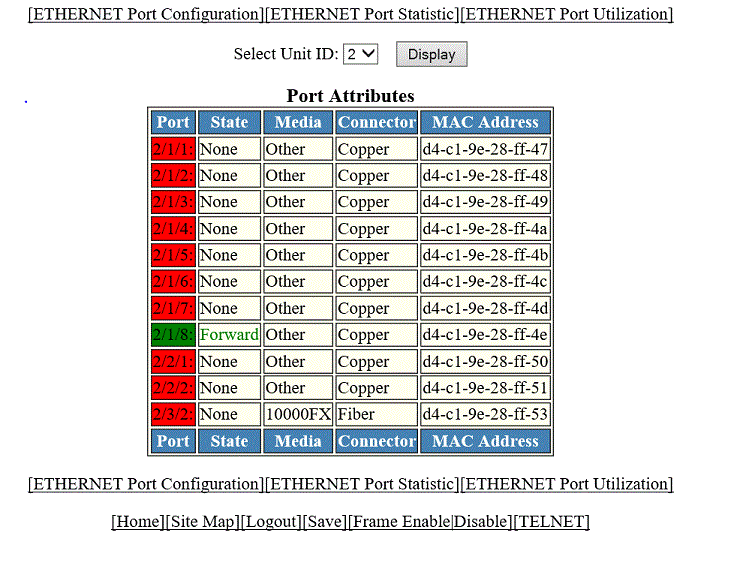
The Port Attributes window lists the number, state, media, connector, and MAC address of the port. To display the Ethernet port attribute information, perform the following steps.
- Click Monitor on the left pane and select Port .
- Click Statistic and then select Ethernet .
- Click ETHERNET Port Attribute on the ETHERNET Port Statistic window.
- Select a unit ID in the
Select Stack Unit ID list and click
Display
to view information about a specific stack unit.
The Port Attributes window is displayed as shown in the figure below.
Description of the fields in the Port Attributes window
The Port Attributes window provides links to configure the port parameters:
- To configure an Ethernet port, click ETHERNET Port Configuration . For more information on how to configure an Ethernet port, refer to Configuring an Ethernet port.
- To monitor the Ethernet port statistics, click ETHERNET Port Statistic . For more information, refer to Displaying Ethernet port statistics.
- To monitor the Ethernet port utilization, click ETHERNET Port Utilization . For more information, refer to Displaying Ethernet port utilization.