Reloading units in a stack
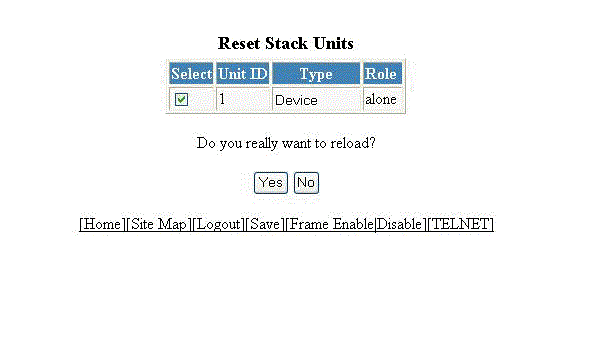
To reload any or all of the units within a device, perform the following steps.
- Click Command on the left pane and select Reload .
- Click
Yes
to start the process.
Note: If the Active Controller is reset or removed from the stack, the entire stack reloads and Active Controller and Standby Controller elections are started. If the unit functioning as the previous Active Controller is no longer part of the stack, the Standby Controller unit becomes the new Active Controller. After a reset, if no stack member qualifies as the Active Controller, the existing Standby Controller waits 30 seconds and then assumes the role of the Active Controller.If both the Active Controller and the Standby Controllers are removed, the rest of the stack continues to function. The stack members will not be able to learn any new addresses.