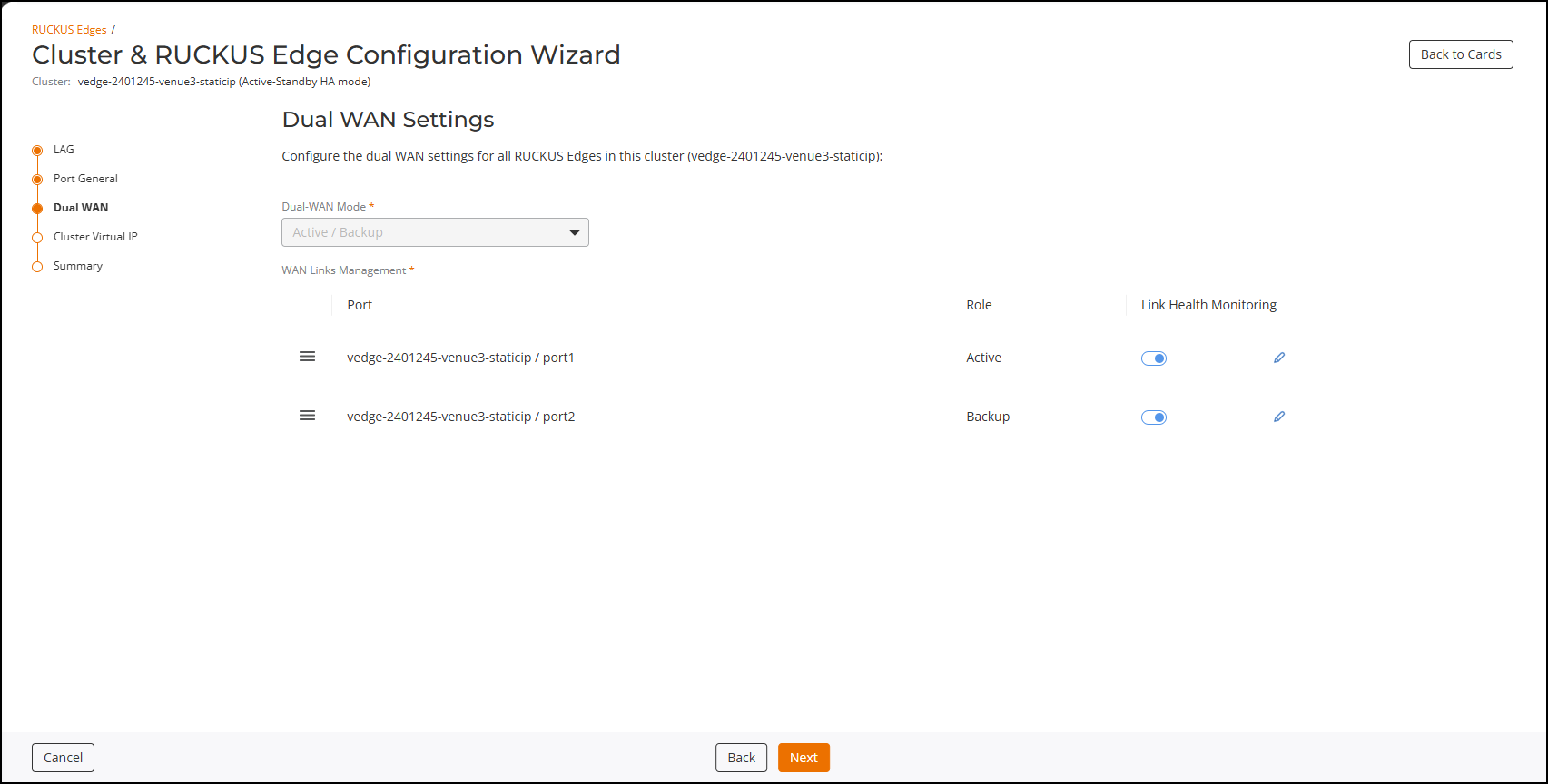
Dual WAN Settings
Note: The Dual WAN Settings wizard page
applies only to single-node clusters.
Note: This section is available only when
setting two WAN ports in the Port General Settings section.
 icon
beside the required port, then drag and drop it to the desired order.
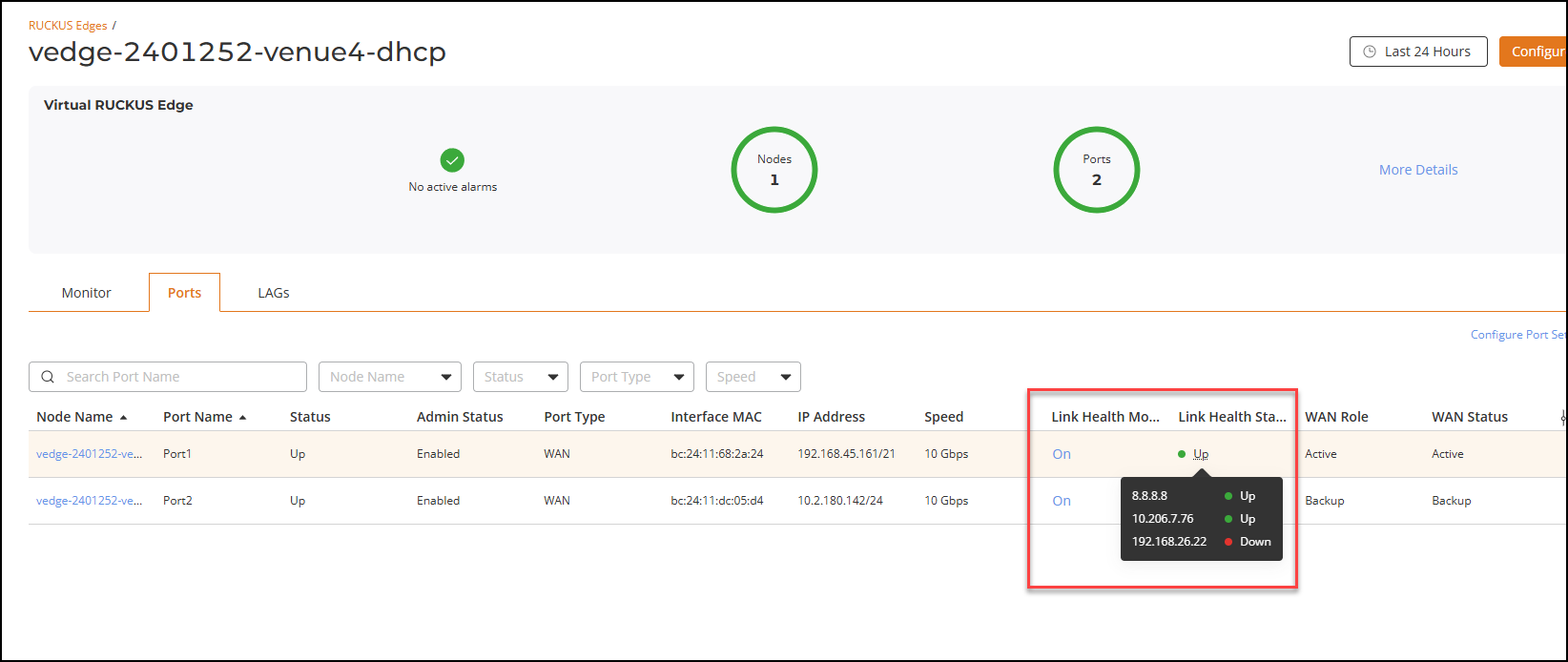
- Click the Link Health Monitoring toggle to enable or disable link health monitoring. If disabled, then link failover cannot occur if the link fails.
- Click the
 icon to configure the link health monitoring settings for the port. The
Link Health Monitoring sidebar is displayed.
- Configure the following for both
ports:
- Protocol: The ICMP (Ping) option is selected by default.
- Target IP Addresses: Click Add Target and enter the destination IP address. A maximum of three IP addresses can be added.
- Failure Condition: Choose one of the following conditions:
- Check Interval: Enter the time interval, in seconds, for performing failover checks. Default value: 3 seconds.
- Mark link as DOWN after: Enter the number of retries before confirming failure. Range: 2-10; default value: 3.
- Mark link as UP after: Enter the number of retries before confirming link restoration. Range: 2-10; default value: 3.
- Click Save to apply the failover configuration.
- Click Next.The Cluster Virtual IP page is displayed.