Adding Routed Interfaces
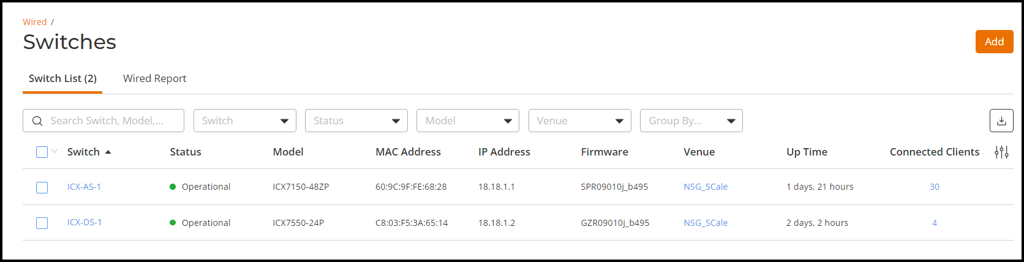
- On the RUCKUS One navigation bar, select . The Switches page is displayed, defaulting to the Switch List tab.
- Click the name of the switch to
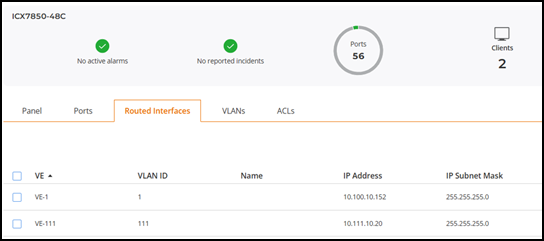
view its routed interface configuration.The switch detail page is displayed, defaulting to the Overview tab.
- Select the Routed Interfaces tab and add a routed interface for the distribution switch and the access switches.