Enabling Property Management
You can enable property management in the
venue and add property units to it.
- On the RUCKUS One navigation bar, select . This displays the Venues page with the list of venues.
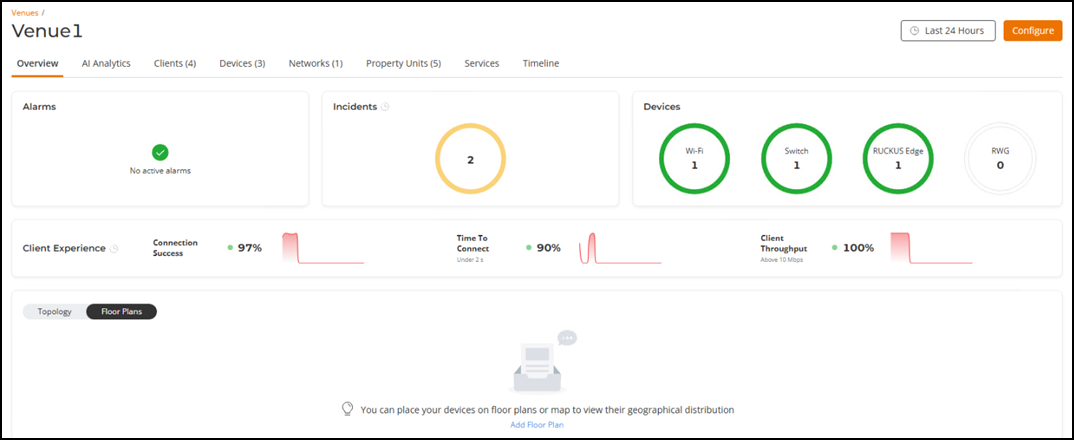
- Click a specific Venue name to view detailed information about it. The selected venue page opens, displaying the Overview tab by default.
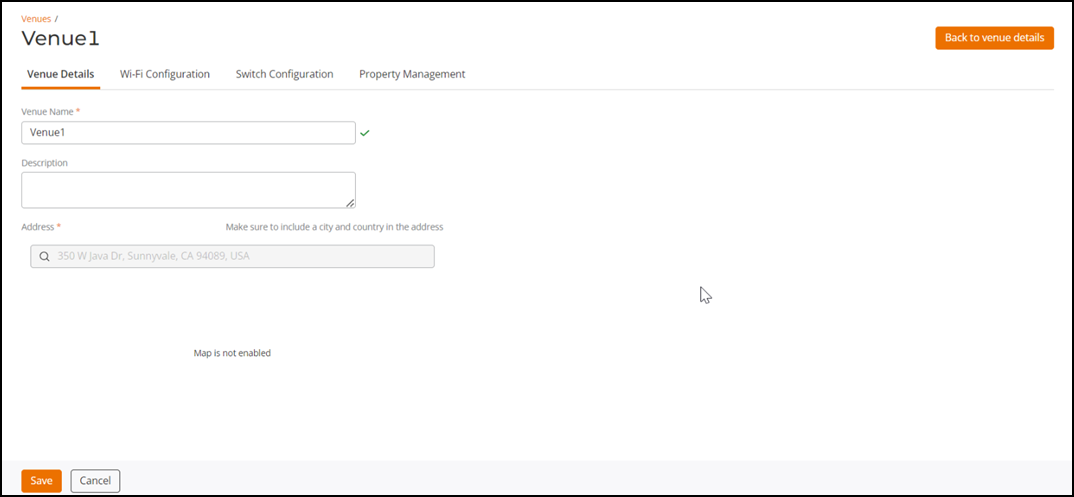
- Click Configure. This displays the selected venue configuration details.
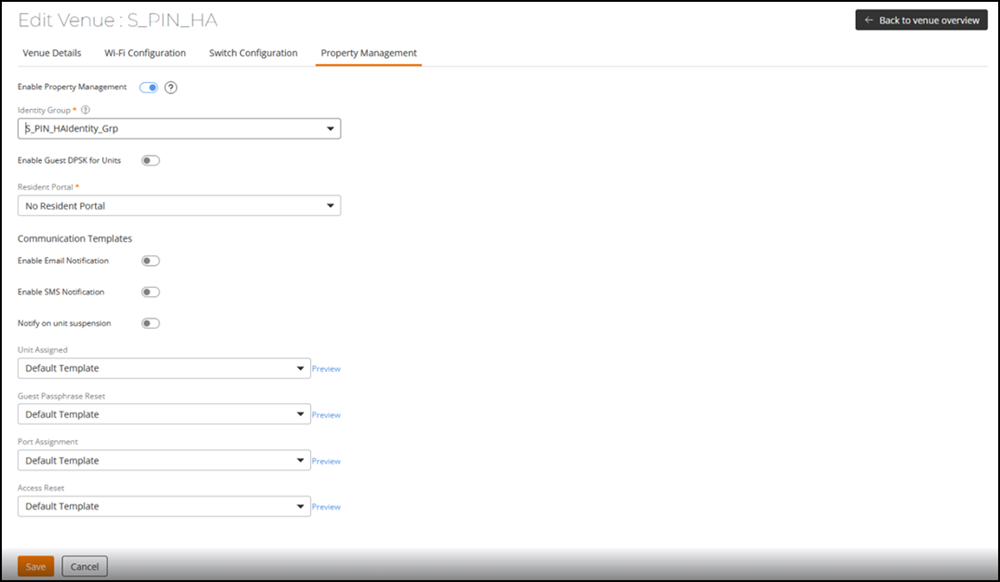
- Select the Property Management tab. This displays the Enable Property Management option.
- After configuring the property management feature, click Save.