Attention: Updating an IPsec
profile that is currently in use is a disruptive operation and may impact active
traffic. Perform this change during a scheduled maintenance window.
To edit an
IPSec Profile:
On the RUCKUS One navigation
bar, select Network Control > My Services.
The My
Services page is displayed.
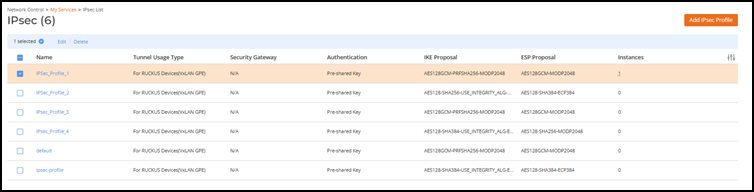
Select IPsec.
The IPsec page is
displayed.
Select an IPsec profile from the
list and click Edit.
IPSec Profile
List
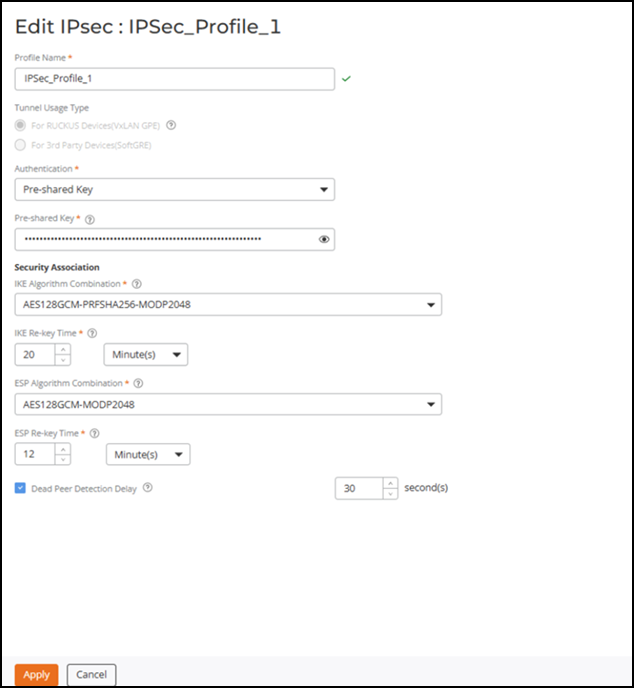
The Edit IPsec page is displayed.
Editing an IPSec Profile
Update the required profile information and click
Apply.