Configuring Core, Access, and Cluster Interface Ports in the Cluster
Core and access ports can be configured on any supported interface type and do not need to match.
In a single‑leg deployment, the same interface may be configured as both the core and access port. For each Edge node in the cluster, only one access port, one core port, and one cluster interface are supported. The default gateway must be reachable via the access port, while connectivity to the DC Core Router, DMZ Cluster, or L2GRE tunnel endpoints is provided through the core port.
Configure static routes on each Edge device to ensure that traffic destined for the DMZ Cluster network and L2GRE tunnel endpoints is routed through the core port.
The cluster interfaces for all Edge nodes in a cluster must be the same interface type, either a physical port or a LAG.
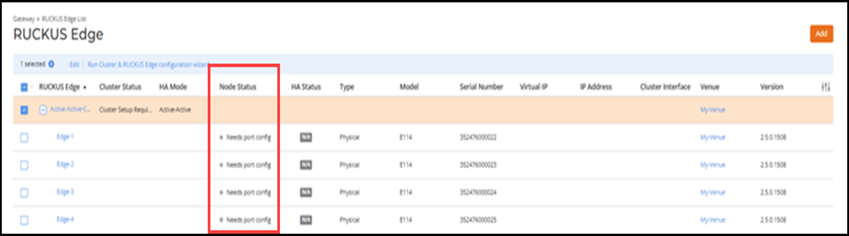
- From the RUCKUS One navigation bar, select .This displays a list of the RUCKUS Edge clusters and devices.
- When the cluster nodes display a Needs Port Config status, select the cluster and click Run Cluster & RUCKUS Edge Configuration Wizard.
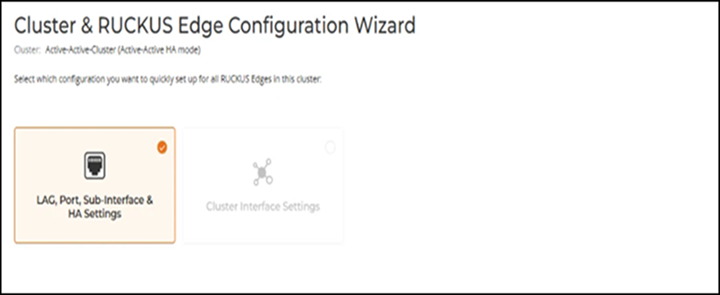
- Select LAG, Port, Sub‑interface & HA Settings, and then click Next.
- From the Cluster
& RUCKUS Edge Configuration Wizard, configure the core and
access ports using one of the following options:
- Single Untagged interfaces as Core and Access ports. For more information, refer to Configuring Single Untagged Interfaces as Core and Access Ports.
- Untagged LAG interfaces as Core and Access ports. For more information, refer to Configuring Untagged LAG Interfaces as Core and Access Ports.
- Tagged sub-interfaces as Core and Access ports. For more information, refer to Configuring Tagged Sub-Interfaces as Core and Access Ports.
- Core and Access ports from different types of interfaces. For more information, refer to Configuring Core, Access, and Cluster Interface Ports from Different Type of Interfaces.
- Core and Access port on same interface. For more information, refer to Configuring Core and Access Port on the Same Interface.
- After completing the cluster
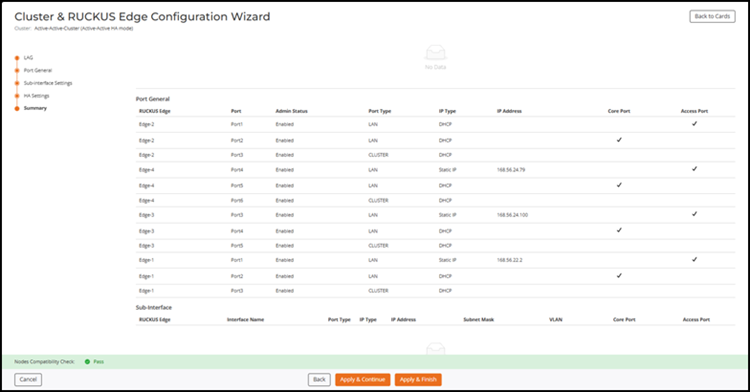
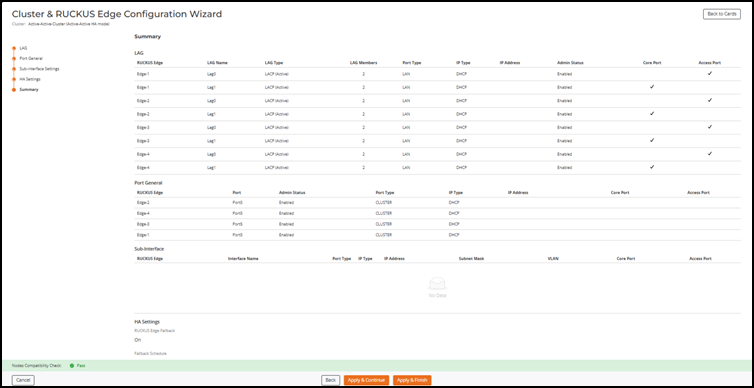
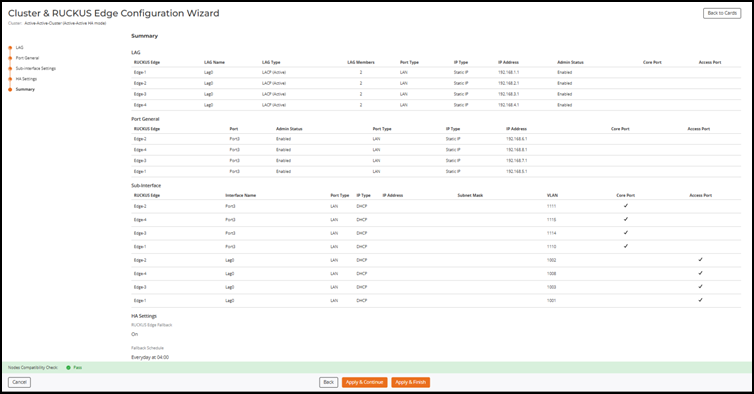
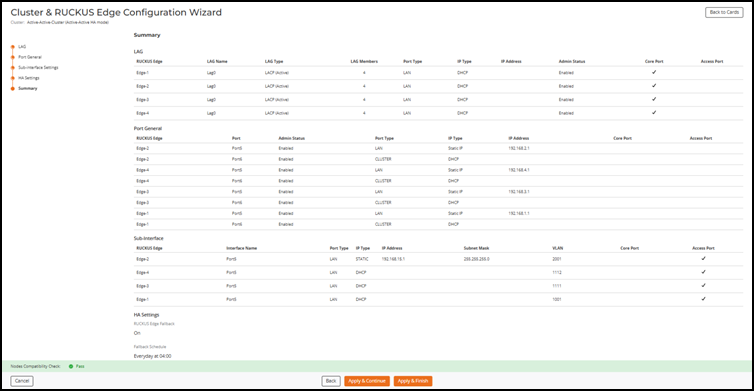
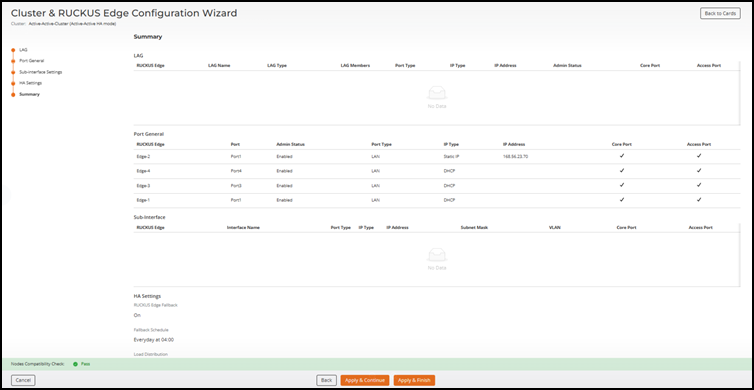
configuration, review the Summary page. This page
displays a consolidated view of the cluster configuration based on the selected
Access and Core port options. In addition to port configuration details, the
Summary page also includes the configured
HA settings and Fallback schedule. From the
Summary page, review the configuration for the
following options:
- When untagged Ethernet interfaces are used as Core and Access ports.
- When LAG interfaces are used as Core and Access ports.
- When sub-interfaces are used as Core and Access ports.
- When LAG interface is used as Core port and Sub-interfaces are used as Access port.
- In a one-leg deployment where Core port and Access port are on the same interface.
- Click one of the following to confirm the configuration: