Deploying DHCP for RUCKUS Edge Service
After configuring a DHCP for RUCKUS Edge,
user should deploy the service.
- On the RUCKUS One navigation bar, click .
- Select the RUCKUS Edge from the list and click Edit.
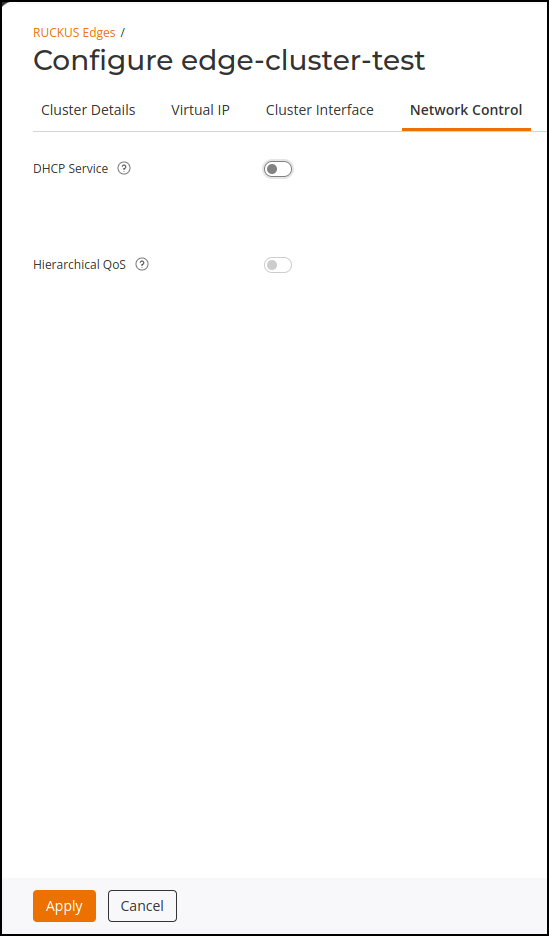
- Click the Network Control tab.
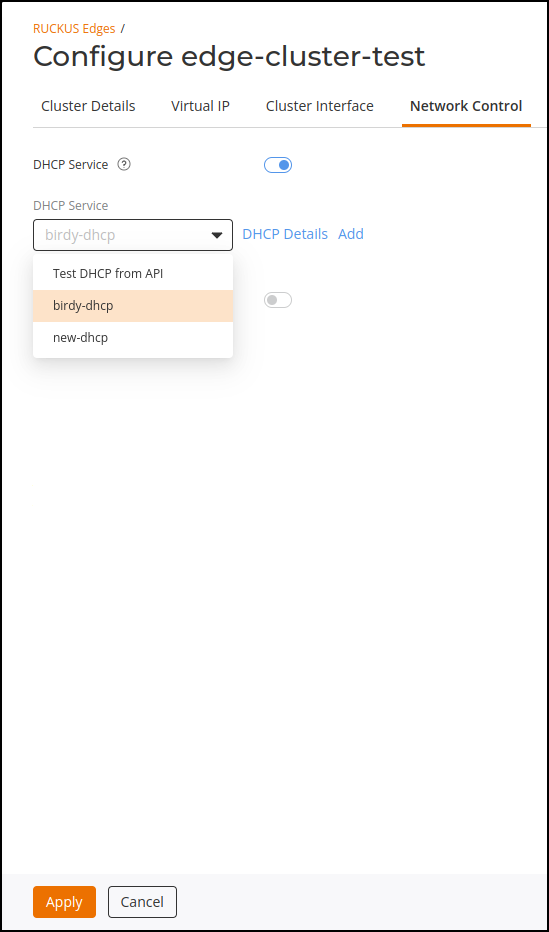
- Select the DHCP Service and click Apply.
- To apply the DHCP settings, go
to .This displays the DHCP for RUCKUS Edge Service window.
- In the DHCP for RUCKUS
Edge Service window, click the DHCP Service
drop-down list and select the service and click Apply.The selected DHCP service is displayed in the RUCKUS Edge page.