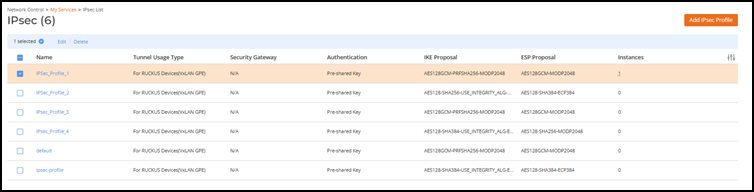
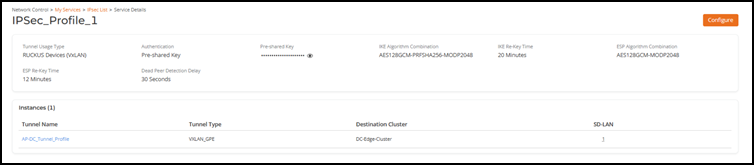
Viewing an IPSec Profile To view an IPSec Profile:On the RUCKUS One navigation bar, select Network Control > My Services.The My Services page is displayed. Select IPsecThe IPsec page is displayed. Select an IPsec profile from the list. Selecting an IPSec Profile to View The IPsec profile page is displayed.IPsec Profile Page Parent topic: IPsec/IKE Encryption Support for VxLAN-GPE Tunnel