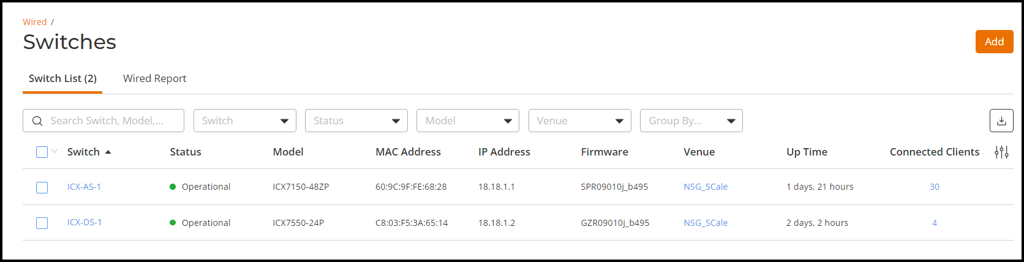
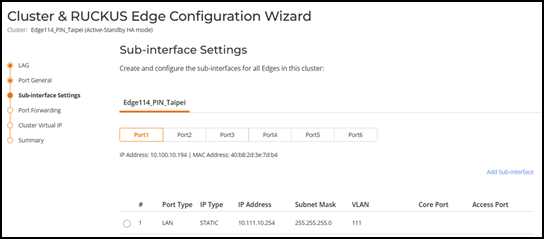
Adding Sub-interfaces Complete the following steps to add sub-interfaces. On the RUCKUS One navigation bar, select Wired > Switches > Switch List. The Switches page is displayed, defaulting to the Switch List tab. List of Switches Add a Sub-interface to the LAN interface. Adding Sub-interfaces Parent topic: Onboarding an Access and a Distribution Switch