Tagging Uplink/Downlink Ports
After the switches are onboarded, switches
should be tagged with uplink and downlink ports.
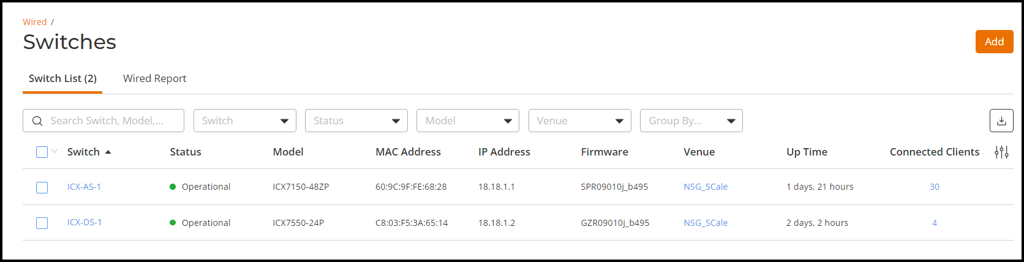
- On the RUCKUS One navigation bar, select . The Switches page is displayed, defaulting to the Switch List tab.
- Click the name of the switch to view its routed interface configuration.
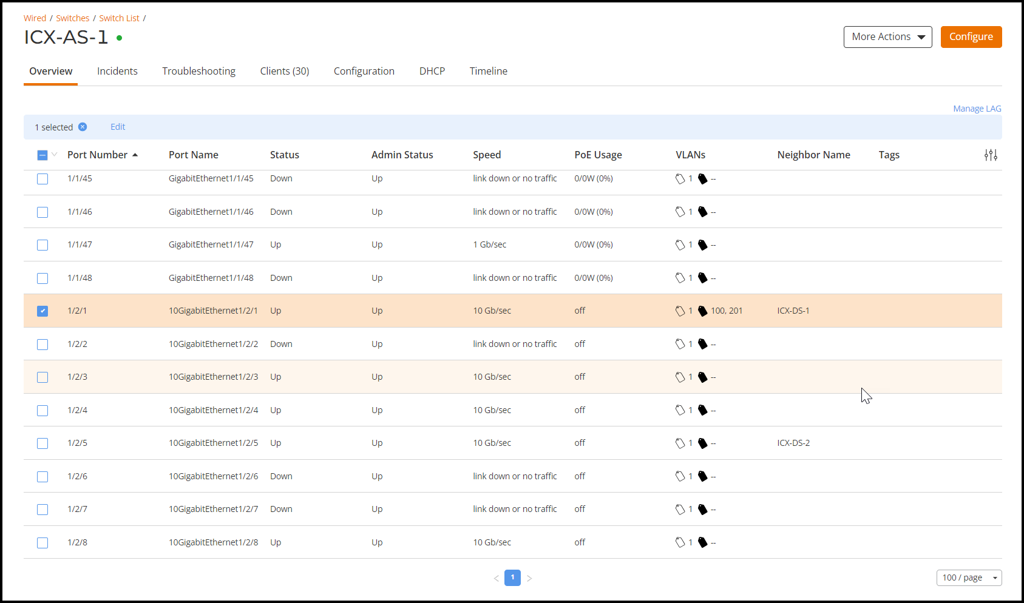
- In the Overview page, review the list of ports configured on the switch.
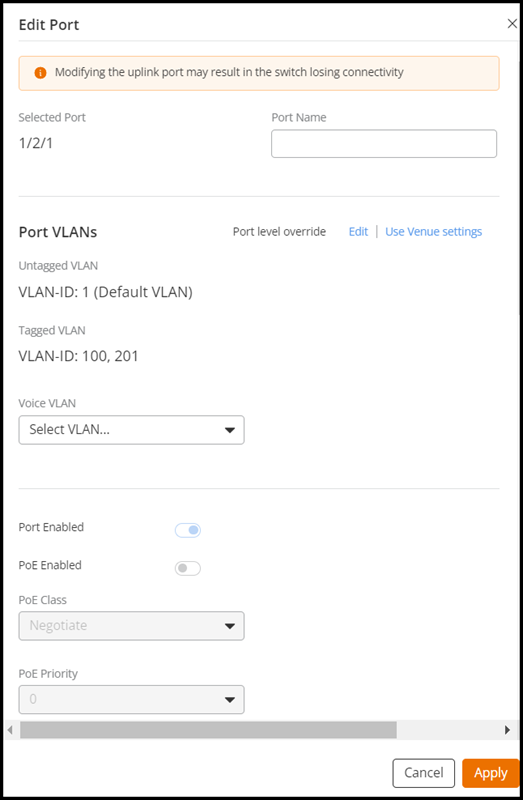
- Select a port and click Edit to edit the voice VLAN port.
- Click Apply to save the changes.
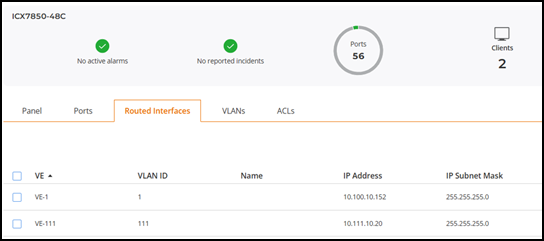
- In the Overview page, select the Routed Interfaces tab and add a routed interface for the distribution switch and the access switches.
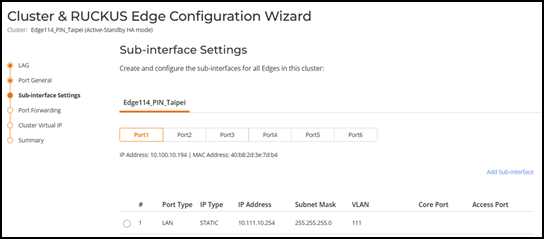
- Add a Sub-interface to the LAN interface.