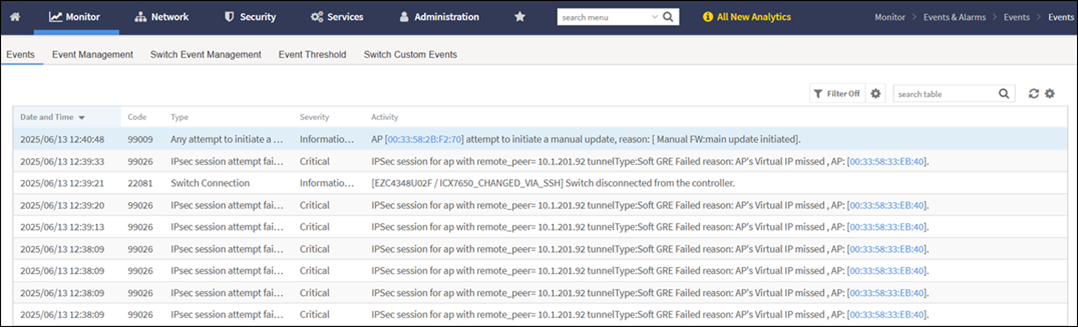
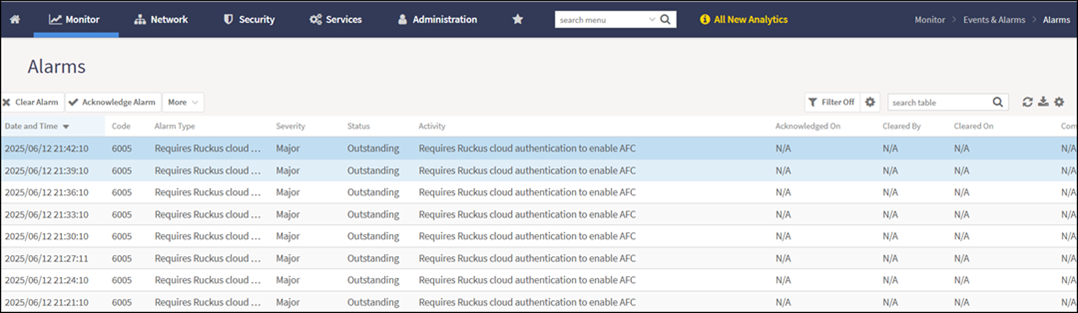
Viewing the Events and Alarms
Displays the list of system-generated events and alarms with status and
details.
You are viewing a cached version of this page.
You are currently offline. This page was loaded from cache.
Did you find what you were looking for?