Management Certificate Check
The management certificate check feature
verifies the validity period and monitors related certificate operations on the
SmartZone
controller.
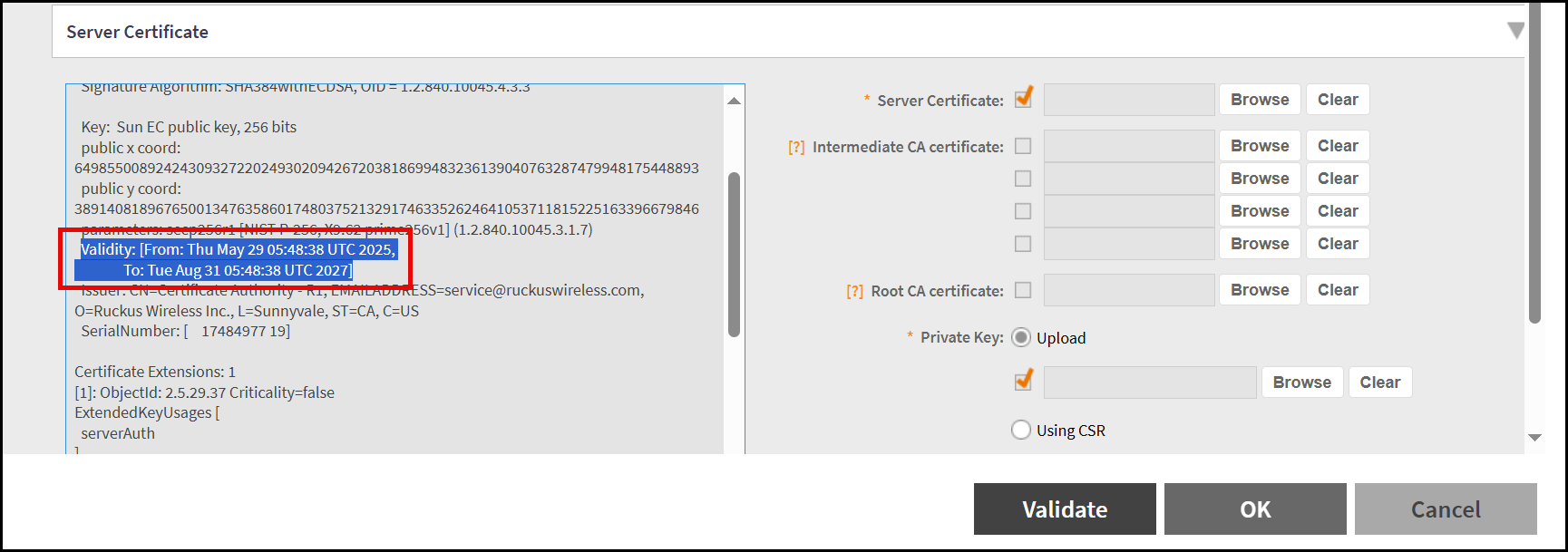
The server certificate validity can be updated through the controller web user interface and or through command line interface mode.
- If the user manually renews the default server certificate with a specific validity period in CLI mode and if the certificate is renewed automatically in the web user interface the next time, the controller will apply the previous validity period to generate default server certificate.
- The system automatically regenerates the default server certificate. Seven days prior to expiration, a warning is displayed on the dashboard. This applies for third party user certificates.
- The validity period can be set to a minimum of 124 days (approximately four months) to a maximum of 1098 days (approximately three years).
- The controller renews the certificate with a default validity period 824 days if the user does not specify otherwise.
Viewing the Default Certificate using Controller Web Interface
To view the default certificate and third party certificate, perform the following -