Uploading SSH Authentication Public Keys
When the SSH authentication method is set
to Public Key Only, access to the SmartZone (SZ) controller is restricted to clients
that present a valid SSH public key.
Only the admin user is authorized to upload and manage SSH public keys. Each key must follow the standard SSH format and meet cryptographic strength requirements, particularly in FIPS 140-3 environments where weak algorithms are not permitted.
- From the main menu, navigate to
.This displays the Adminitrators screen.
- In the
Adminitrators screen, select the Admin user and
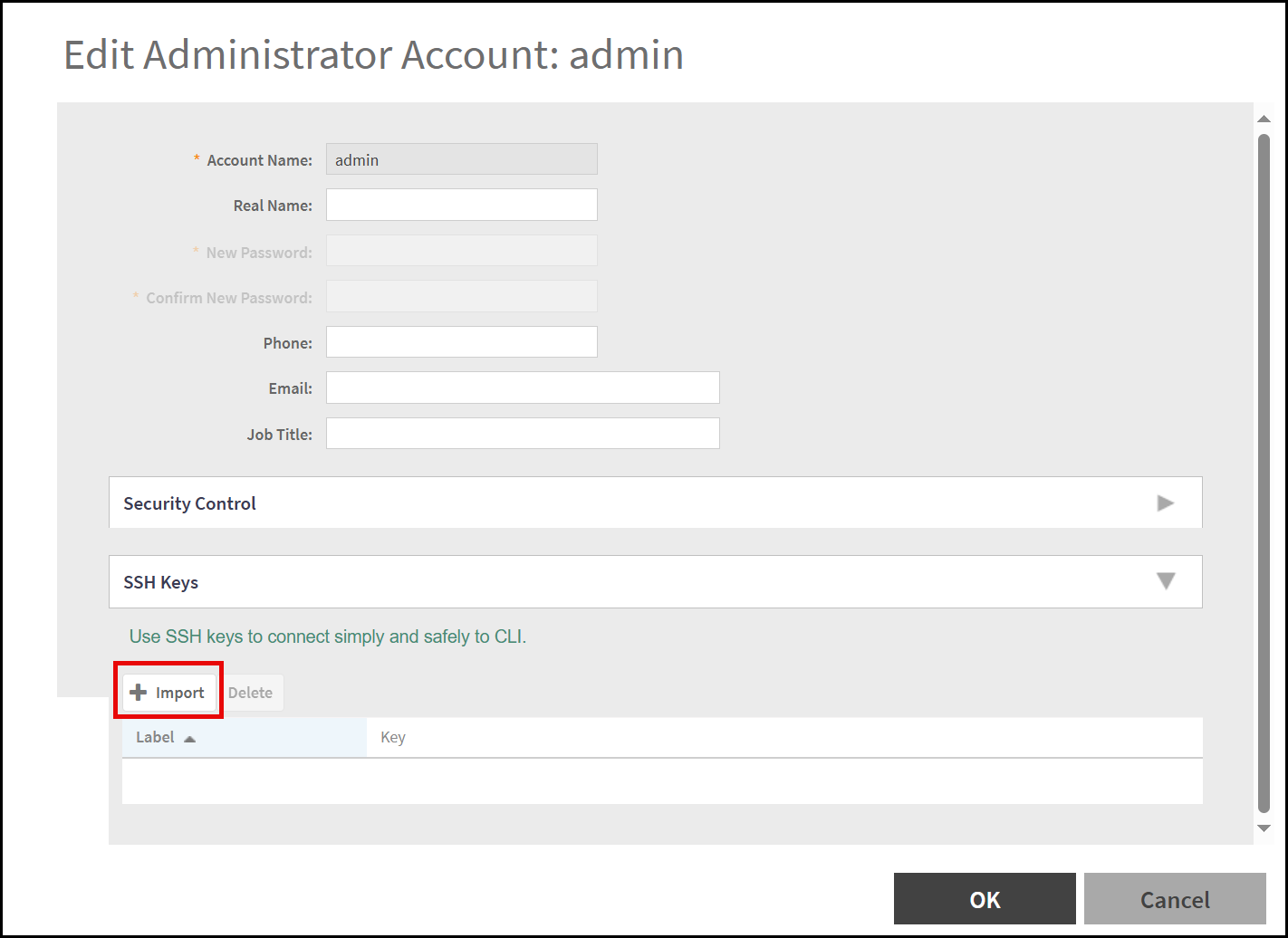
click Configure.This displays the Edit Administrator Account window.
- In the Edit Administrator Account window, scroll down to SSH Keys section and click Import.
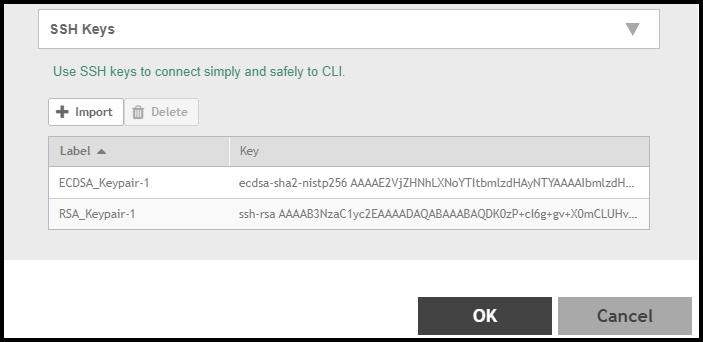
- In the Add the Public Key window, enter both ECDSA based public Key and RSA based Key details.
- Click OK to save the keys and when prompted enter the admin password for authentication.