Terminating Sessions for Non-Admin Users
Control and terminate remote interactive
sessions for non-admin users by configuring user accounts, security profiles, and
user group
mappings.
To terminate sessions for non-admin users, perform the following -
- From the main menu, navigate to
.This displays the Account Security screen.
- In the Account
Security screen, navigate to Account Security section
and click Create to
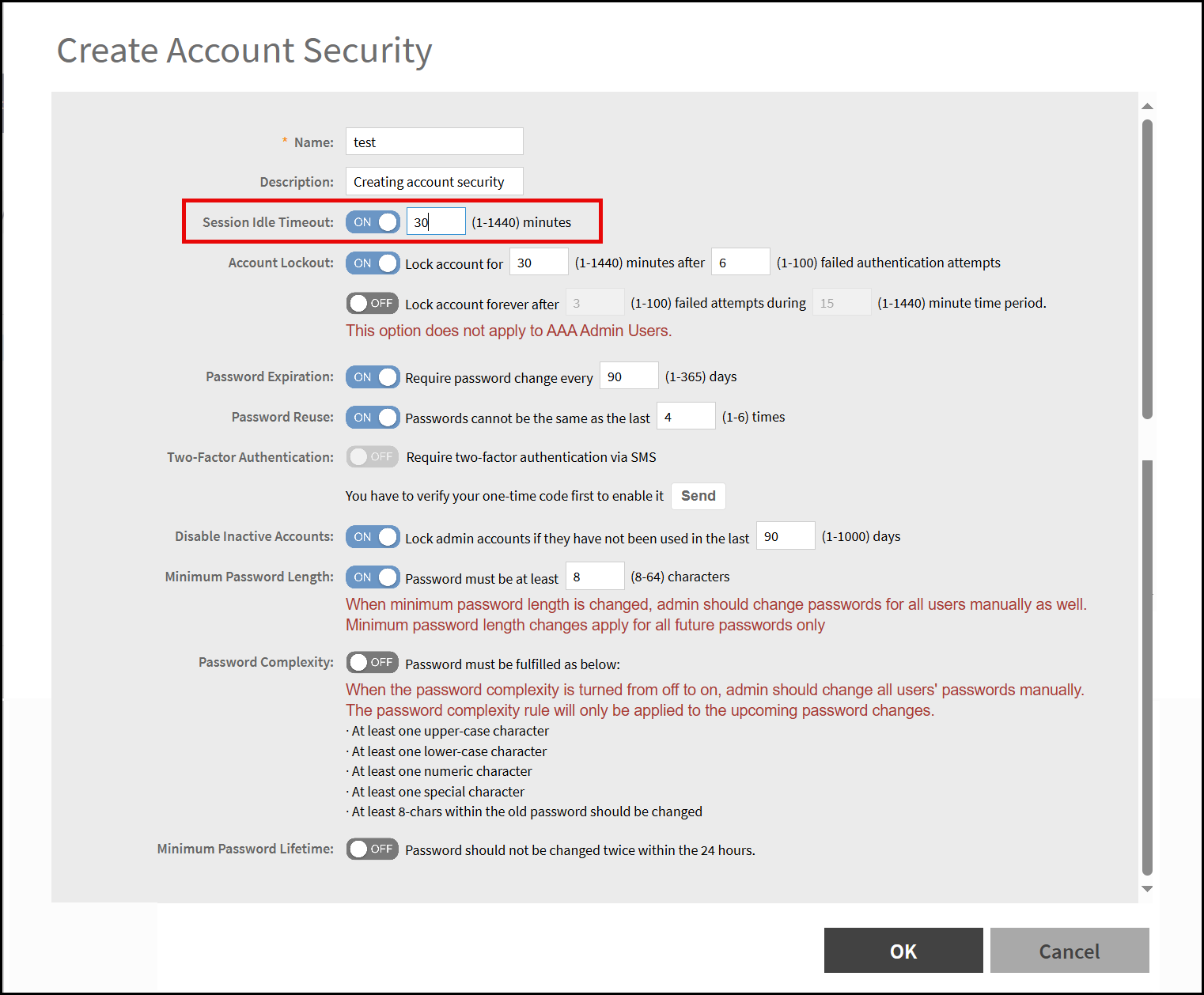
configure the timeout value.This displays the Create Account Security window.
- In the Create Account Security window, set the Session Idle Timeout value from 1-1440 minutes.