Locking Accounts
Locking accounts is a security measure
that prevents unauthorized access by automatically disabling user accounts after
a set
number of failed login attempts.
- From the main menu, navigate to
.This displays the Administrators screen.
- In the Administrators screen, select an administrator
account, then click Configure.This displays the Edit Administrator Account window.
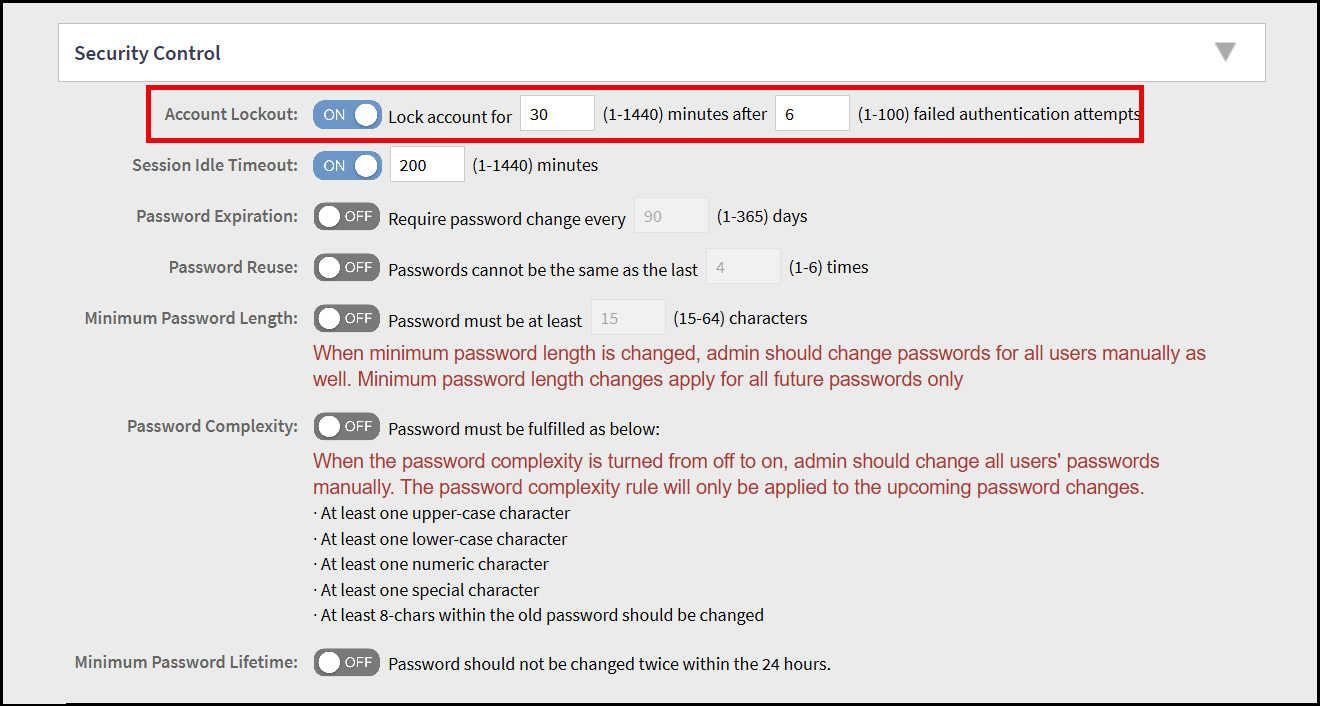
- In the Edit Administrator Account window, navigate to Security Control section and locate the Account Lockout field.
- By default the Account Lockout option is disabled. Click the toggle button to enable the option and configure the following fields -
- After configuring the account
lockout details, click OK.This displays the Password Confirmation screen.
- Enter the administrator password for confirmation and click OK.