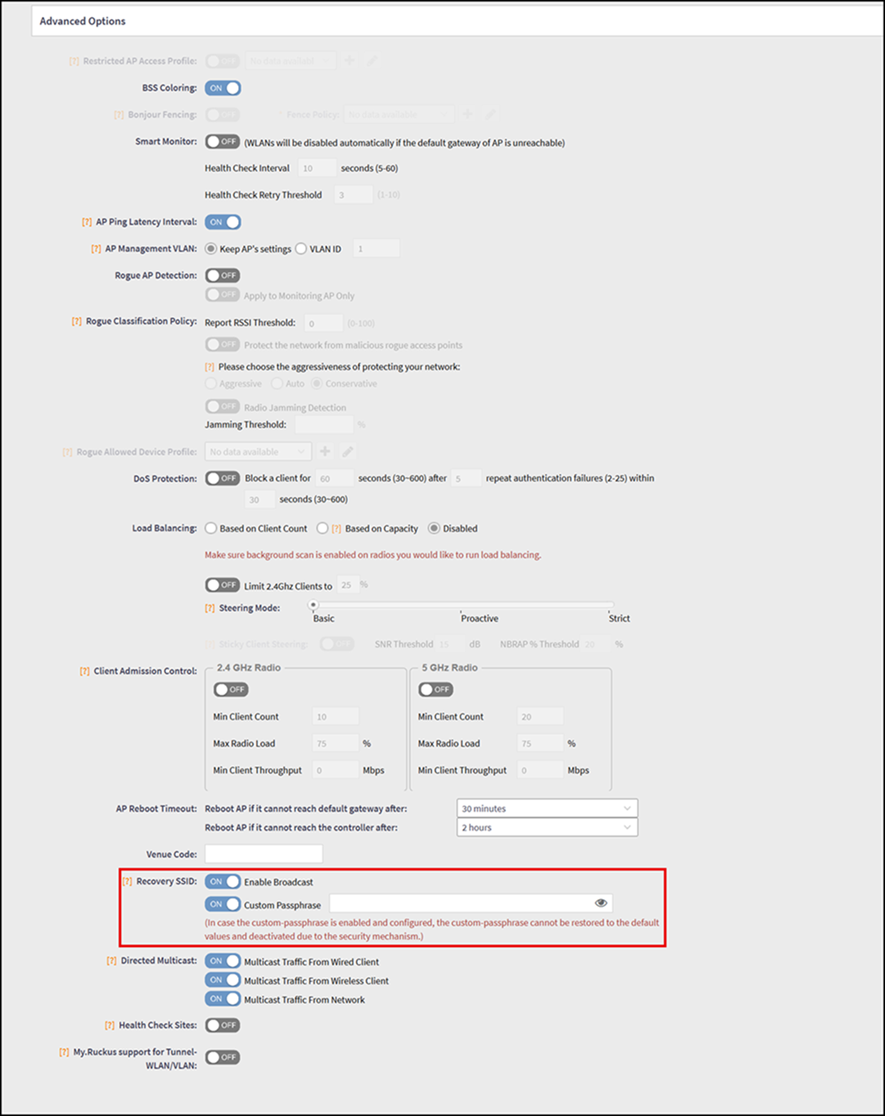
Configuring Recovery SSID
Recovery SSID is a backup wireless network
that allows client devices to connect when an AP loses connectivity with the controller
or
Data Plane.
- From the main menu, navigate to .This displays the Access Points screen.
- In the Access
Points screen, click Create Domain/Group/Zone
 icon.This displays the Create Domain window.
- In the Create Domain window, choose the Type as Zone and the window displays the Create Zone window.
- In the Create
Zone window, navigate to Advanced Options
tab and locate Recovery SSID field.By default, this field is disabled. Click Enable Broadcast button to enable the Recovery SSID.
- Custom Passphrase - By default, the passphrase to connect to this SSID is the AP admin password. Toggle the switch to ON to enter a custom passphrase. After the Custom Passphrase option is enabled and configured, due to the security mechanism, the original default passphrase cannot be restored by toggling OFF the Custom Passphrase option.
After connecting a wireless client to the Recovery SSID, consider the following -
- The recovery WLAN uses the IP address 10.154.231.125.
- There is no DHCP service in this WLAN, so the wireless client needs a static IP address in the subnet 10.154.231.0/24.