Viewing Rogue Access Points and Clients Reports
Access Points or AP Reports
Provide detailed information about detected rogue or unauthorized access points within monitored zones. These reports include data such as MAC address, SSID, classification type, signal strength, and detection time.
To view the system/zone level AP reports, perform the following -
- From the main menu, navigate to
.
This displays the Rogue Devices screen.
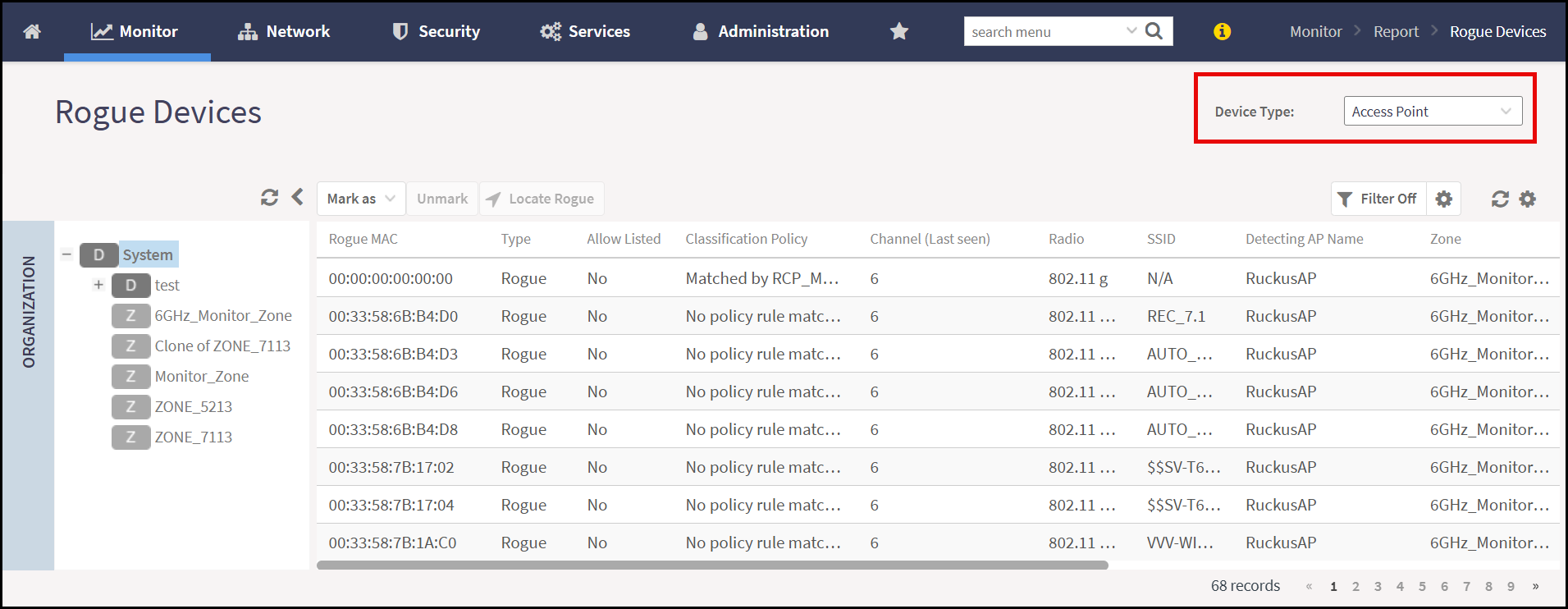
- In the Rogue Devices screen, by default, Device
Type is selected as the Access Point on
the top-right corner of the report view.
The system is displaying the list of rogue devices at the System level.
Note: To view the rogue device report for a zone, select a zone from the system hierrachy.
Client Reports
Provides detailed information about detected rogue clients within monitored zones.
To view system/zone level client report, perform the following -
- From the main menu, navigate to .
This displays the Rogue Devices screen.
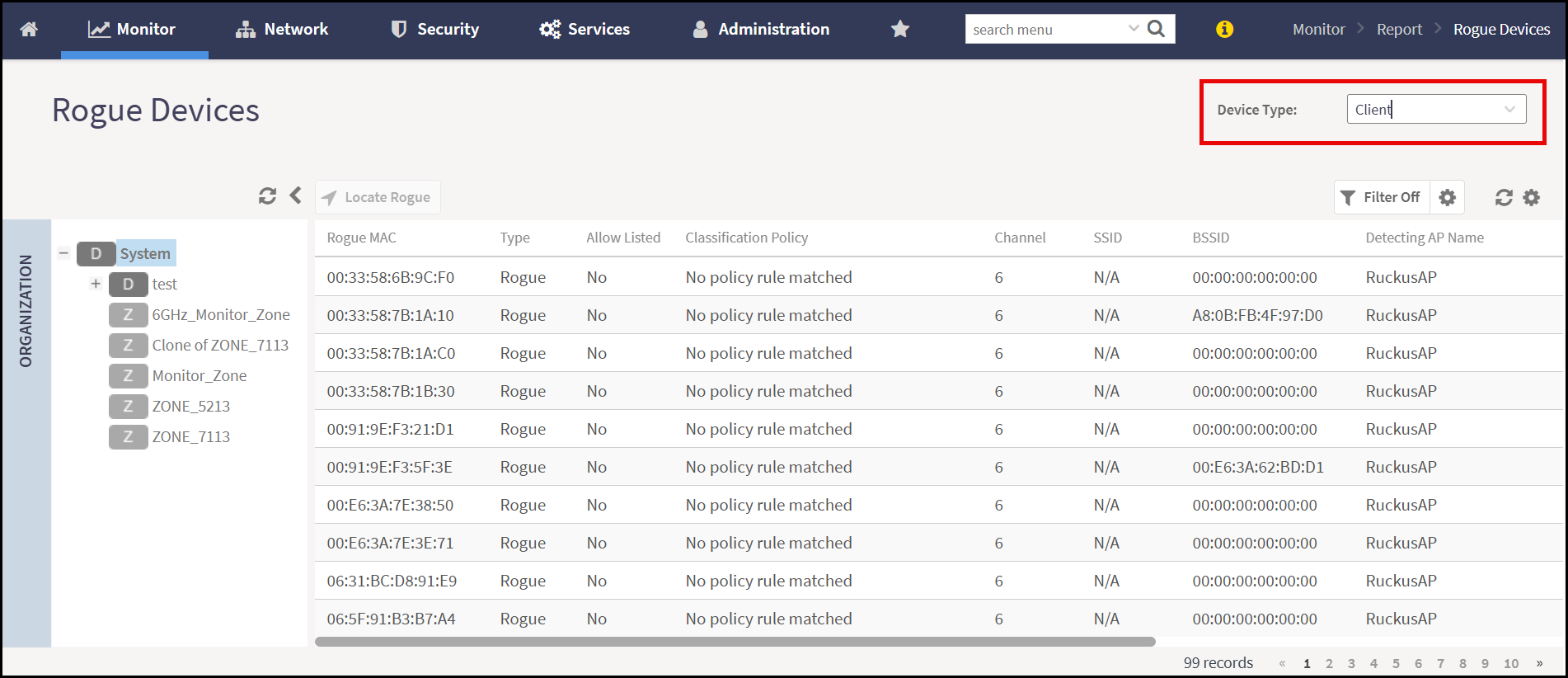
- In the Rogue Devices screen, select the Device
Type as Client on the top-right corner of
the report view.
The system is displaying the list of rogue devices at the System level.
Note: To view the rogue device report for a zone, select a zone from the system hierrachy.