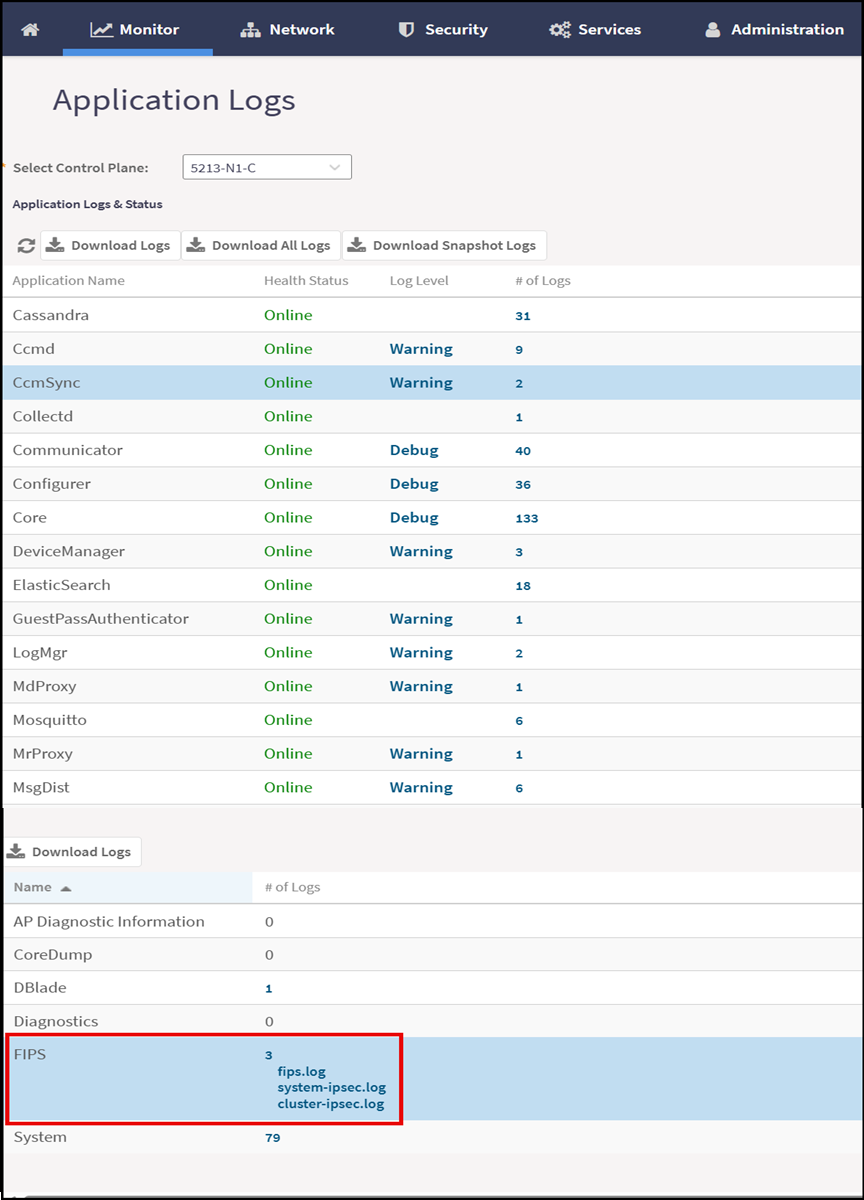
Viewing and Downloading FIPS Logs
To view FIPS activity and download log files for auditing, troubleshooting, and
compliance verification.
Only the Crypto Officer can view and download FIPS logs from the web interface.
- From the main menu, navigate to .
- Select the control plane from the Select Control Plane
drop-down menu.This displays all the application logs associated with the selected control plane. Select the Application Name and click Download Logs. The logs are downloaded in
.tgz(compressed archive file) format.Note: To download all logs, click Download All Logs. To download logs in the snapshot format, click Download Snapshot Logs.