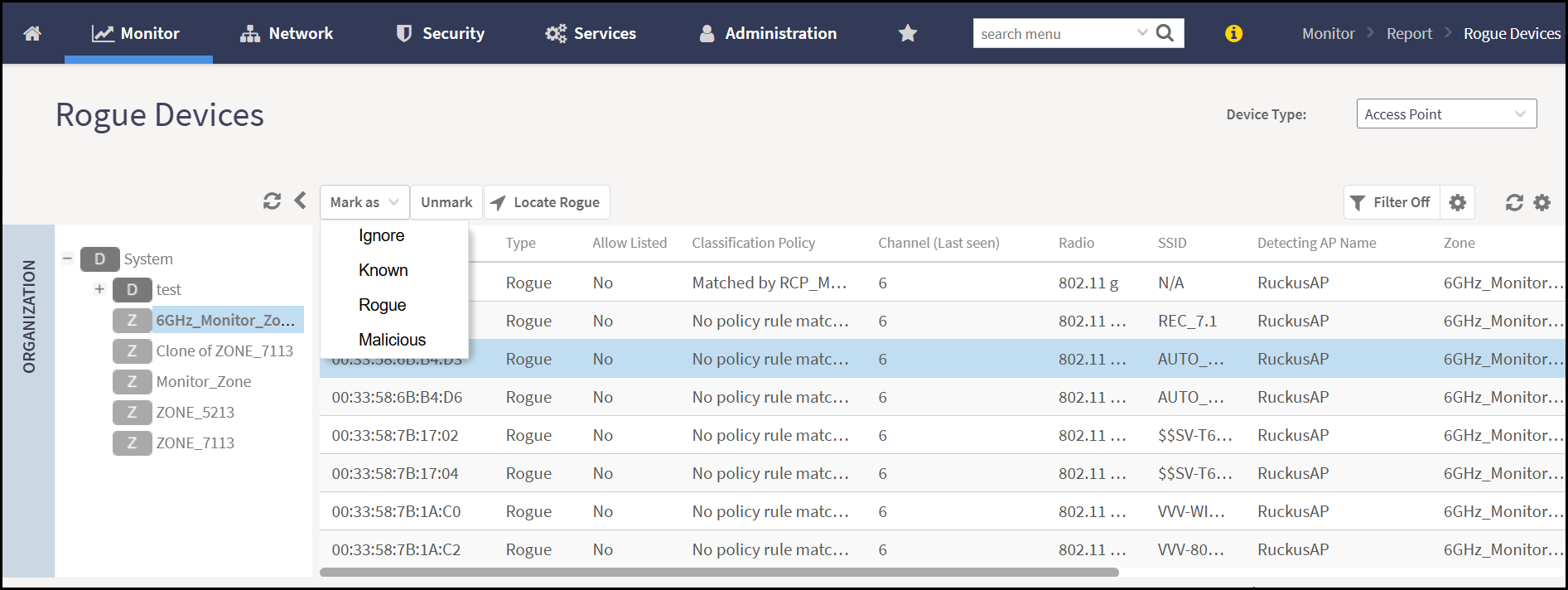
Marking Rogue Access Points
Allows administrators to manually classify
detected access points as rogue based on observed behavior or policy violations,
overriding
automatic classification rules if needed.
You are viewing a cached version of this page.
You are currently offline. This page was loaded from cache.
Did you find what you were looking for?