AP Feature Limitations in FIPS Mode
These restrictions are in place to maintain the confidentiality, integrity, and security of system operations in regulated environments.
The following features are not supported when an AP is operating in FIPS mode -
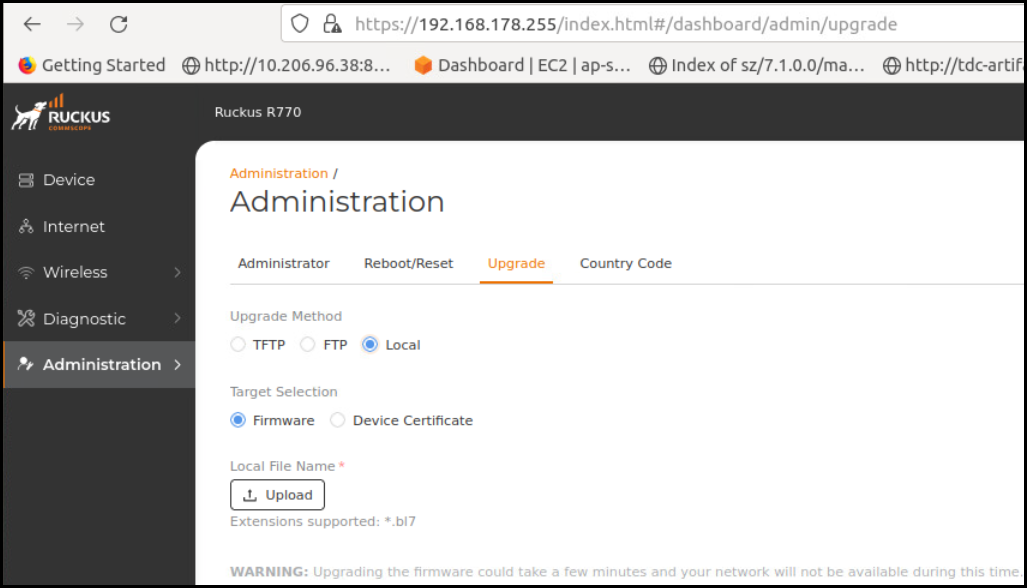
FTP, TFTP, and Web Not Supported
Firmware upgrade options such as FTP, TFTP, and web-based methods are disabled in FIPS mode to ensure secure image management and prevent the use of unsecured protocols.
HTTP and Telnet Management Access Not Supported
Telnet and HTTP management access are disabled in FIPS mode, as they rely on unsecured communication protocols that do not meet FIPS 140-3 requirements.
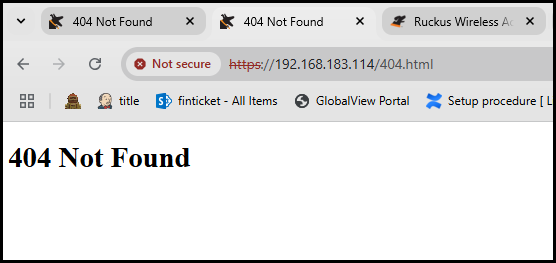
Web Interface Access Through HTTPS Not Supported
Web interface access to the AP through HTTPS is not supported in FIPS mode to restrict direct web-based management and ensure all access complies with FIPS 140-3 security standards.
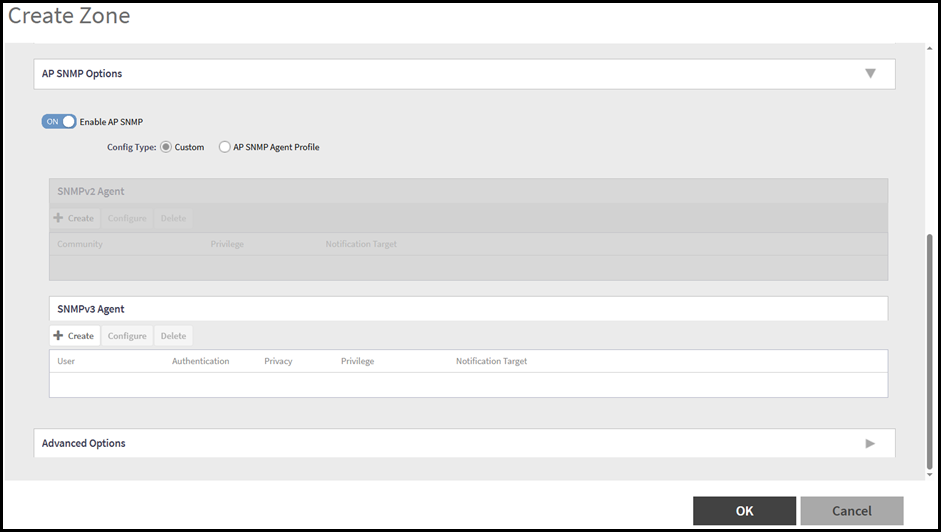
SNMPv1 and SNMPv2c Not Supported
SNMPv1 and SNMPv2c are not supported in FIPS mode, as they lack the security mechanisms required by FIPS 140-3. Only SNMPv3 is supported for secure network management.
WLAN Interface Up or Down from AP CLI not Supported
Setting the WLAN interface state to up or down from the AP CLI is not supported in FIPS mode to prevent unauthorized or insecure configuration changes at the device level.
