Upload a Map
Upload map to a zone.
- From the left pane, select . This displays Maps screen.
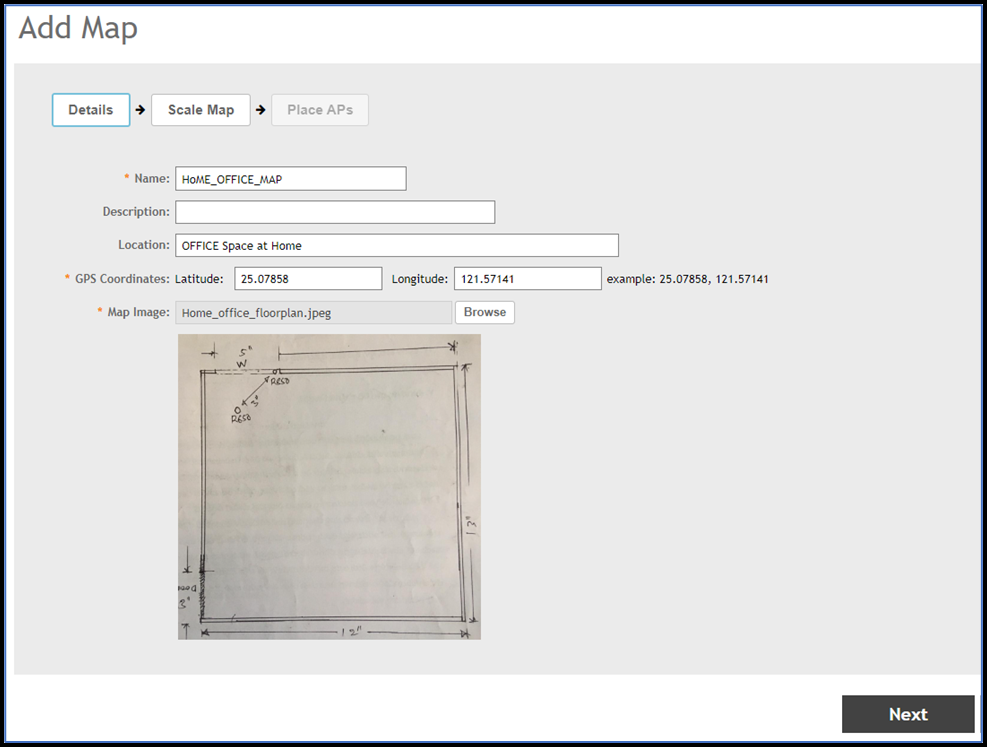
- To upload a map, click +.This displays Add Map screen. In the Details section, enter the following:
- Name - Enter name of the map.
- Description - Describe the map in few words.
- Location - Enter the location details.
- GPS Co-ordinates - Latitude and Longitude details.
- Map Image - Upload the map image by clicking Browse button.
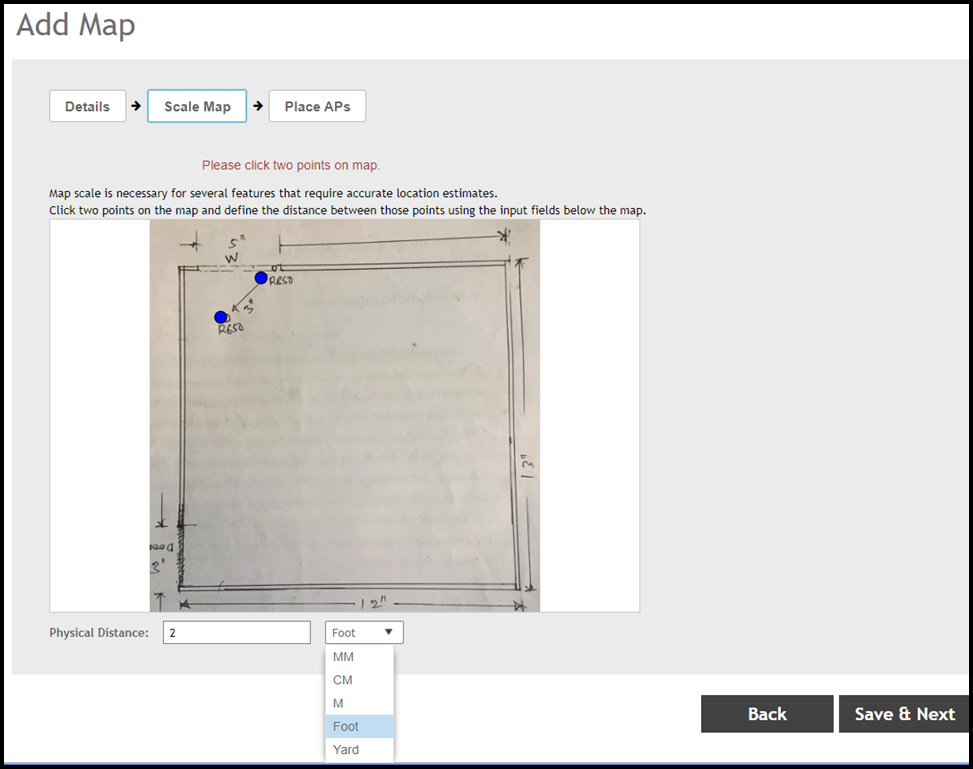
- Click Next and enter the Physical Distance and click on the two points of the map to define distance between those points.
- Click Save and Next.
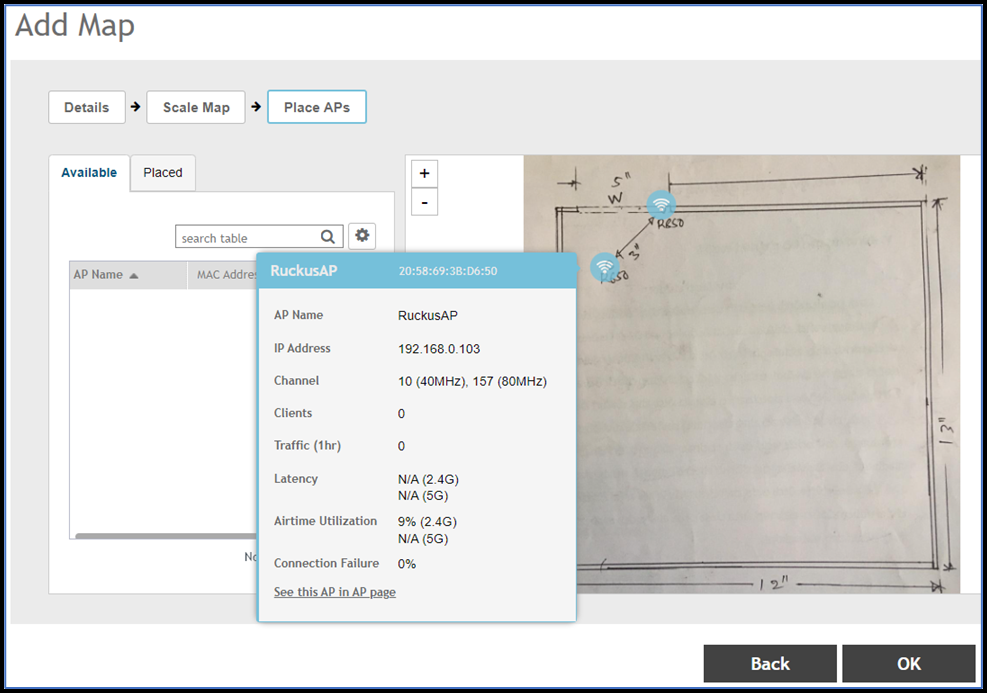
- Click Ok.