Joining AP to (v)SZ Controller
Access Points can discover the RUCKUS
WLAN controller either through DHCP Option 43 or by configuring the controller IP
address
through the AP CLI.
In this case, the AP operates in client mode and the SZ in server mode. SmartZone as a TLS server supports the ciphers in the below screenshot.

For setting the WLAN controller IP address through AP CLI, perform the following:
- Log in to the AP using SSH with the username super and the password sp-admin.
- Access Point (AP) can discover the controller either dynamically through DHCP or
statically by configuring the controller IP address from the AP CLI. For static
discovery, configure the controller’s CTRL interface IP address on the AP using
set scg ip <controller CTRL interface ip>. After this command is applied, the AP attempts to establish a connection with the specified controller. - Log in to the WLAN controller through web interface and navigate to Access Points.
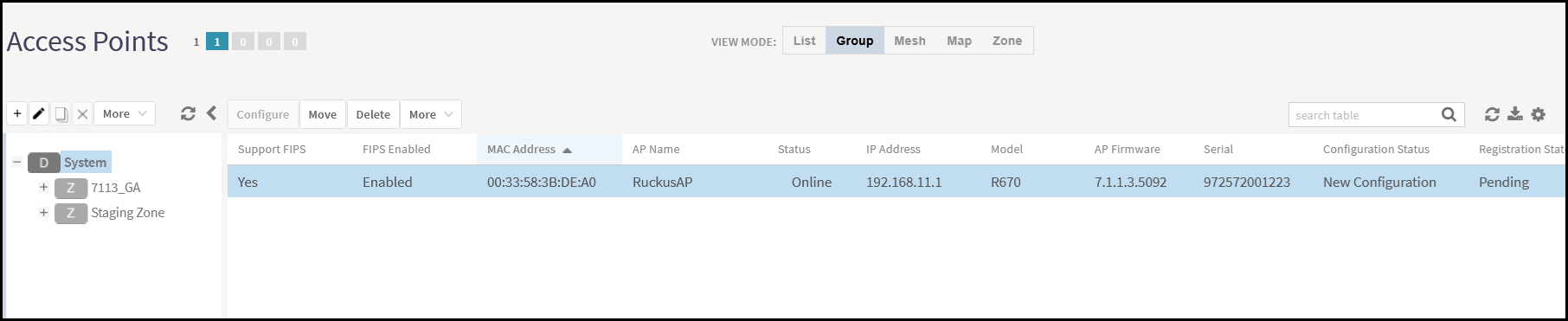
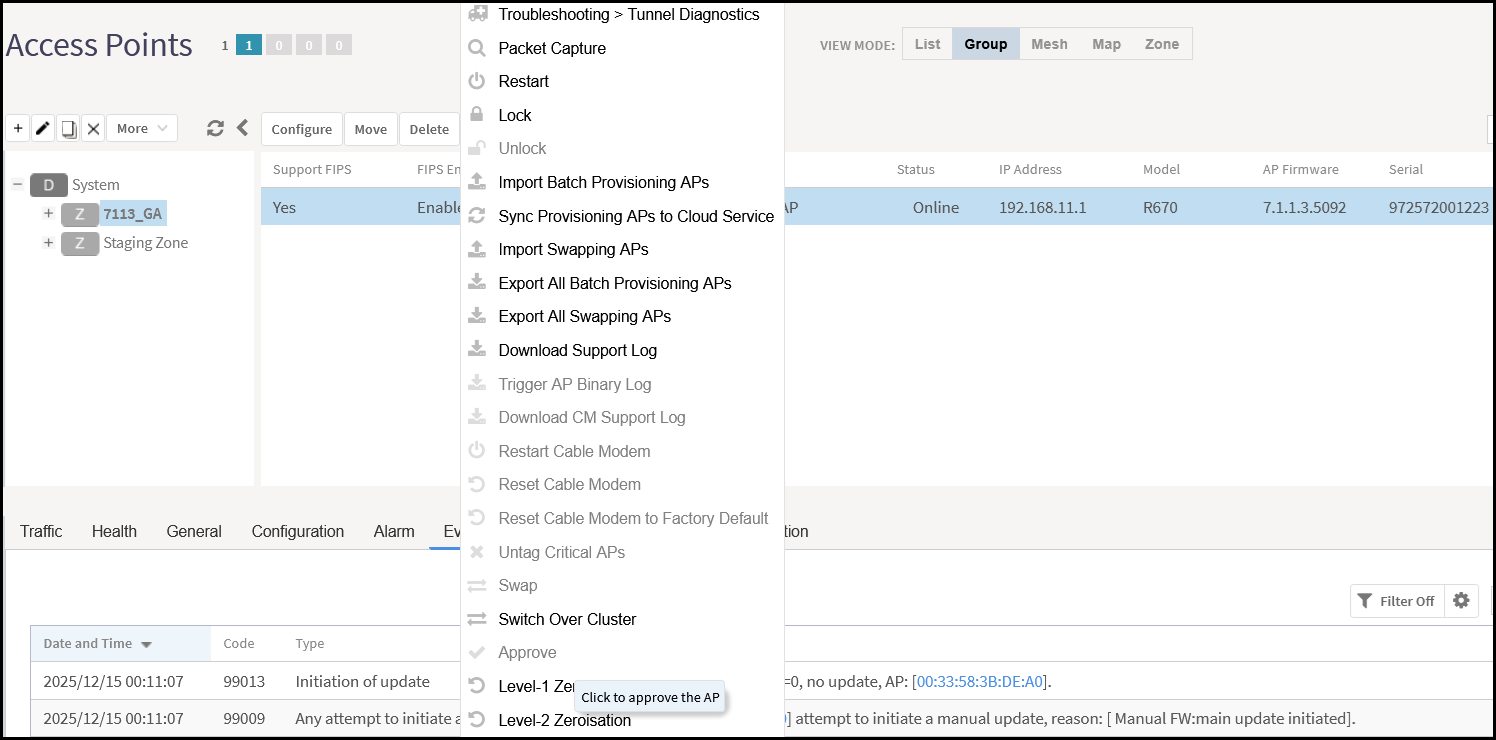
- Select an AP from the list and click to approve the AP.
Approving the Access Point
 Note: For vSZ-H deployments, move the AP to a user zone and approve it. For vSZ-E deployments, the AP can be approved in the default zone.
After the AP is approved, an SSH tunnel is automatically established between the AP and the WLAN controller using public key authentication (without password-based authentication). This tunnel is used for management communication. If the connection is interrupted, it is automatically re-established without requiring user intervention.
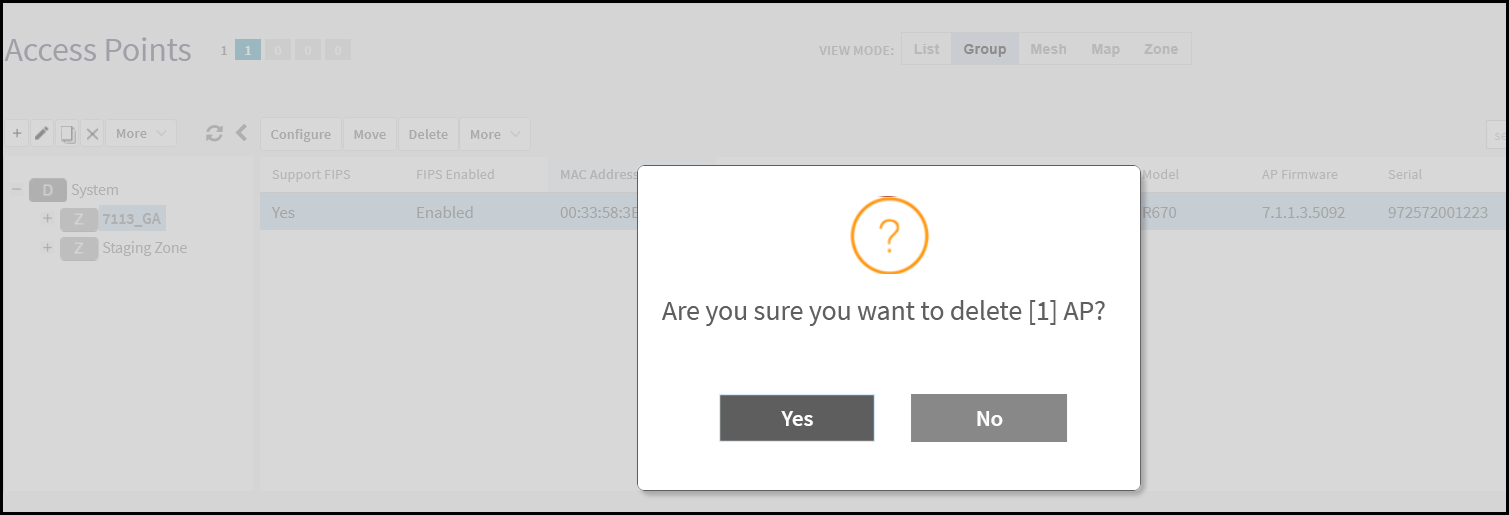
- To delete an Access Point, select the AP from the list
and click Delete.
Note: Deleting the AP from the controller prevents all other components from communicating with the AP.