Setting the WLAN Scheduler from the Command Line Interface
Configure WLAN availability and
operational time windows directly through CLI commands.
- Log in to the controller through an SSH session.
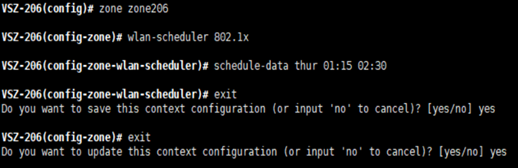
- Enter configuration mode at the command prompt and execute the commands as shown in the figure.
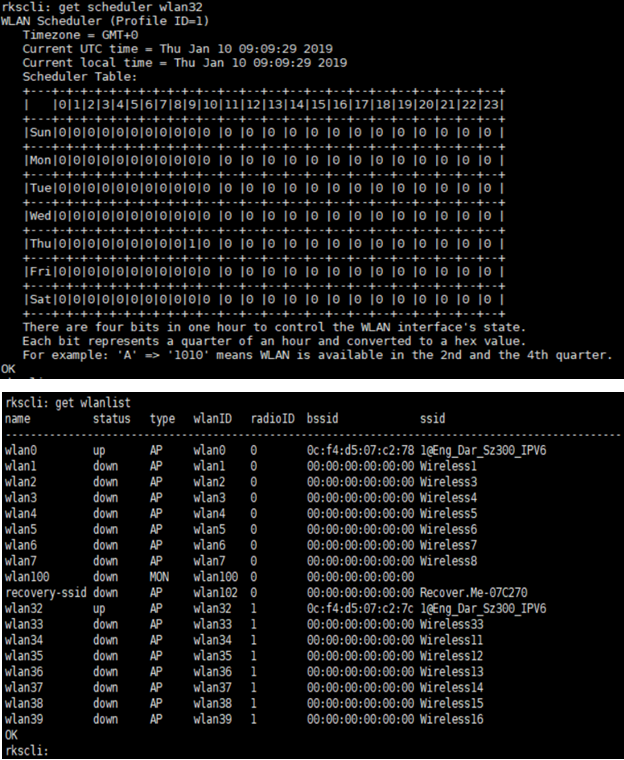
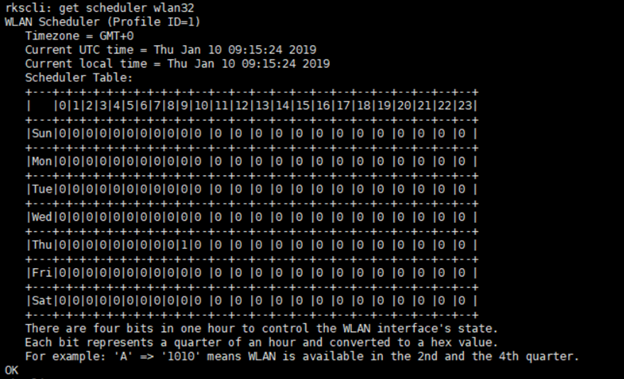
- Log in to the AP to verify the configuration.
- Enter the RKSCLI mode.
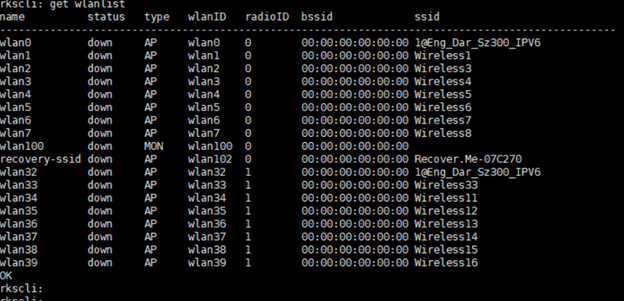
- Run the
get
                     						wlanlist
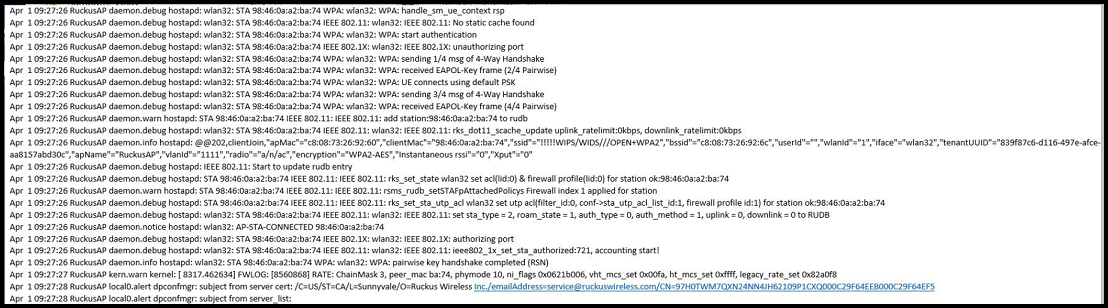
command to review the status of the WLANs. - The logs show when clients join the AP at the scheduled time.