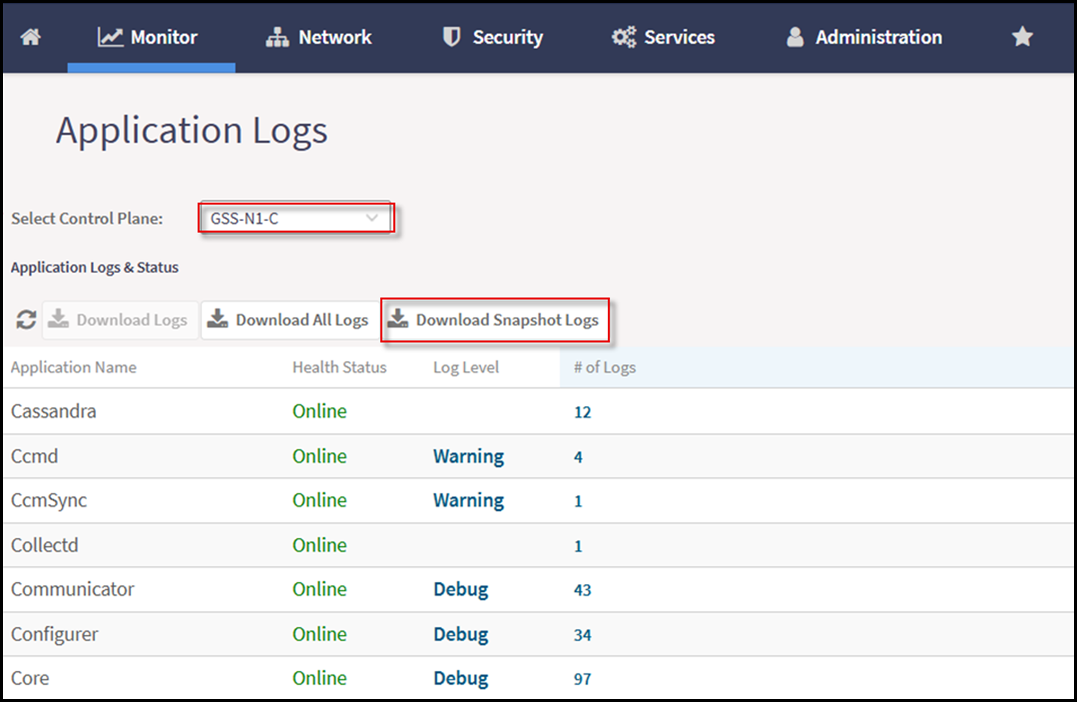
Downloading the Logs from the Controller
Provides options to download system and debug logs from the controller for
analysis.
You are viewing a cached version of this page.
You are currently offline. This page was loaded from cache.
Did you find what you were looking for?