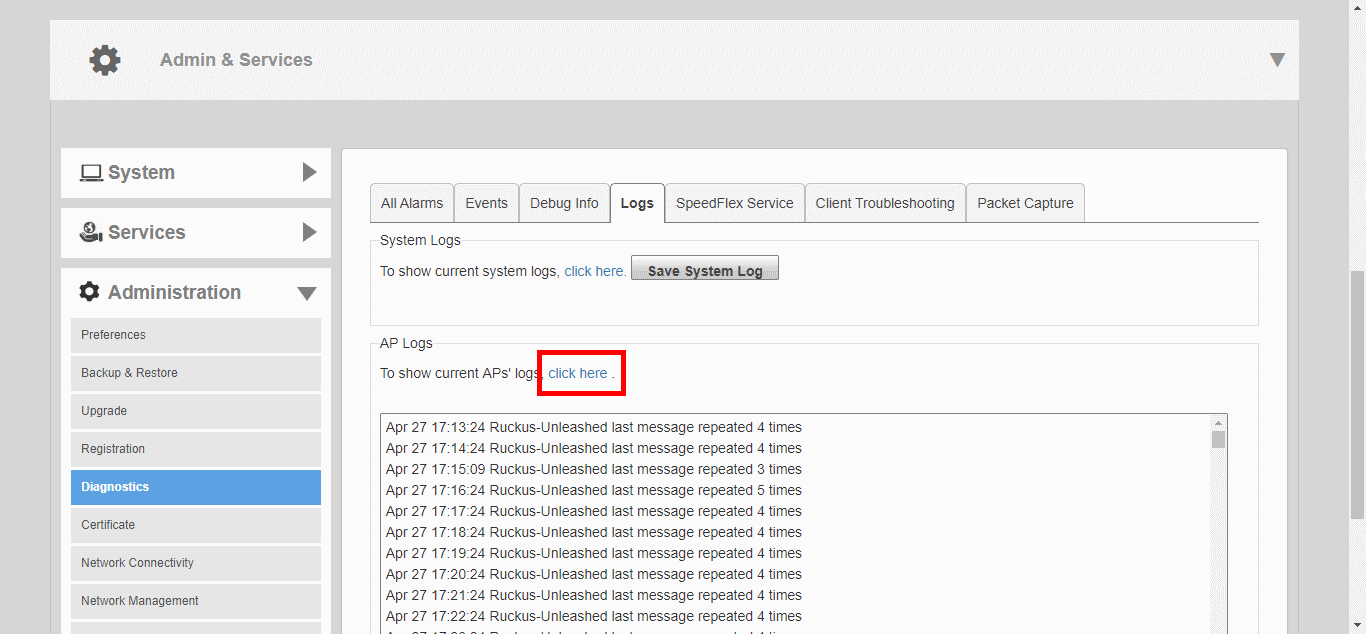
Viewing Current AP LogsUse the AP Logs link to display a list of recent AP activity logs from the web interface and save the log file for troubleshooting analysis. Go to Admin & Services > Administration > Diagnostics > Logs, and locate the AP Logs section. Click the “Click Here” link next to “To show current APs' logs..." to view the log contents. To save, select the text in the text box and copy/paste it into a text editor. Displaying Current AP Logs Parent topic: Diagnostics