Guest Access Services
The
Guest Access Services pages provide options for monitoring and managing existing guest passes, customizing
guest pass format and delivery methods, and deleting admin-generated or self-service
guest passes.
To configure guest access services, go to Admin & Services > Services > Guest Access Service.
For more information on guest access and configuring a guest access WLAN, see Guest WLANs in Creating a New WLAN.
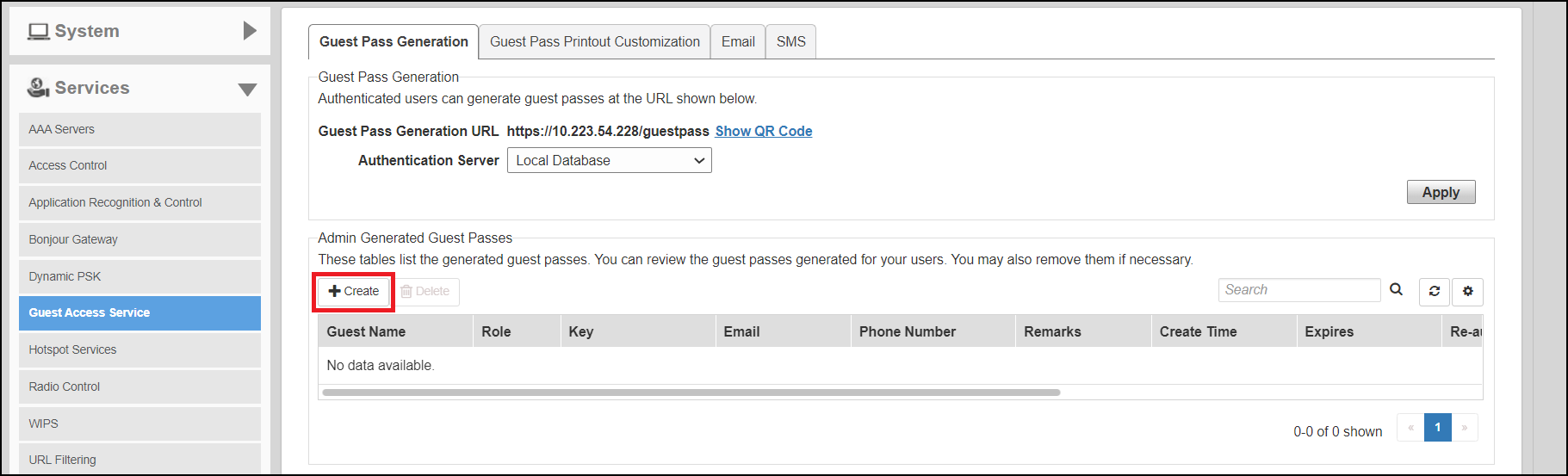
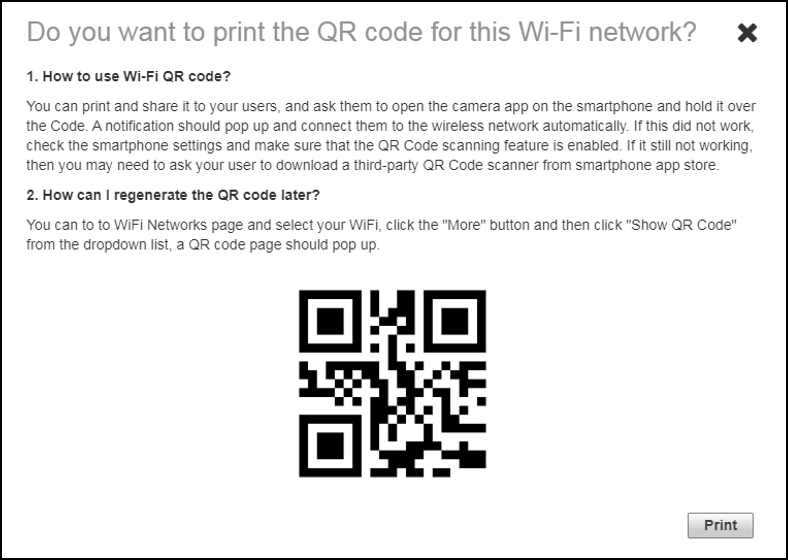
Click Show QR Code and the QR Code pop-up page is displayed. Click Print to print the QR code or scan the QR code using a smartphone camera.
An administrator can generate guest passes from the web interface. Under Admin Generated Guest Passes, click Create. For more information, refer Generating a Guest Pass .