Radio (5G)
You can select or clear channels from which to choose during the automatic channel selection process or select a specific channel on which to operate, or enable Call Admission Control or Spectralink Compatibility for this radio.
Additionally, you can disable WLAN service for this radio entirely by selecting Enable 5 GHz band check box and enabling the Overide Group Config toggle switch to ON.
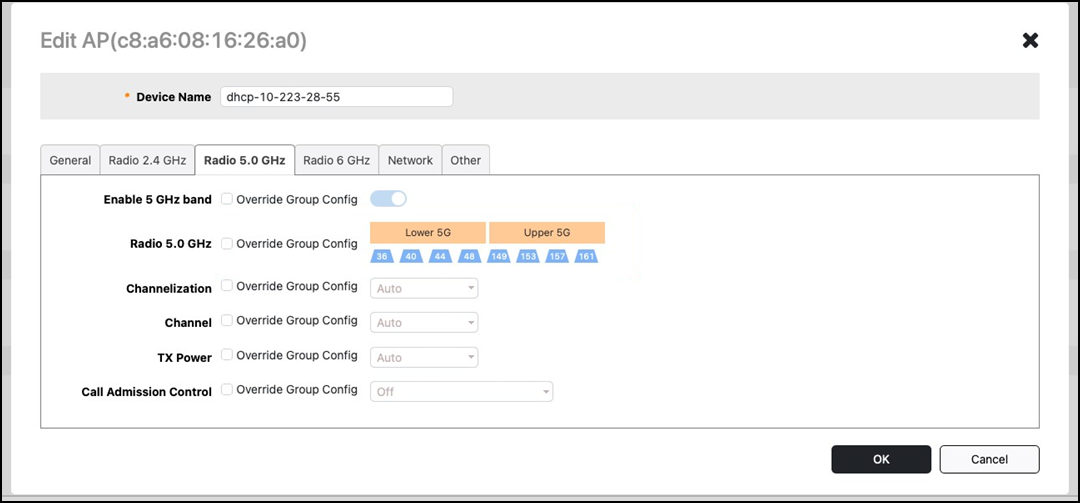
If you select the Enable 5 GHz band check box, the 5 GHz radio is disabled.