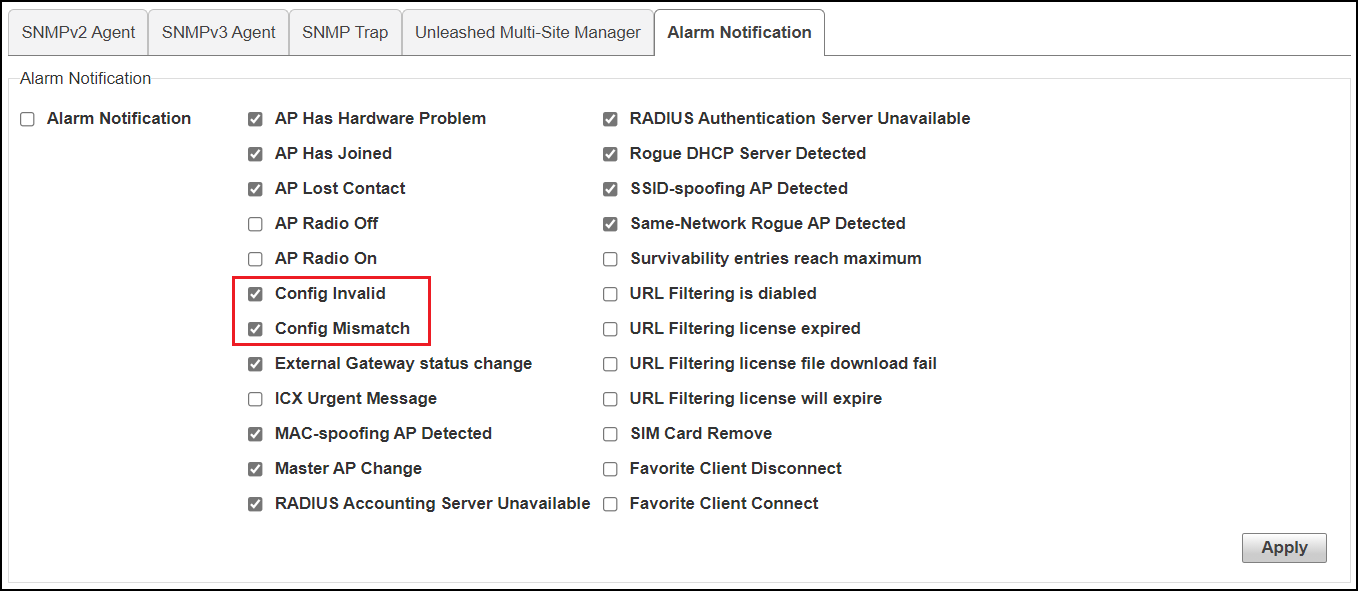
Configuring Alarm Event Notification Settings
The web interface allows you to customize
the content and delivery for a wide range of alarm events. When a matching event
occurs,
admins can be notified either through email or the mobile app.
- Go to .
- In Alarm Event, select/deselect the event categories for which notifications will be delivered.
- Click Apply to save your changes.
- In Email Address, enable the check box and enter the destination address for alarm notifications. An email server must first have been configured from the System > System Info screen.
- Click Test to test email delivery. Click Apply to save your changes.