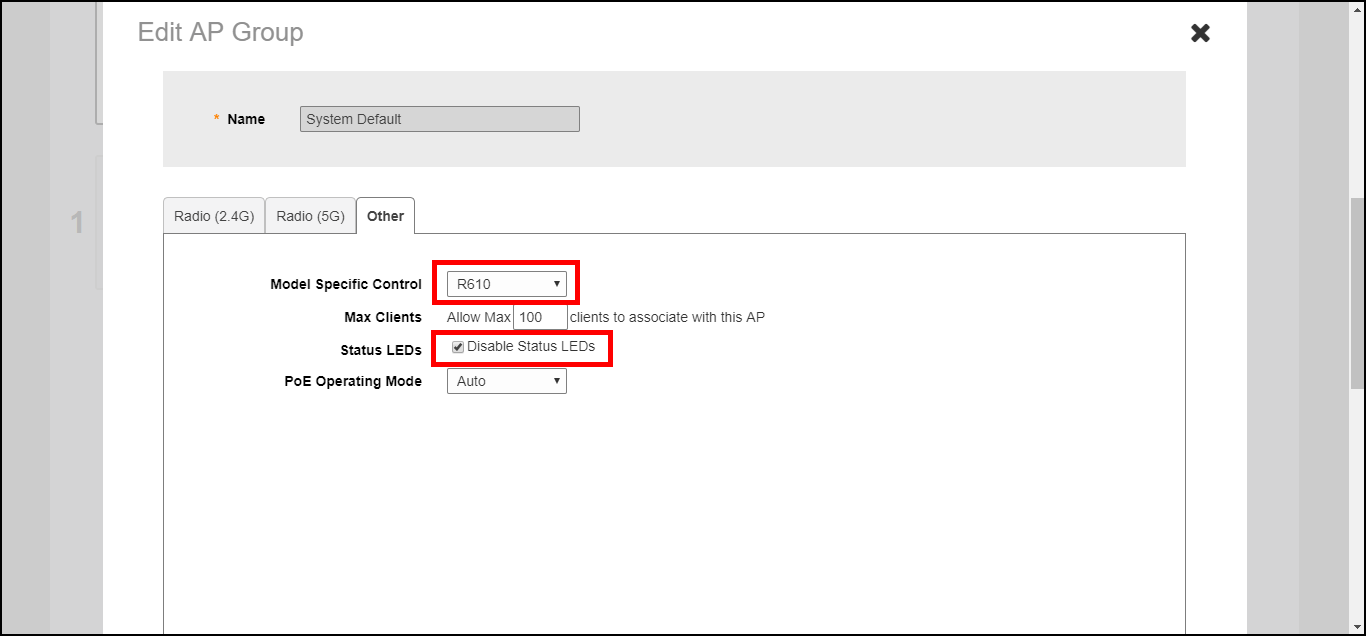
Disabling Access Point LEDs
In some situations, customers may wish to disable the LED lights on the access points
to avoid drawing attention to them, when installed in a public location, for example.
You are viewing a cached version of this page.
You are currently offline. This page was loaded from cache.
Did you find what you were looking for?