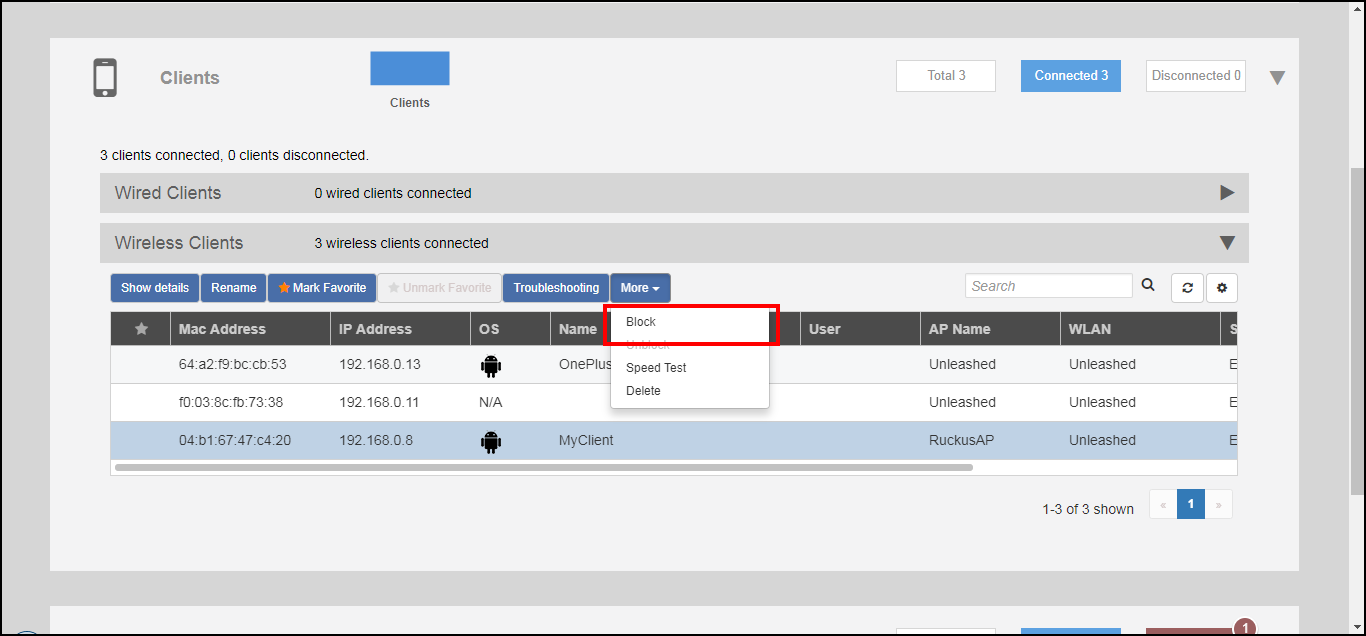
Permanently Blocking a Client Device Complete the following steps to permanently block a client device from WLAN connections. Expand the Clients component on the dashboard. In the Status column of the clients list, identify any unauthorized users. Select an AP from the list, and click the Block button from the More pull-down menu to move this client to the blocked clients list. Blocking a Client PermanentlyThe status of the client is changed to Blocked, preventing the listed device from using your RUCKUS WLANs. Parent topic: Working with Clients