Using the Dashboard Components
Internet
The Internet component provides details on the Master AP's upstream connection to the Internet, including IP address, DNS servers, Gateway address, and the Ethernet port being used as the WAN port.
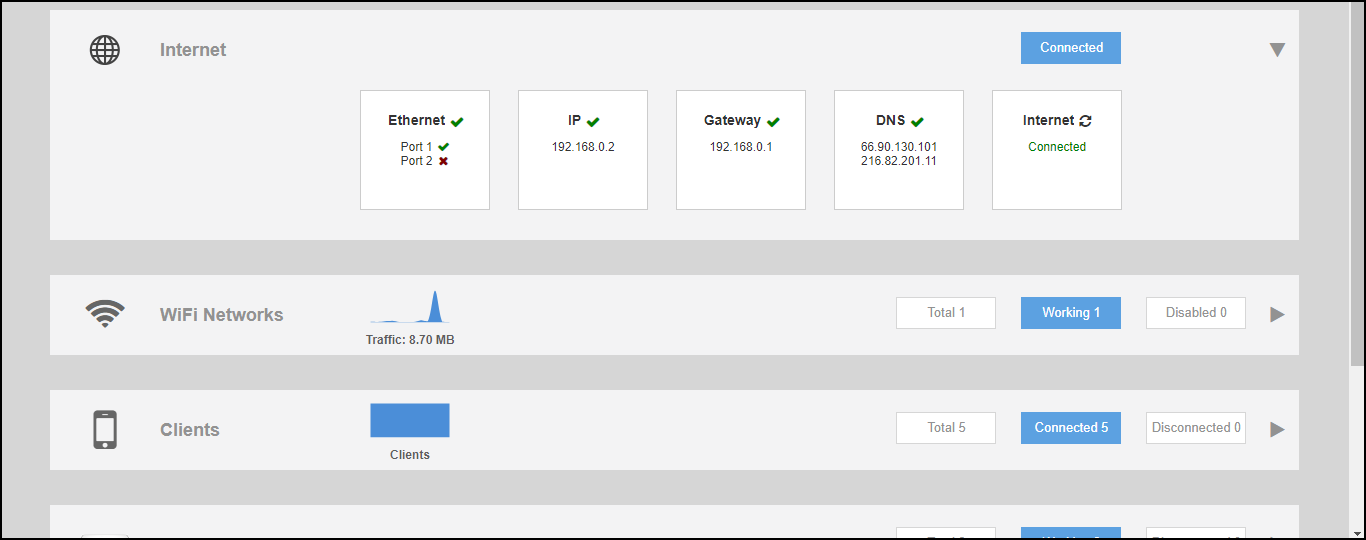
The Internet connection status indicator is not displayed if the "internet-check" feature has been disabled using a CLI command.
Dedicated Master
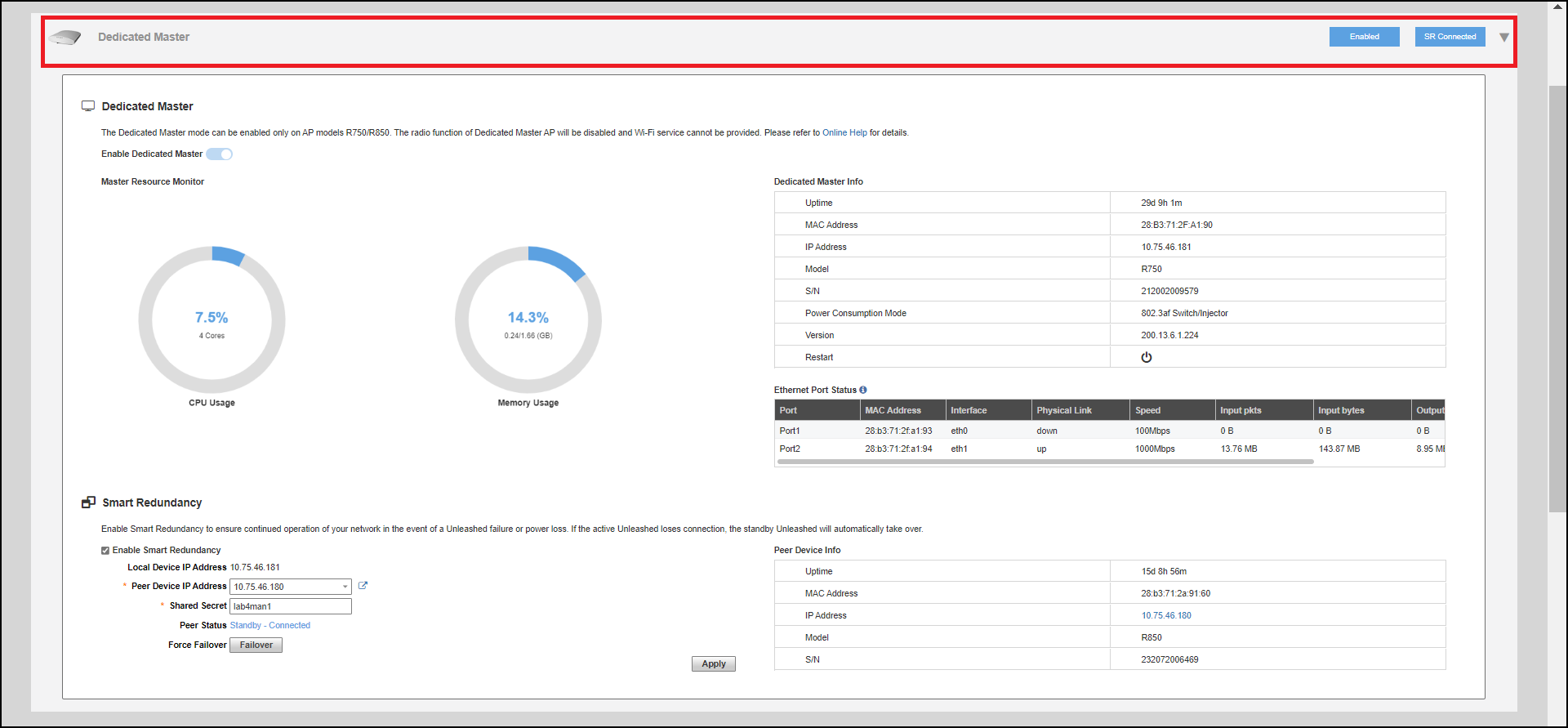
The Dedicated Master component displays status and information about Dedicated Master and Smart Redundancy.
WiFi Networks
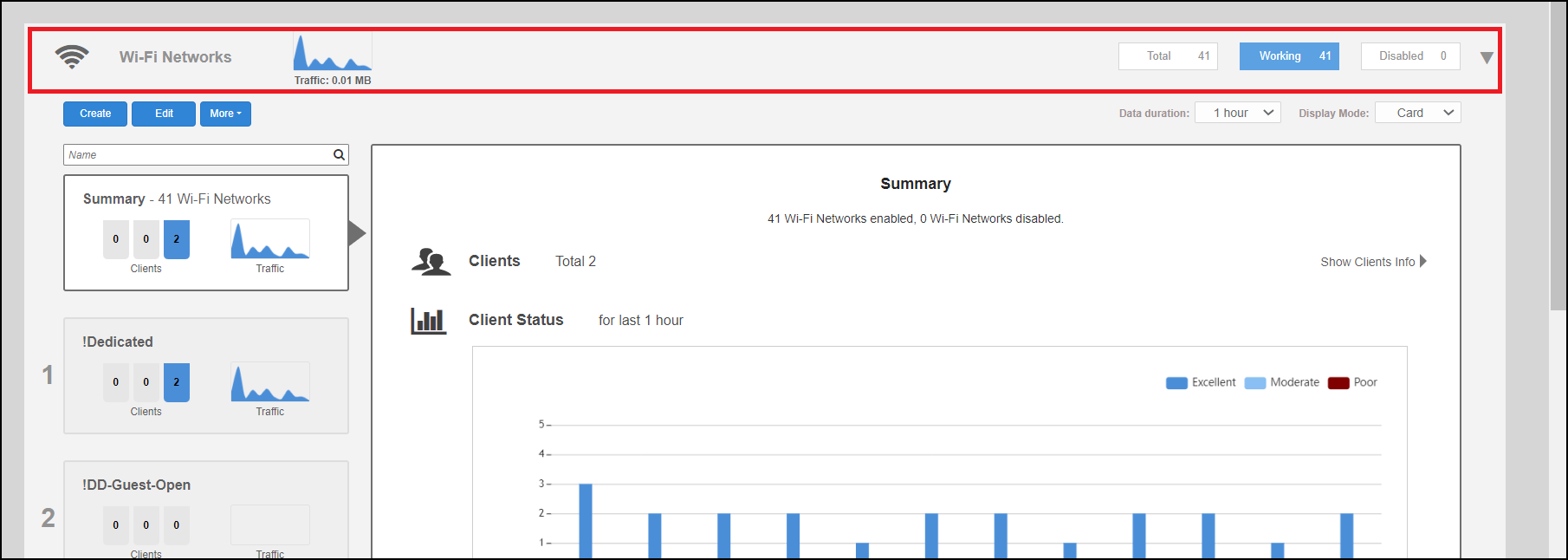
The WiFi Networks component displays an overview of the wireless LANs that you have deployed. It displays the total number of wireless LANs, the number that are currently in the Working state, and those that are in the Disabled state.
Each of the three categories can be selected to view a detailed list of the WLANs in the Total, Working, or Disabled category.
Clients
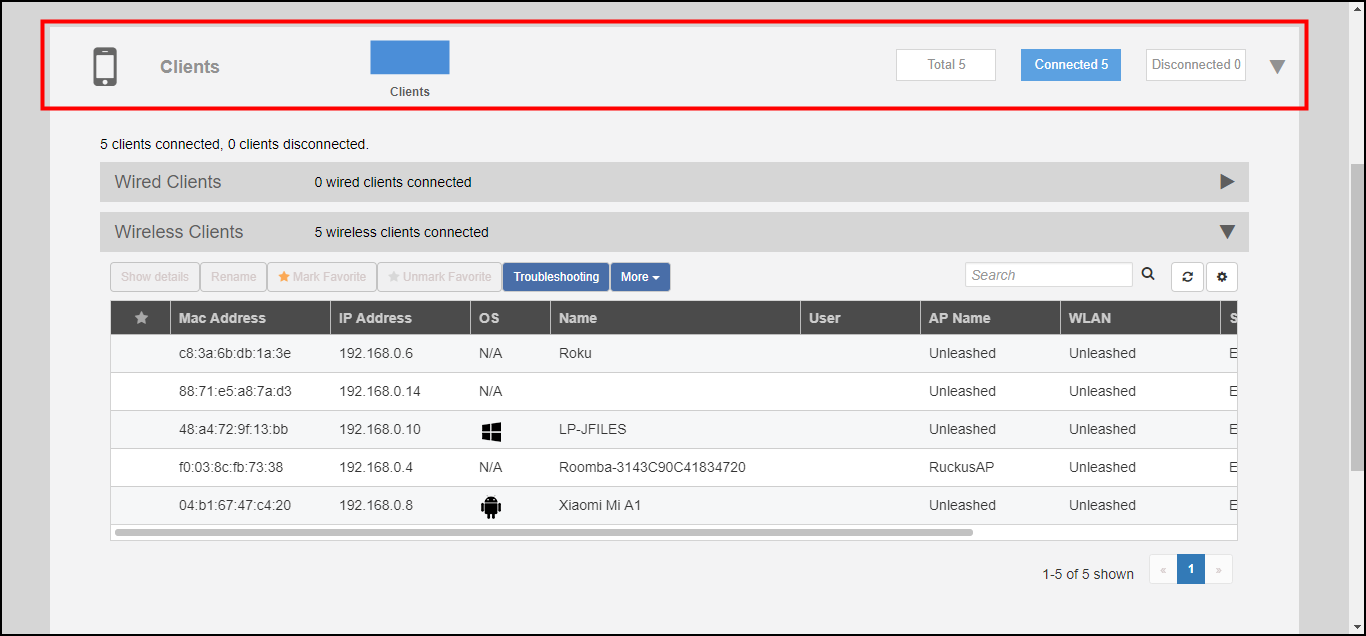
The Clients component provides an overview of the number of Total, Connected, and Blocked clients.
The Clients sub-component provides additional options to search for a client by MAC address, to show details on a client, to temporarily delete a client, or to permanently block a client.
Access Points
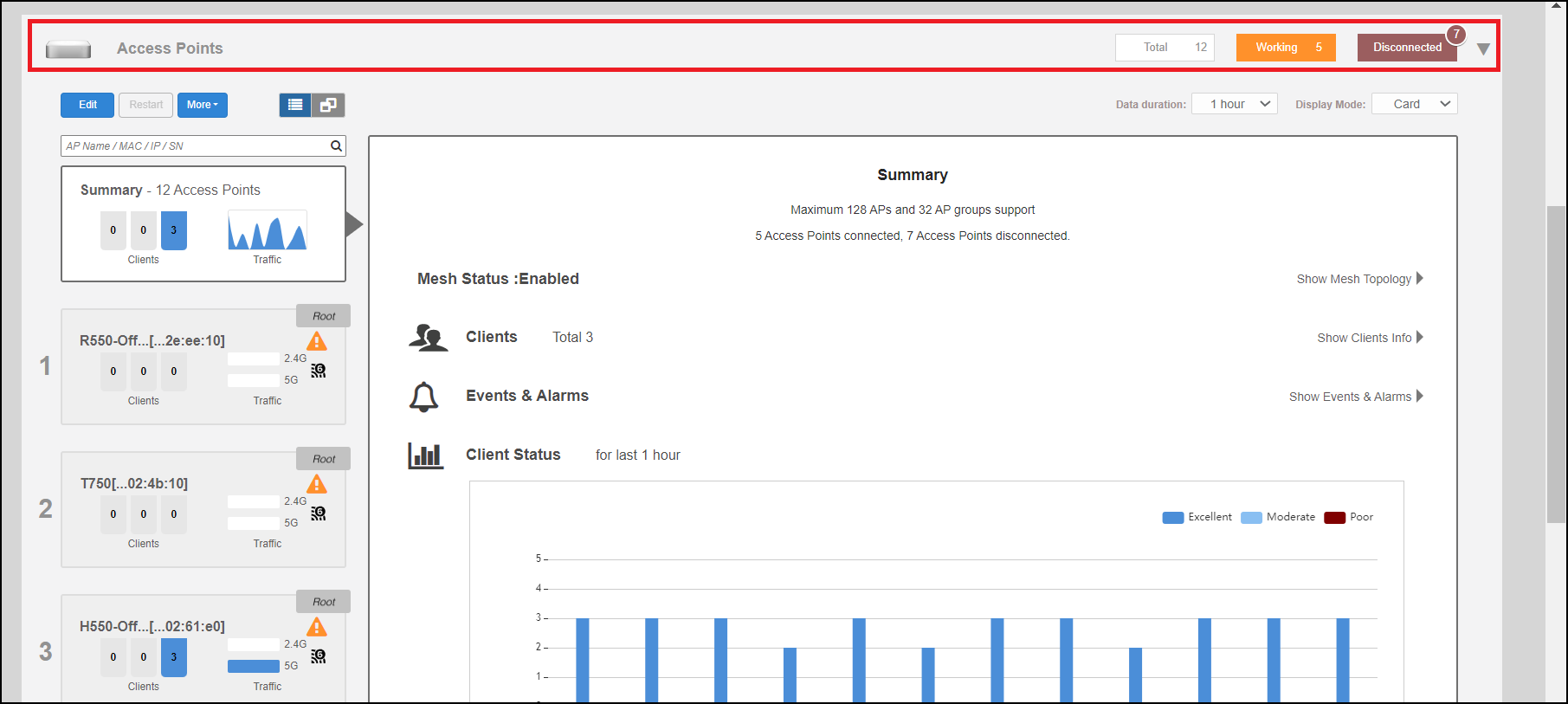
The Access Points component provides an overview of the APs in your network, and is divided into three subsections: Total, Working and Disconnected. Click any of the three subsection buttons to expand the Access Points component and display a list of APs in that category.
The Access Points component displays a list of all of the APs being managed by your Master AP. The list includes all APs, including the Master AP itself, currently connected member APs, as well as any APs that have previously joined but are currently disconnected.
Each AP (whether working or disconnected) is represented by one of the large boxes on the left side of the screen. Click one of the AP boxes to display details about that specific AP.
Switches
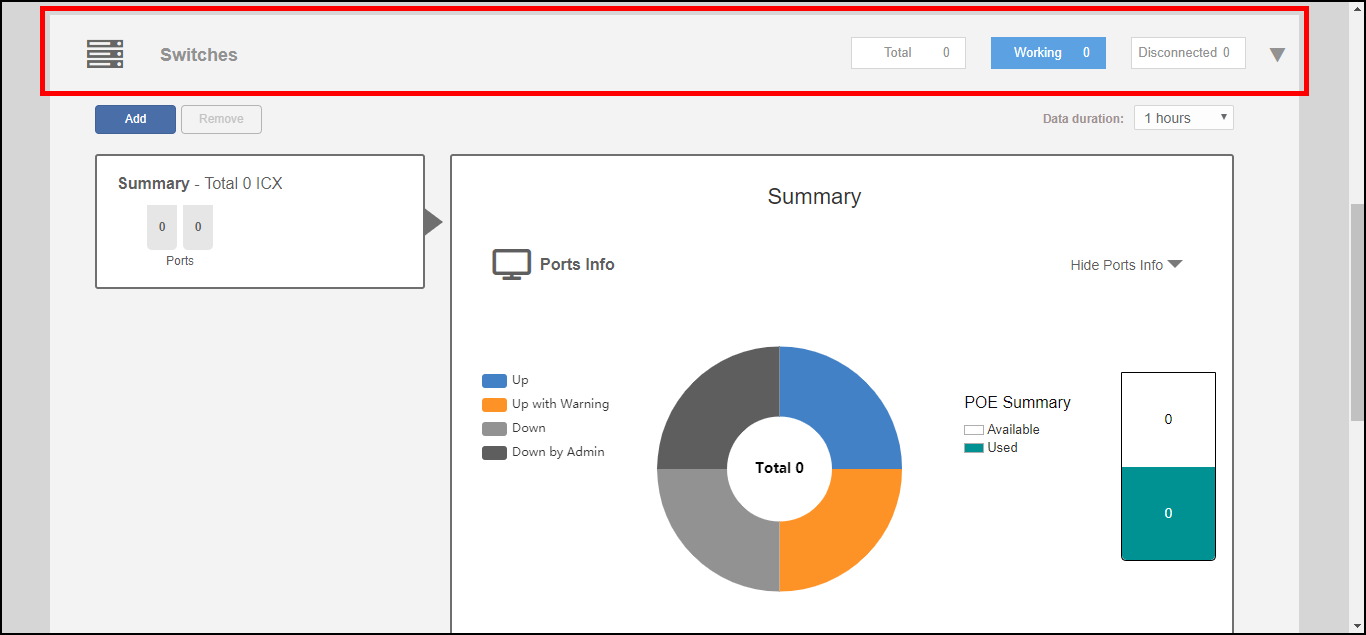
The Switches component provides an at-a-glance overview of the status of any RUCKUS ICX switches managed by the RUCKUS Unleashed Master AP.
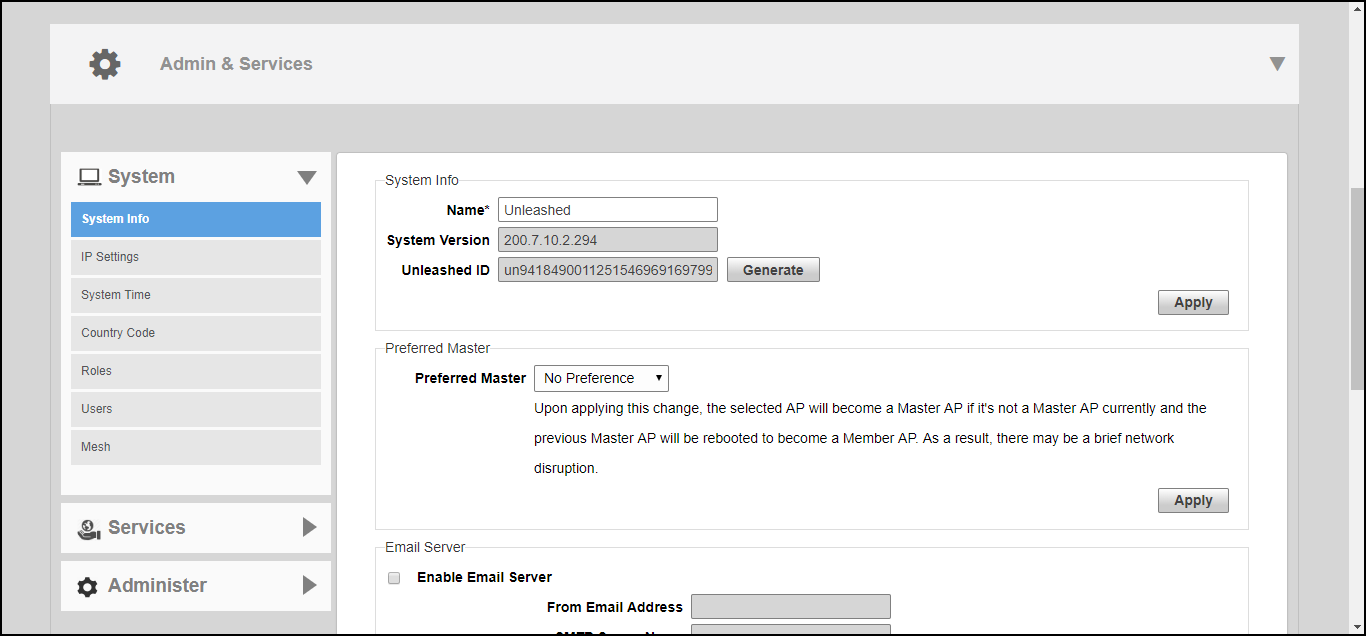
Admin & Services
The Admin & Services component provides options for configuring system settings and services, such as system IP address, Dynamic PSK, Bonjour Gateway, Application Recognition, Guest Access, Hotspot service, Radio Control settings and Wireless Intrusion Prevention Services (WIPS).