System Settings
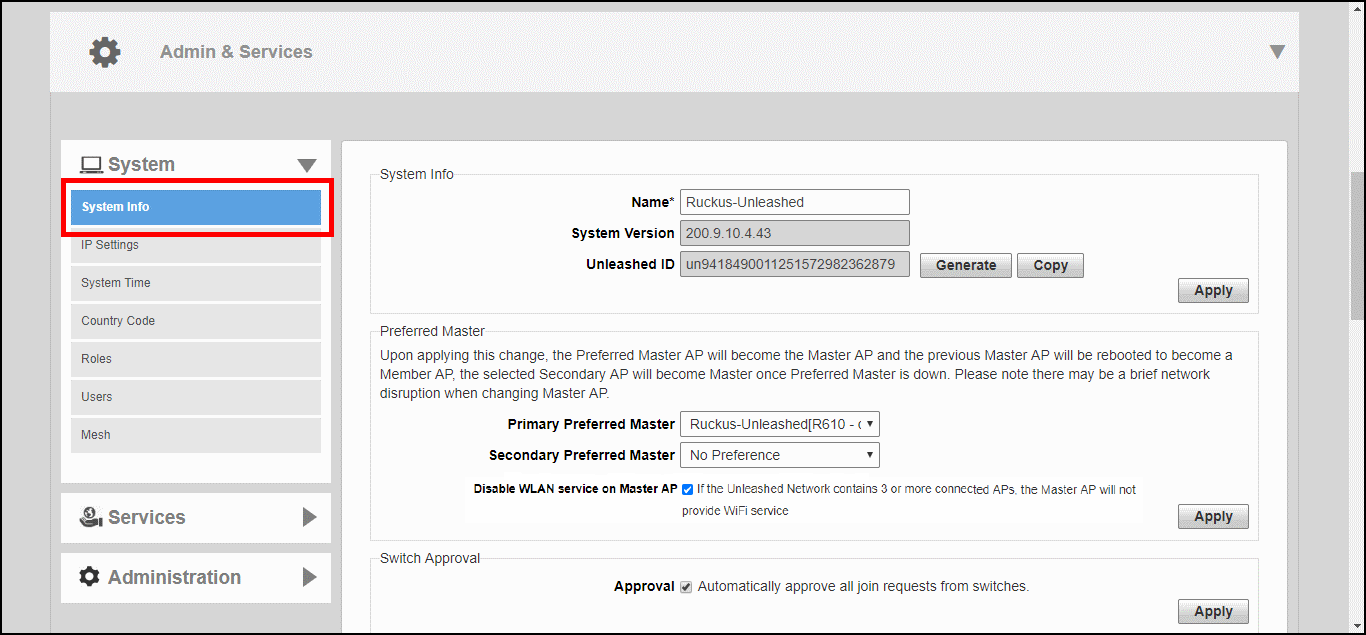
System settings include options for changing the system name, preferred Master AP,
IP address, time zone, country code, users, user roles and mesh settings.
You are viewing a cached version of this page.
You are currently offline. This page was loaded from cache.
To configure system settings, click Admin & Services > System. The menu expands to display additional options under the System tab.
Did you find what you were looking for?