Backing up and Restoring a Switch Configuration
RUCKUS Unleashed ICX switch
management provides tools for performing a backup of the current ICX switch configuration
and restore to a previously saved configuration backup file.
-
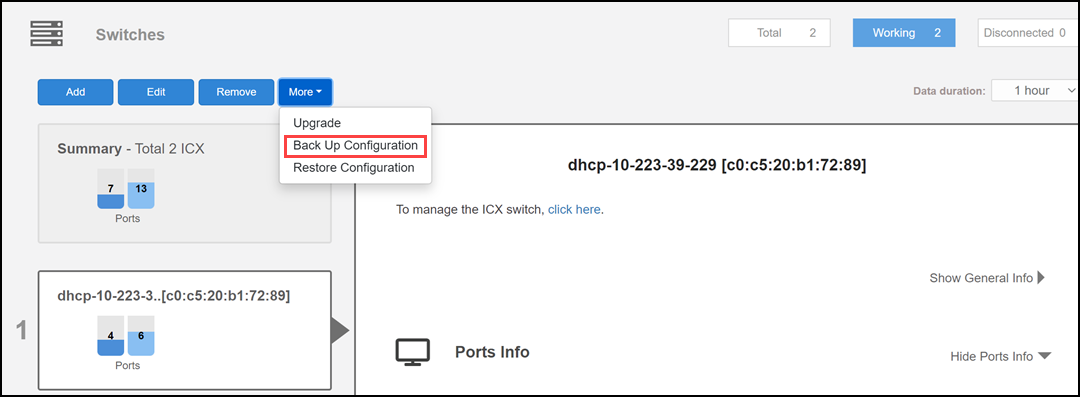
200.15Expand the Switches dashboard component and select a connected switch from the device list on the left.
- Click .
- Save the backup file to a convenient location.
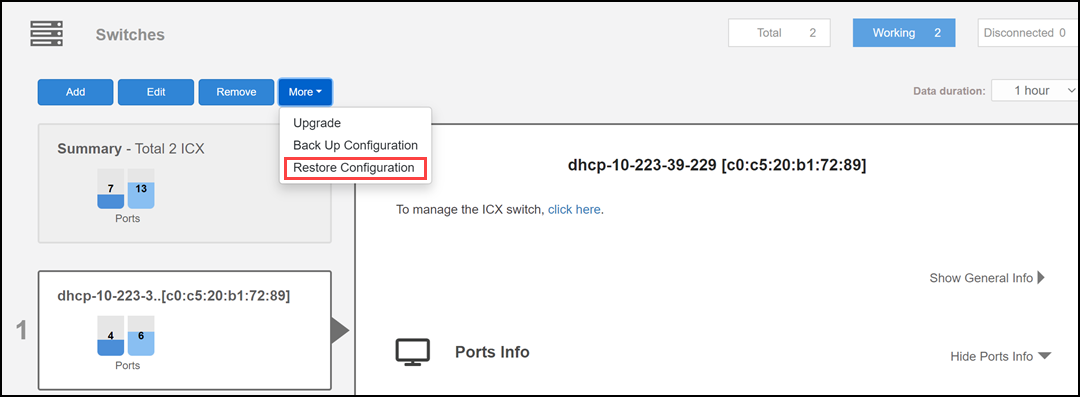
- To restore configuration settings from a previously saved backup file, select the switch and click .
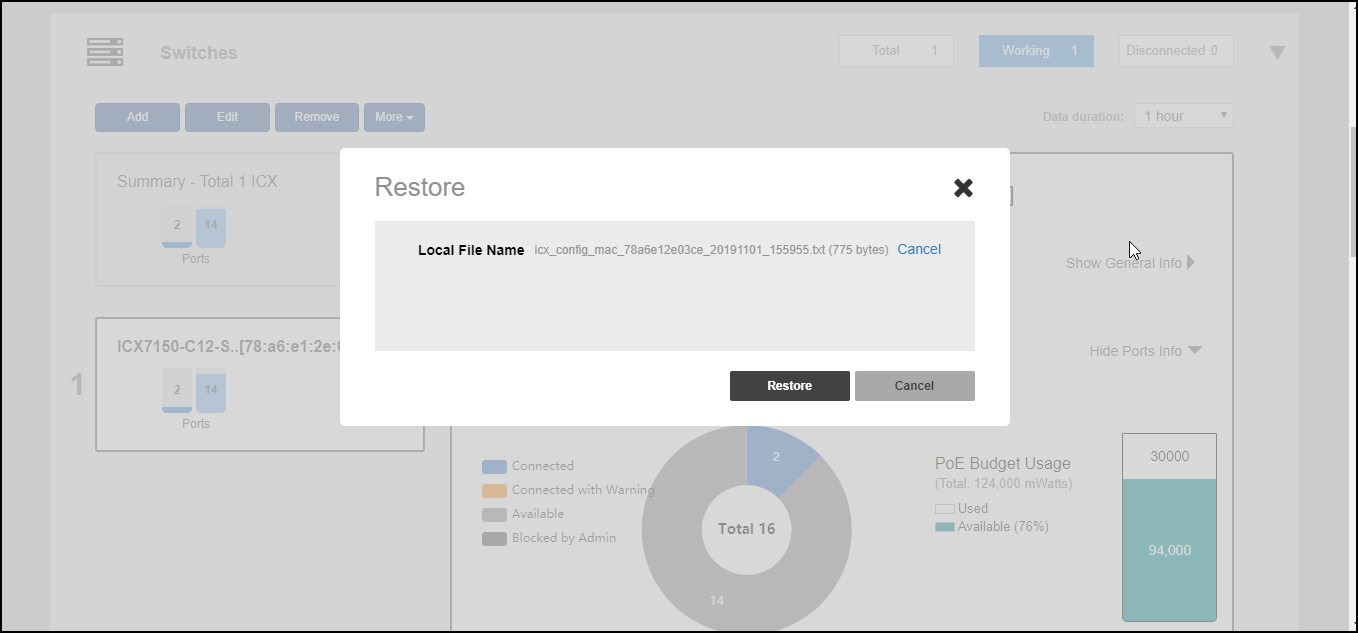
- In the Restore dialog box, click Browse and select a valid backup file.
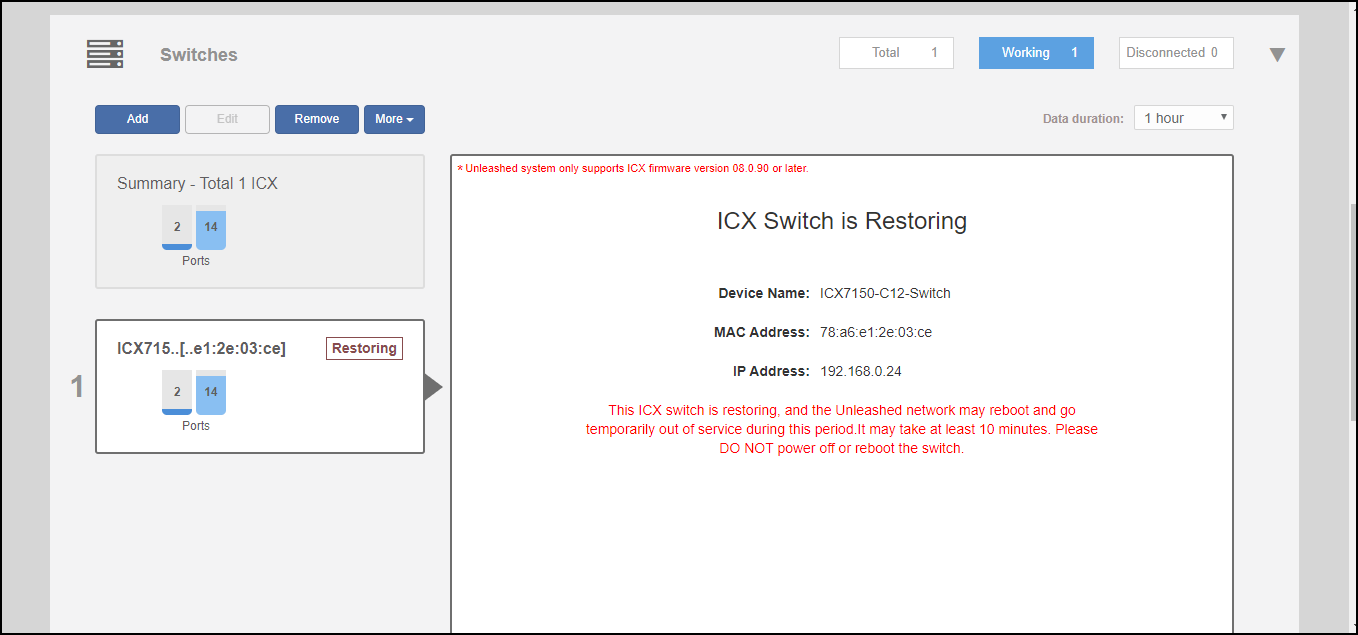
- Click Restore.
- Click Yes to confirm.