Marking a Client as a Favorite
Designating a client as a "favorite" client provides a way to monitor the client's
behavior, triggering a report when the client goes online or offline.
Note: Unleashed supports a maximum of 20 favorite clients.
To mark a client as a favorite, use the following procedure:
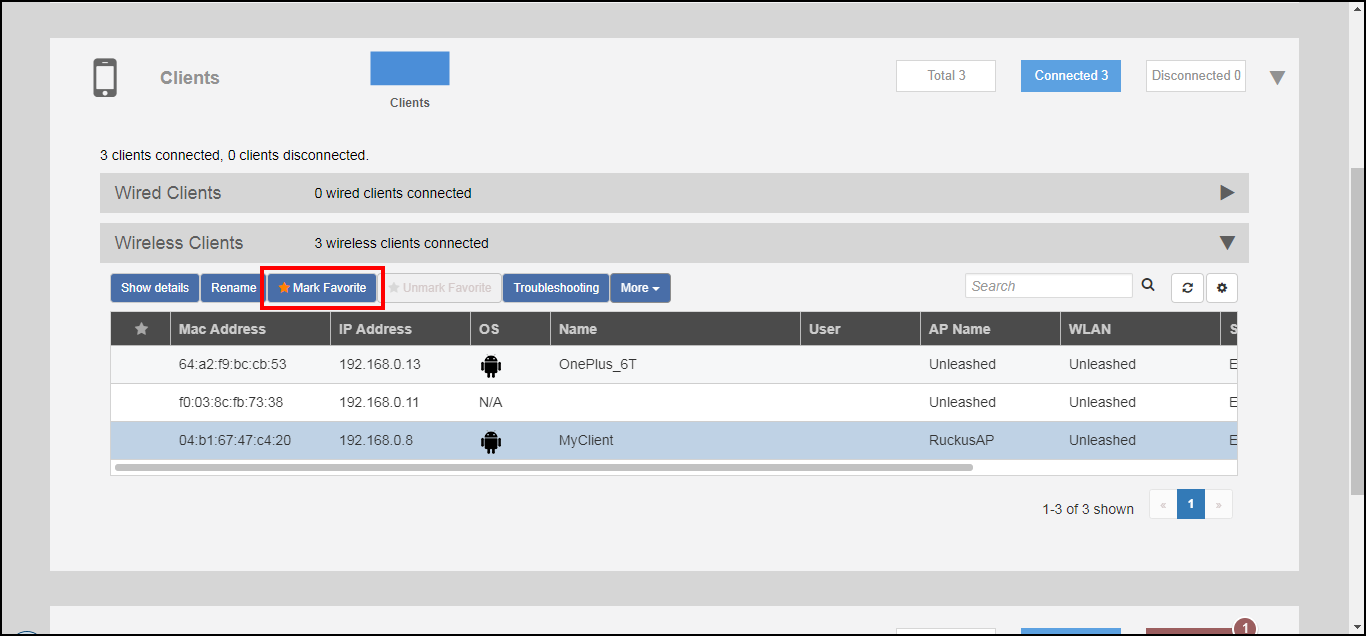
- Expand the Clients component on the Unleashed Dashboard.
- Select a client from the list, and click Mark Favorite.