Step 2a: Setup Using the Mobile App
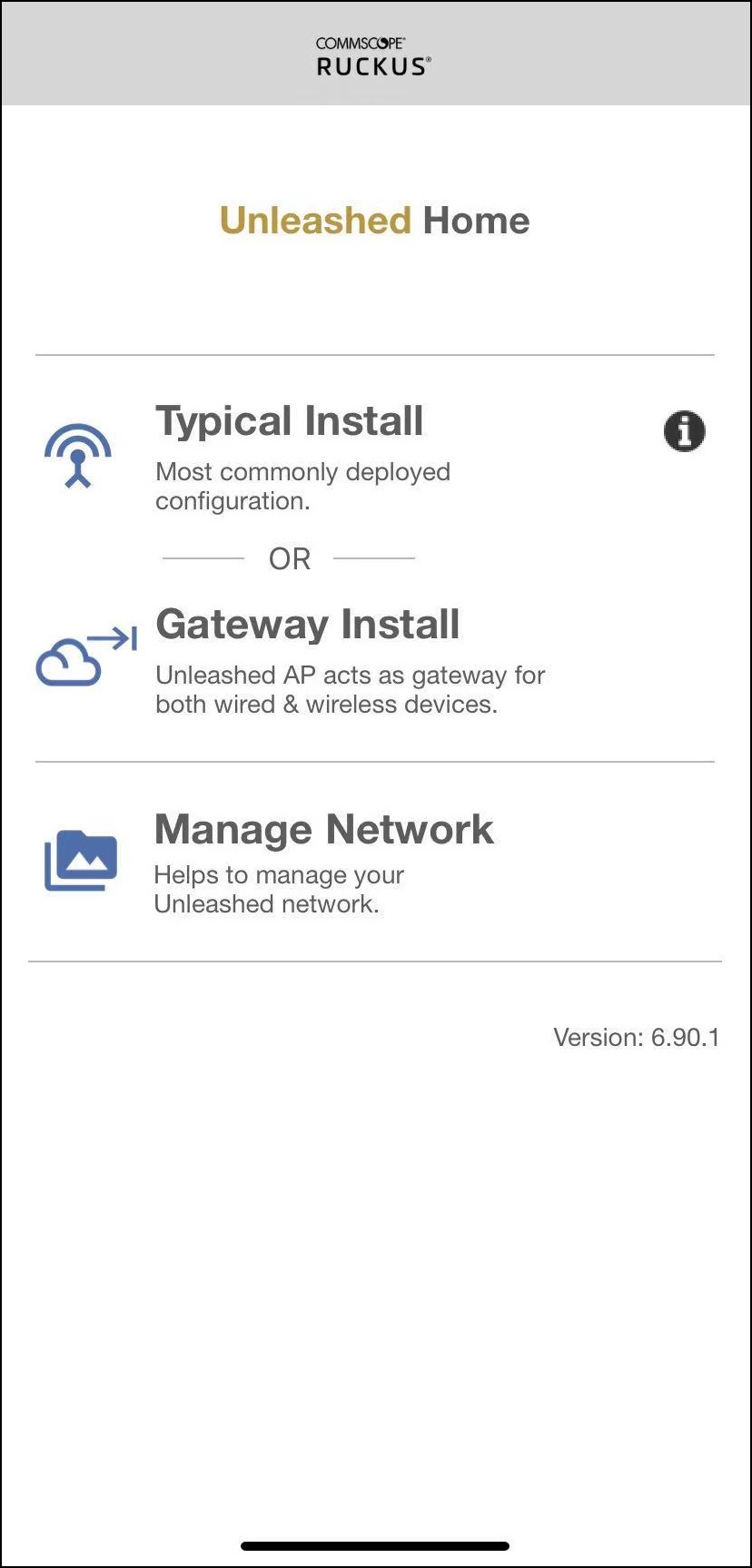
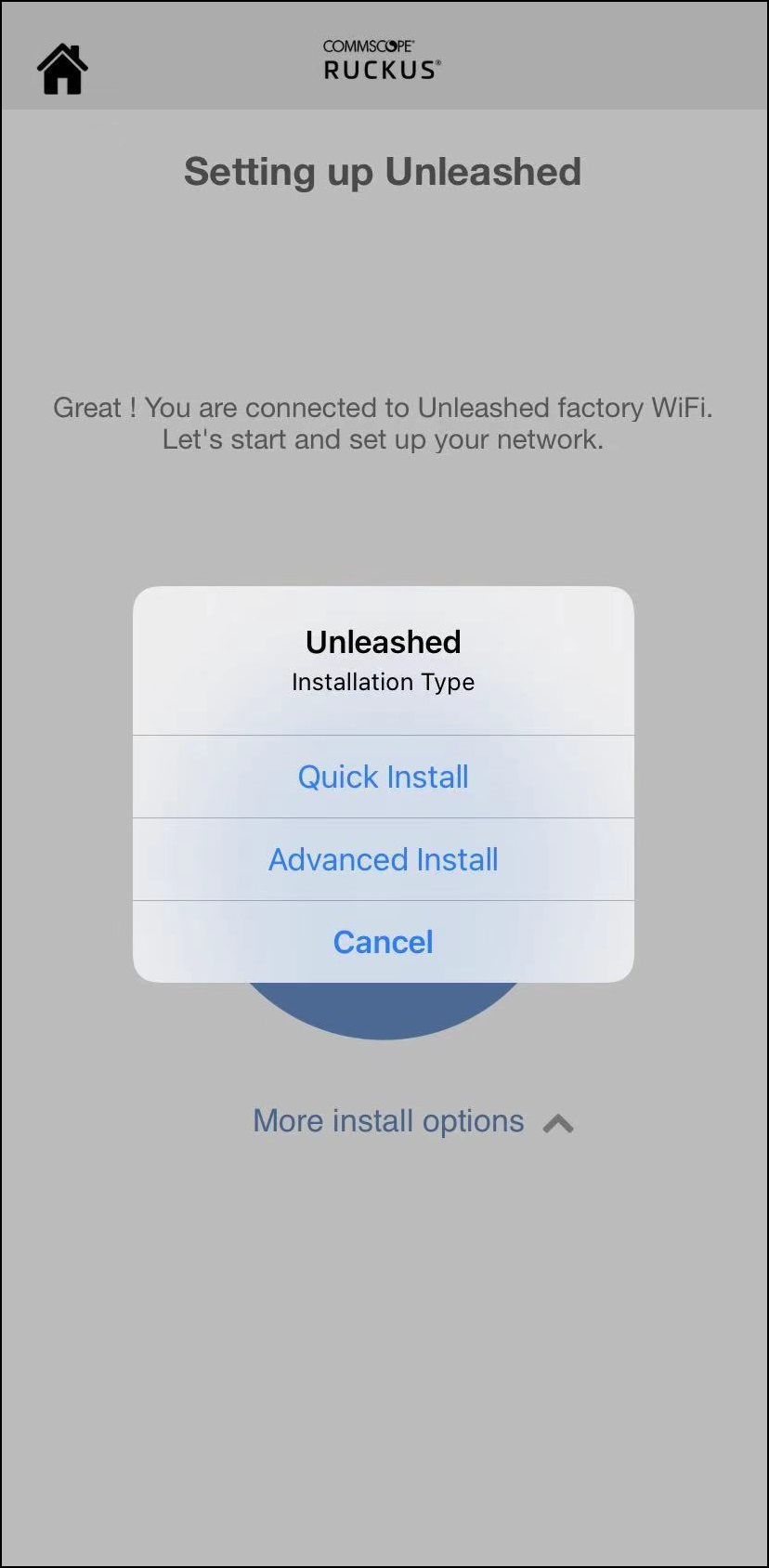
To perform setup using the Mobile App,
download the iOS or Android app from your app store.
- Using your client's Wi-Fi connection settings, select and associate to the "Configure.Me-[xxxxxx]" WLAN.
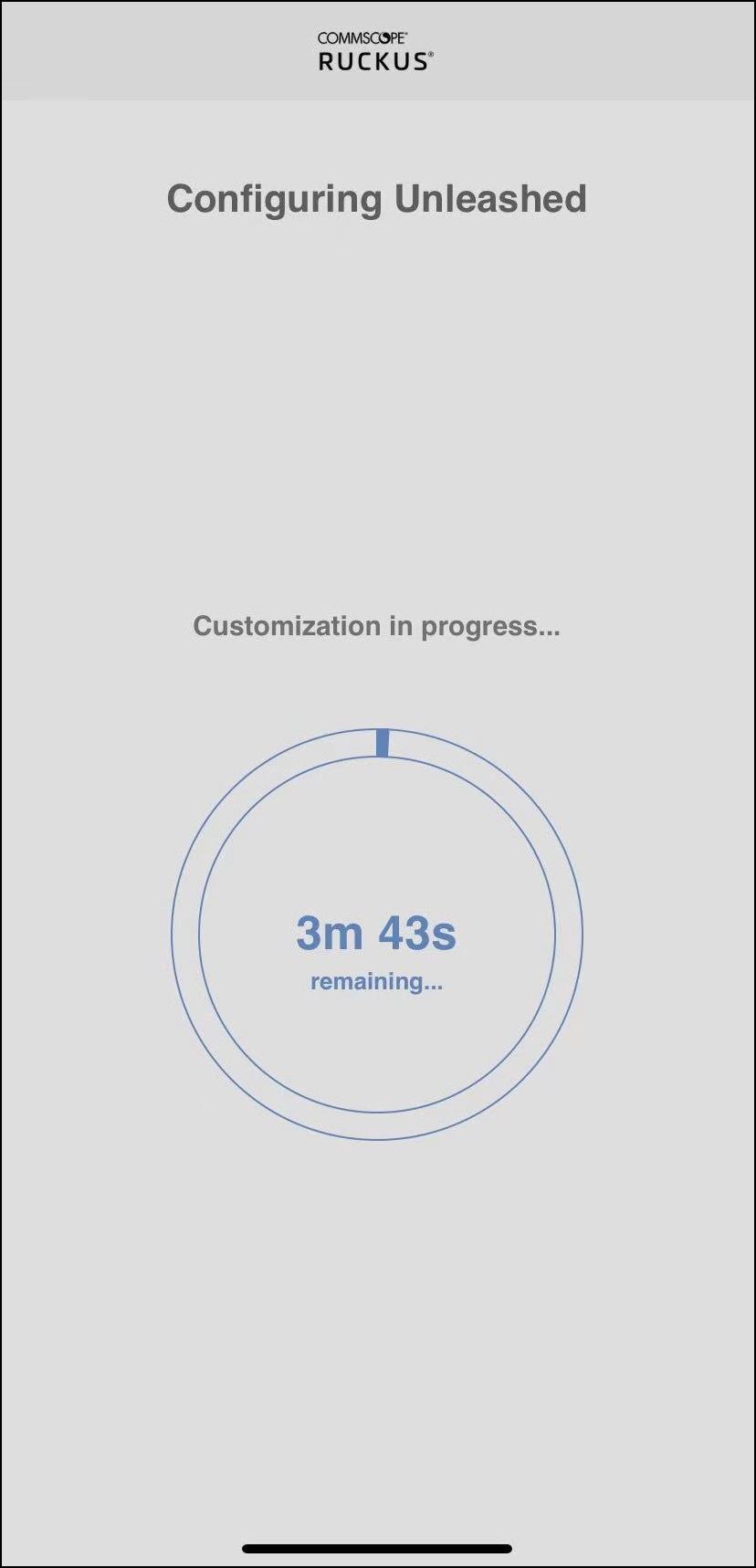
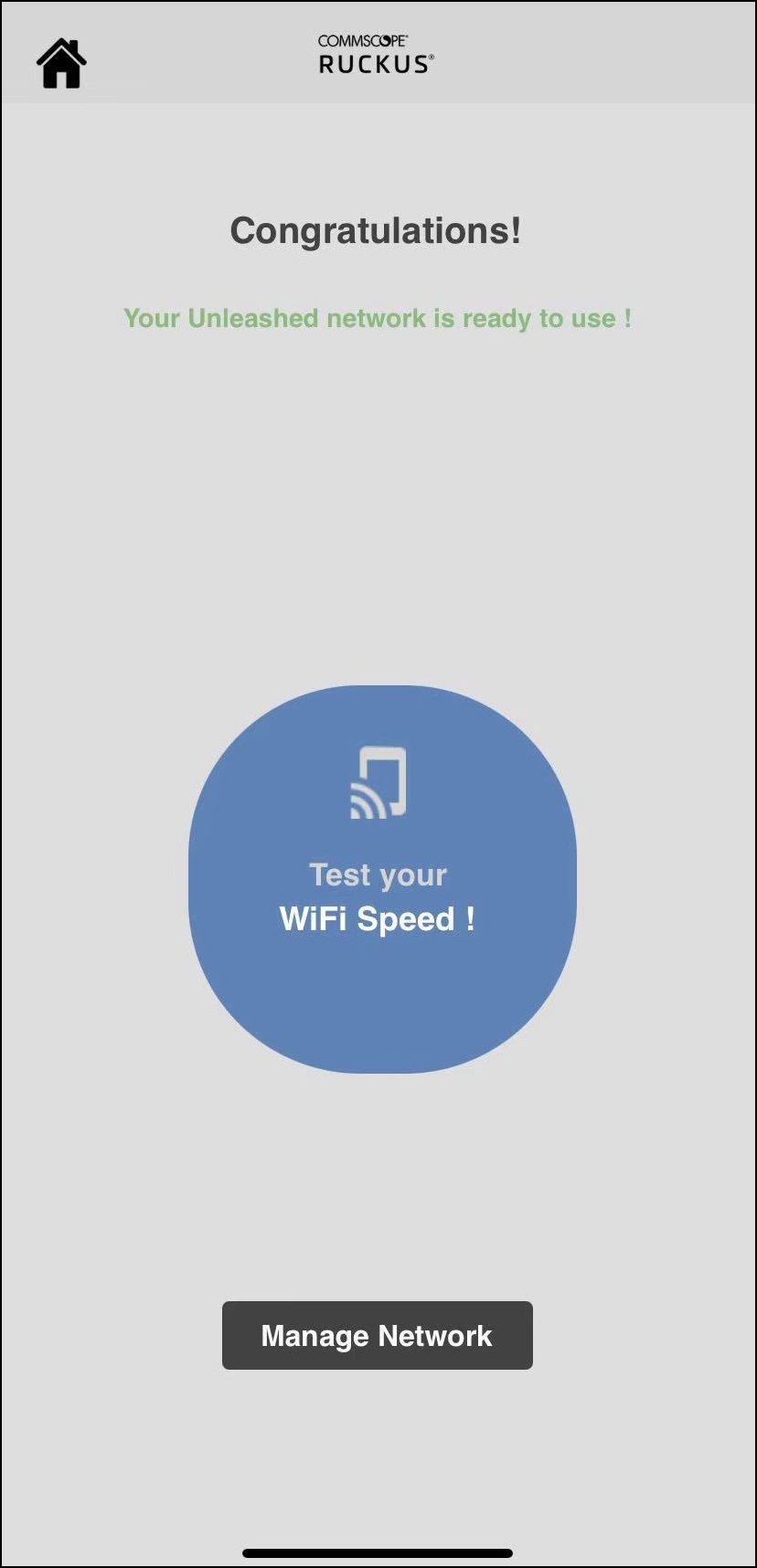
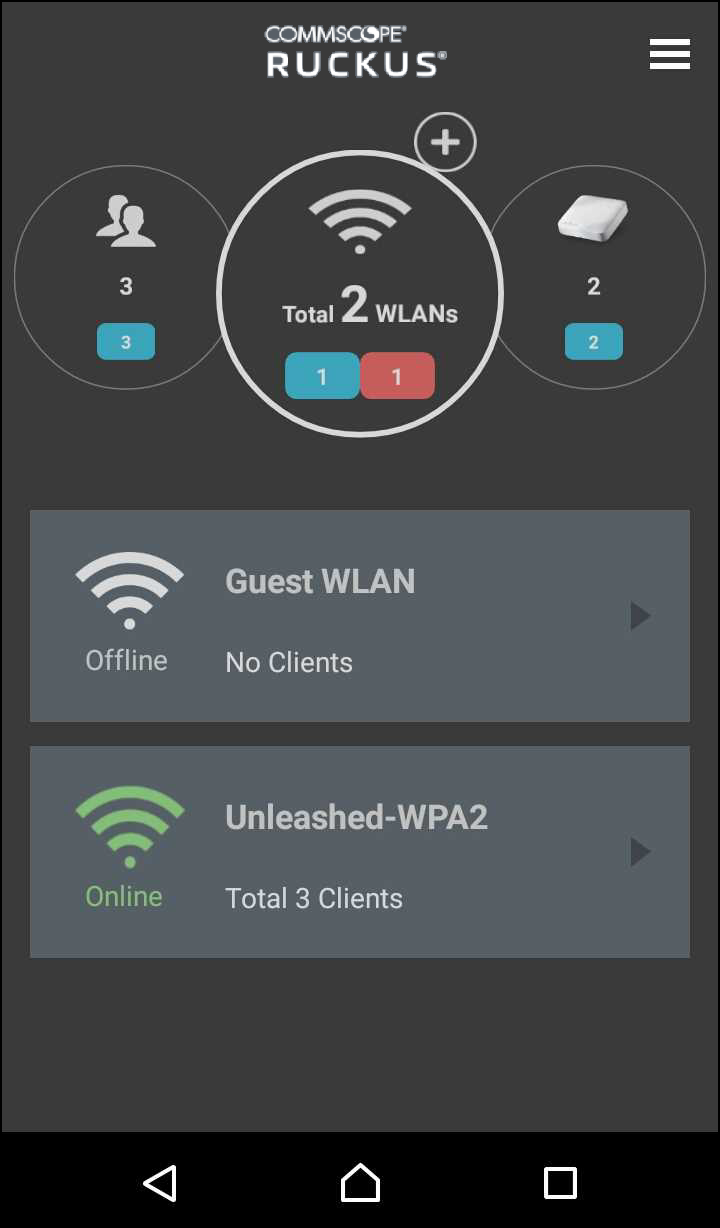
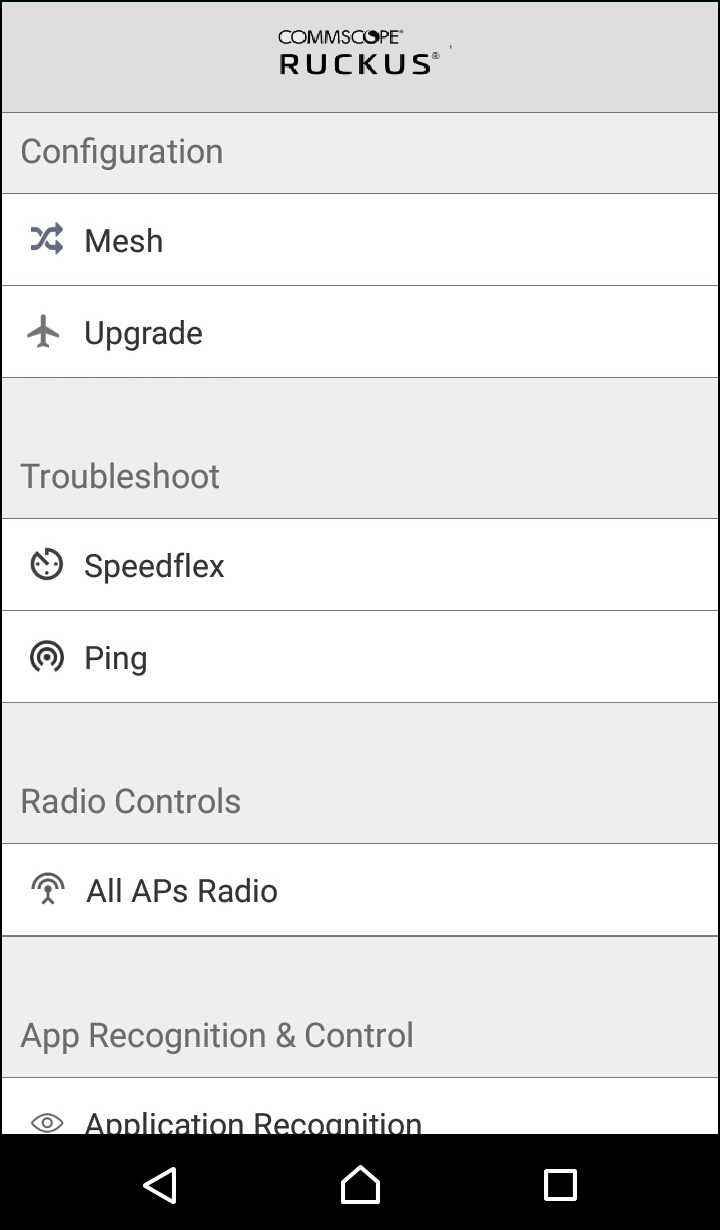
- Launch the app, and follow the
on-screen instructions to configure your RUCKUS
Unleashed networks.
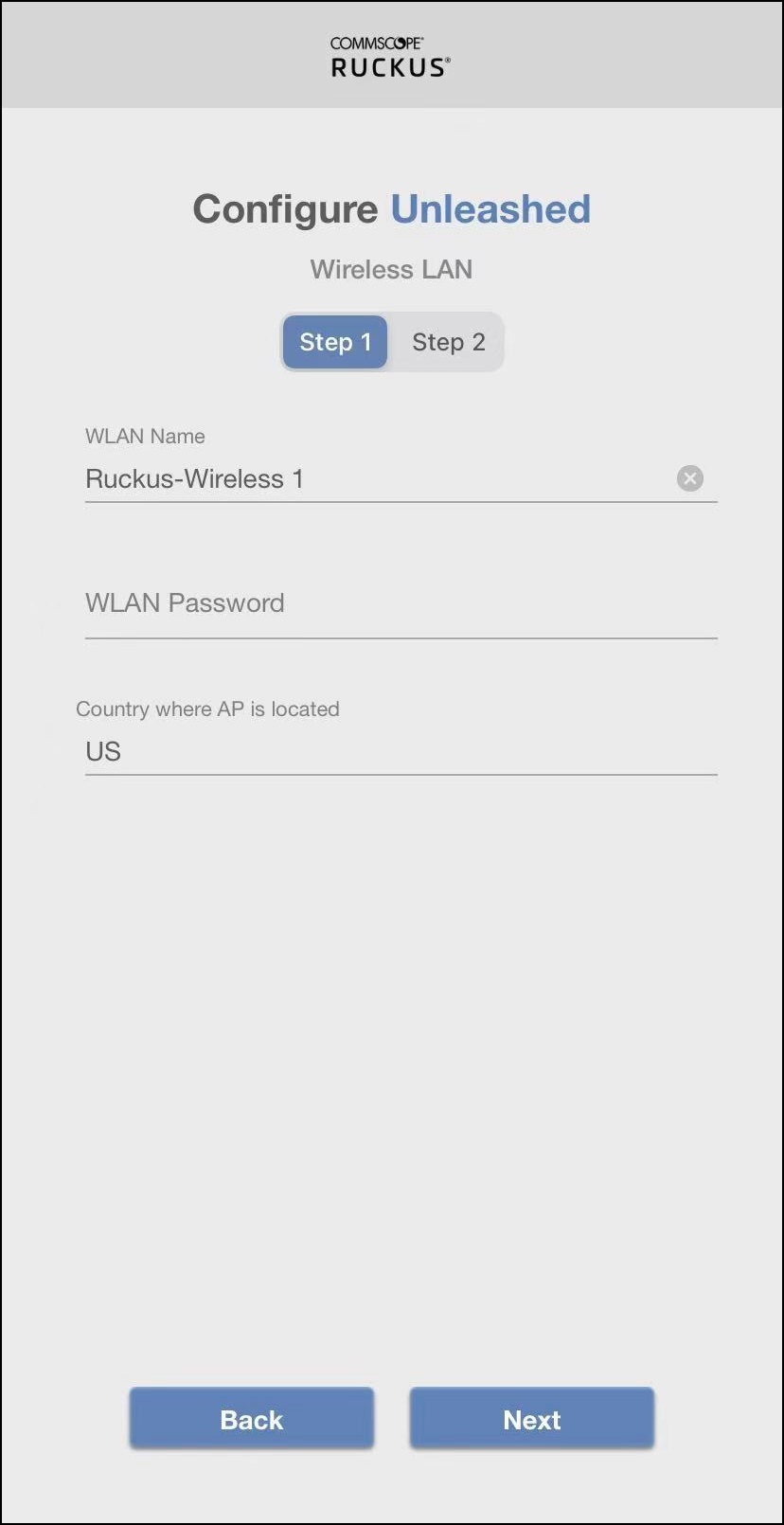
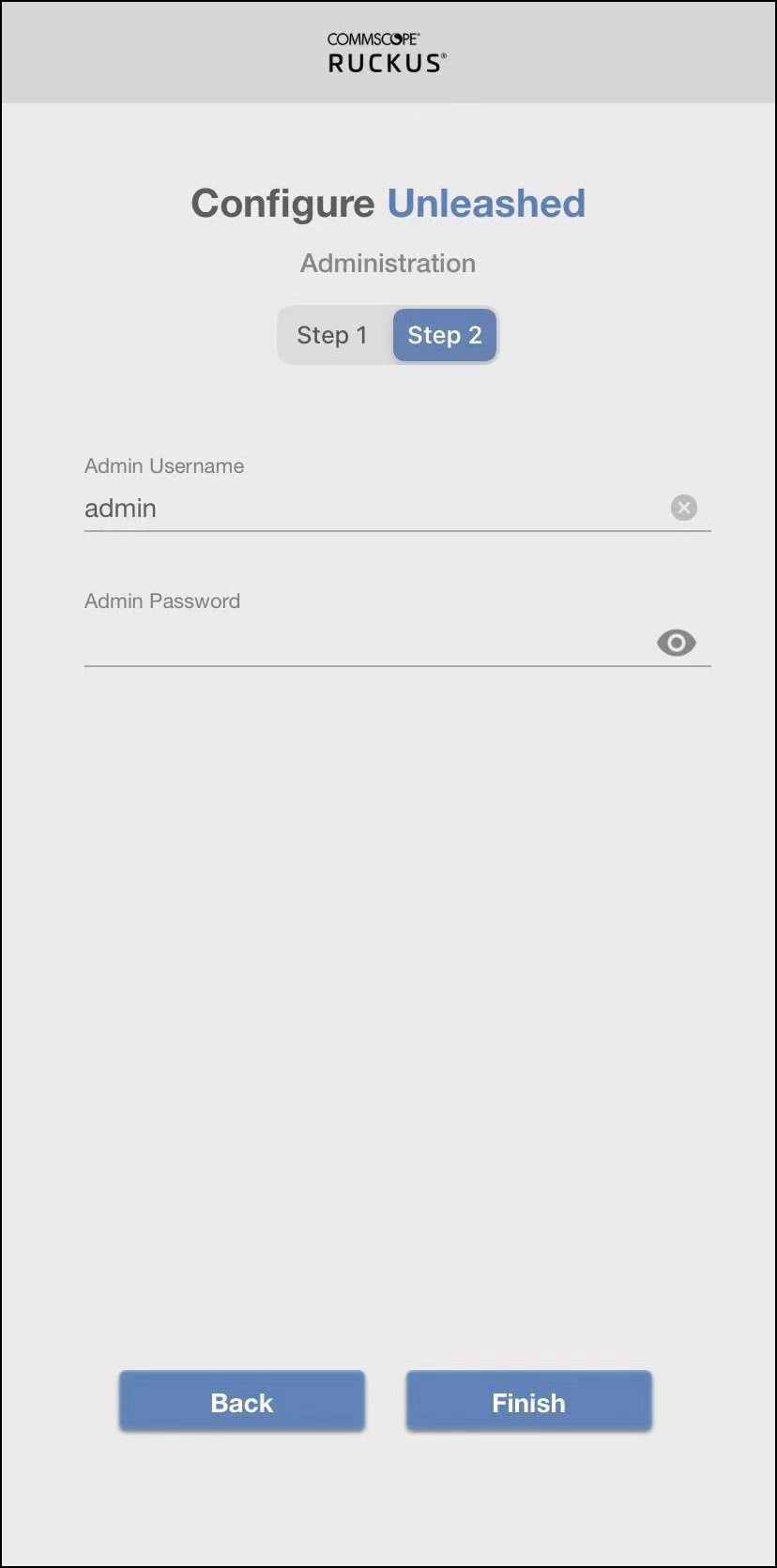
To configure RUCKUS Unleashed, in the Wireless LAN page, enter WLAN name, password, and the country where the AP is located, and click Next. In the Administration page, enter admin username and password, and click Finish.