Restarting an AP
To restart an AP, expand the Access Points section, click the AP's box on the left side, then click Restart.
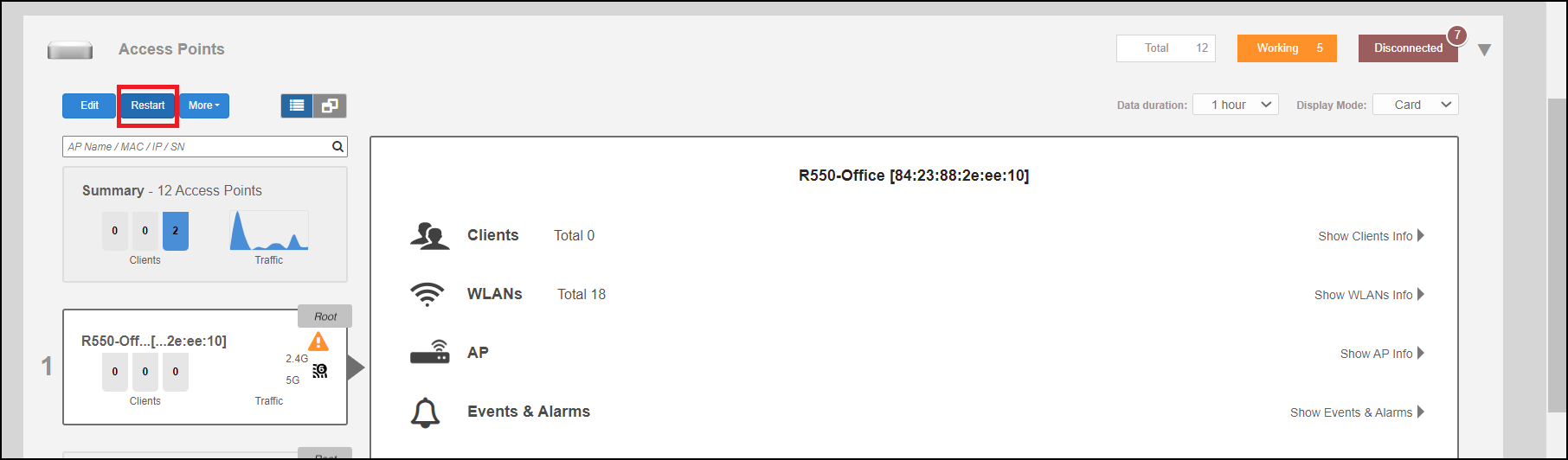
Note: Restarting the Unleashed Master AP will prompt you to click
OK to confirm, as the network will experience a brief service interruption during the
restart process. Additionally, restarting the Master AP will force another AP to assume
the role of Master (when more than one Unleashed AP exists on the network).