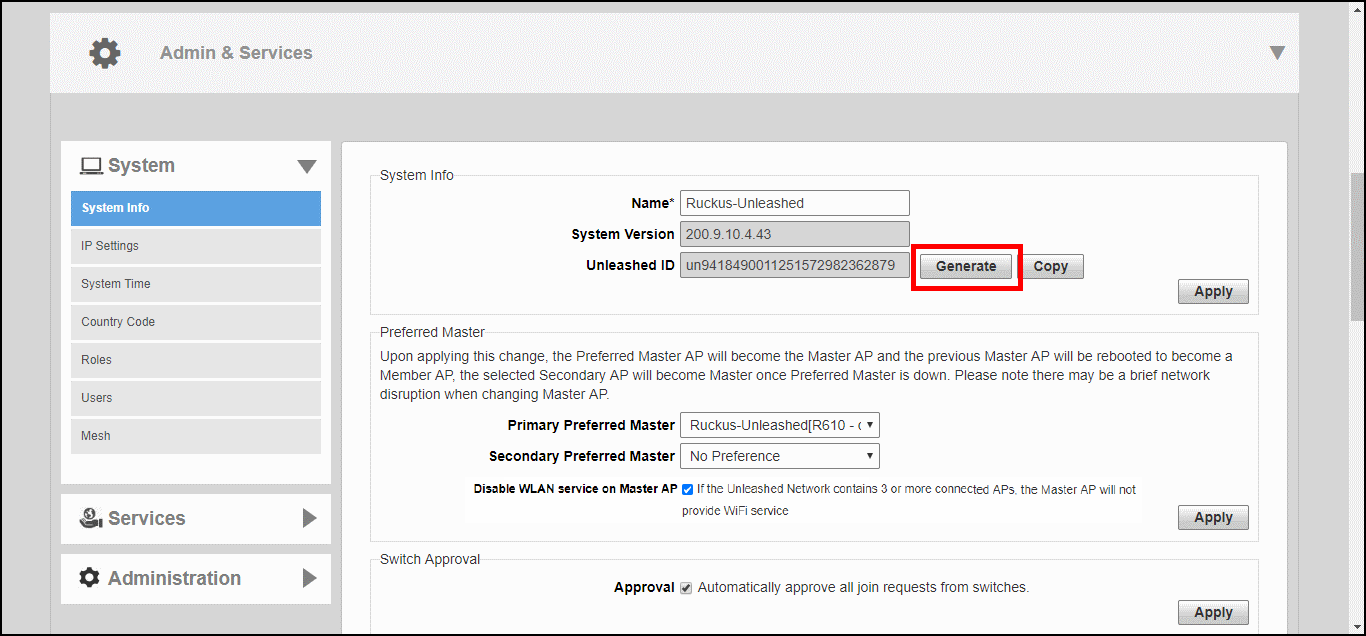
Generating an Unleashed ID
The Unleashed ID uniquely identifies each Unleashed network for use in remote management
via either the Unleashed Mobile App or the Unleashed Multi-Site Manager.
You are viewing a cached version of this page.
You are currently offline. This page was loaded from cache.
Did you find what you were looking for?